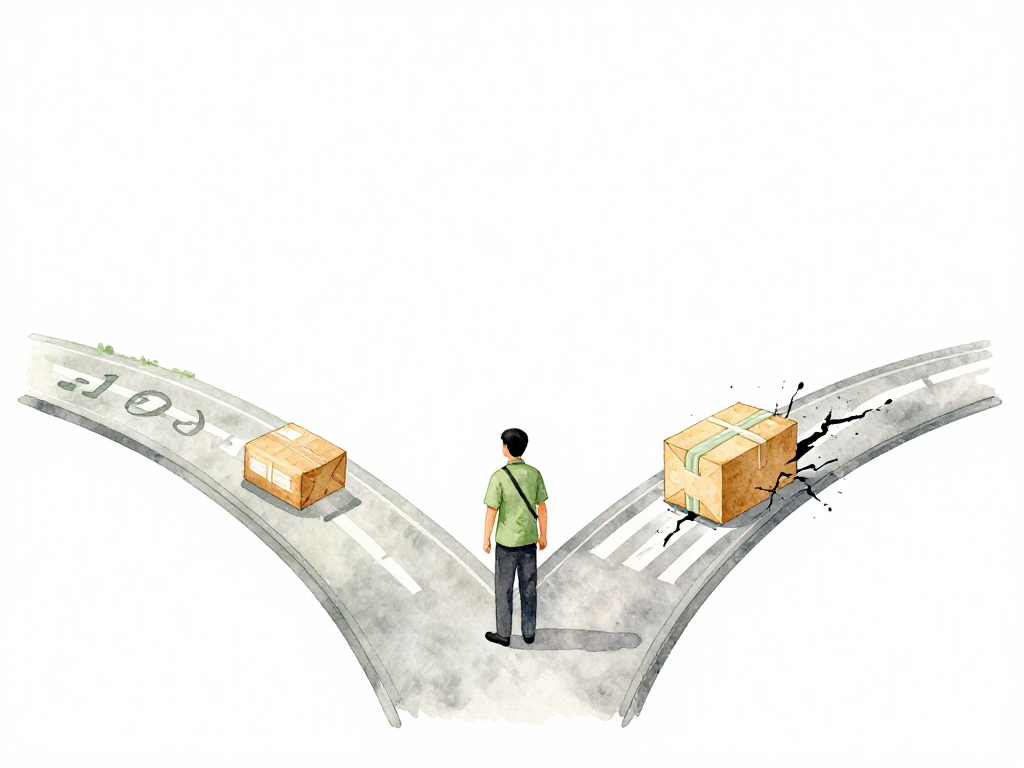
Why You Should Never Rebuild an Artifact After It Passes Testing
Imagine this: your team just spent three hours running tests on a build in staging. All green. The release manager says, "Great, let's build it again for production." Someone triggers a fresh compile, packages it, and deploys. An hour later, production starts throwing errors that never appeared in staging. The code is the same, but the artifact is different. You just lost the one guarantee that mattered: what you tested is not what you're running.
This scenario plays out more often than most teams admit. The fix is not a better build tool. It's a discipline that starts the moment your pipeline begins.
Build Once, Use Everywhere
The first rule of artifact management is simple: build exactly once. That single artifact travels through every environment from development to production. No recompilation. No repackaging. No "let me just rebuild it with the production flag."
The following flowchart illustrates how a single artifact moves through environments via promotion, never being rebuilt:
This is not about being lazy. It's about certainty. When you rebuild, you introduce variables. Maybe the CI server had a different cache state. Maybe a dependency was updated between builds. Maybe the build agent had a slightly different library version. Any of these can produce a binary that behaves differently from the one you tested.
The same artifact that passed all checks in staging must be the same artifact that runs in production. If you cannot guarantee that, you cannot trust your testing.
Give Every Artifact a Traceable Identity
You need to be able to answer one question about any artifact: where did this come from? That means every artifact must carry an identity that links back to the exact source code, the exact pipeline run, and the exact moment it was created.
Automate this. Never let a human assign a version number. Your pipeline should generate a build ID that combines:
- A timestamp of when the build started
- A sequential build number
- The Git commit hash
With this combination, you can take any artifact from your registry and know precisely which commit produced it, which pipeline built it, and when. No guesswork. No "I think this was from last week's release."
Put Artifacts in a Registry, Not on a Server
When a build finishes, the artifact should leave the CI server immediately. It should not sit in a workspace, on a developer's laptop, or in a shared network folder. It goes straight to a central artifact registry.
The registry becomes the single source of truth. Any team, any pipeline, any environment knows exactly where to find the artifact they need. Without a registry, you will struggle to answer basic questions like "Which version of the artifact is currently running in production?" or "Can I reproduce the exact build from last month's release?"
A registry also gives you control. You can set permissions, enforce retention policies, and track who accessed what. These capabilities become critical as your team grows and multiple pipelines start consuming artifacts.
Promote, Don't Rebuild
Once an artifact passes all tests in staging, the pipeline should not rebuild it for production. Instead, it promotes the existing artifact. Promotion means changing metadata: updating a label, moving the artifact to a different folder, or marking it as "production-ready" in the registry.
The file itself stays identical. The same bytes that ran through every test are the same bytes that will run in production. This is the core of reproducible deployments.
But how do you know the artifact hasn't been corrupted or tampered with between testing and promotion? That's where verification comes in.
Verify Before You Trust
Before an artifact moves to production, your pipeline must verify its integrity. The most common method is checksum verification.
When the build completes, the pipeline calculates a checksum of the artifact, typically using SHA256. This checksum is stored alongside the artifact's metadata. Before promotion, the pipeline recalculates the checksum and compares it to the stored value. If they don't match, something went wrong. The file might have been corrupted during storage, or someone might have altered the artifact without authorization.
For stronger guarantees, use signing. The pipeline signs the artifact with the team's private key. During promotion, the registry verifies the signature. Signing does more than check integrity. It proves the artifact was actually built by your official pipeline, not by someone else who gained access to your registry. This matters when multiple teams share the same registry or when artifacts are pulled from external sources.
The Safety Net
These four disciplines work together as a safety net:
- Build once ensures consistency across environments.
- Automatic versioning ensures traceability back to source code.
- Central registry ensures accessibility for all consumers.
- Promotion without rebuild ensures reproducibility.
- Verification ensures trust in the artifact's integrity.
If any of these is weak, your pipeline has a hole. You might have a beautiful CI/CD setup on paper, but in practice, you are one rebuild away from a production incident that your testing never caught.
A Quick Checklist for Your Pipeline
If you're setting up or reviewing artifact management, run through this:
- Does the pipeline build each artifact exactly once per commit?
- Does every artifact have an automated, traceable version identifier?
- Are artifacts pushed to a central registry immediately after build?
- Does the pipeline promote artifacts by changing metadata, not by rebuilding?
- Is checksum or signature verification performed before production promotion?
If you answered no to any of these, you have a gap worth fixing before your next release.
What This Means for Your Team
When your team consistently follows these disciplines, the pipeline becomes predictable. You stop wondering whether production is running the same code that passed testing. You stop hunting for differences between builds. You start trusting your deployment process.
And once that trust is in place, you can focus on the next layer: how artifacts flow through environments, who has authority to promote, and how policies are enforced automatically. But none of that matters if you cannot trust the artifact itself. Build once. Promote, don't rebuild. Verify before you deploy. Everything else builds on that foundation.