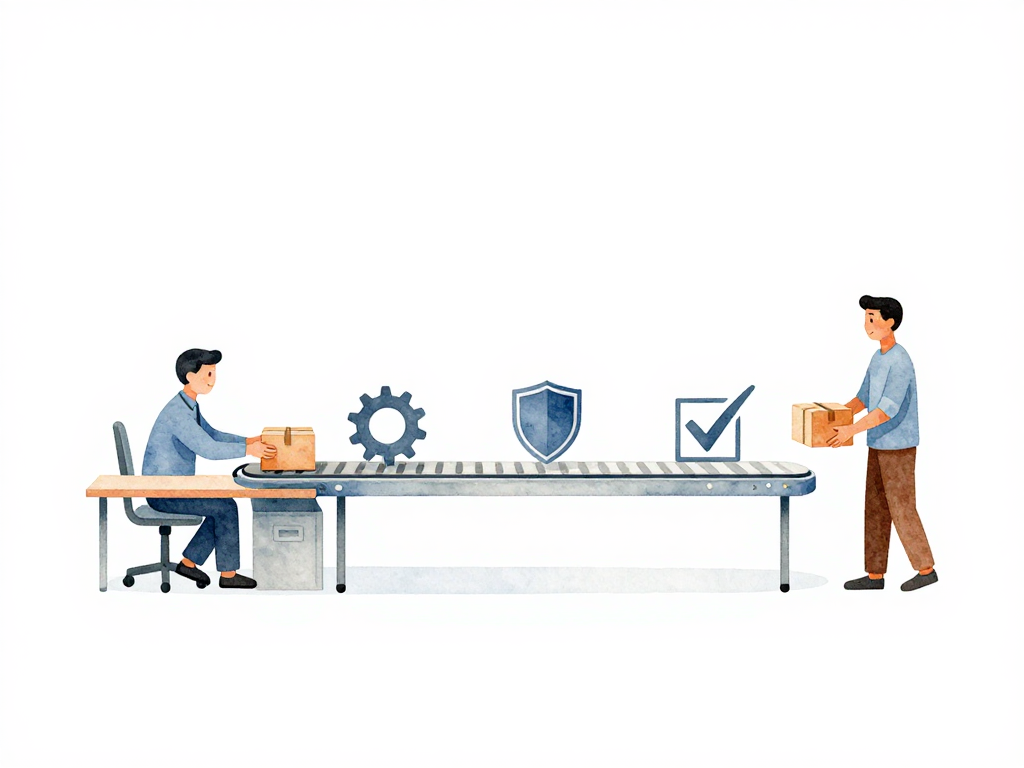
What Actually Happens When a Developer Pushes Code
A bug report comes in. A user can't complete a payment because the confirmation screen freezes. A developer opens the code, finds the issue, writes a fix, and tests it locally. Everything works on their machine. They push the change to the shared repository.
That push is just the beginning. What happens next determines whether that fix reaches users in minutes, hours, or days. It also determines how much stress, confusion, and rework the team experiences along the way.
Let's walk through the full journey of a single change, from a developer's laptop to production. We'll look at what each role actually does, and why the handoffs between them matter more than most teams realize.
Developer: From Local to Shared
The developer starts by committing their code to version control. A commit is just a snapshot of changes saved to a shared repository like Git. But committing alone doesn't mean the change is ready. The developer then opens a pull request or merge request, asking for their changes to be merged into the main branch.
At this point, automated checks kick in. The code gets compiled or built into something runnable. Unit tests run to verify individual functions. Integration tests check whether different parts of the application work together. Basic security scans might also run. All of this happens without anyone touching a keyboard.
If any test fails, the developer gets notified. They fix the issue, commit again, and the cycle repeats. If all tests pass, the code is ready for the next stage.
This is where many teams get stuck. A green pipeline doesn't mean the change is safe. It only means the automated checks passed. Someone still needs to look at the change from a human perspective.
The following sequence diagram illustrates the full journey of a code change from the developer's push to production, showing the key interactions between roles and systems.
QA: Testing Beyond Automation
Quality assurance doesn't start when the build is ready. QA engineers typically prepare test scenarios while the feature or fix is still being planned. They think about edge cases, unusual inputs, slow network conditions, and interactions with other parts of the system.
When the build passes automated checks, QA picks it up and deploys it to a staging environment. Staging is a copy of production that real users don't access. It's where manual testing happens.
QA runs through the prepared scenarios. Does the new feature work as expected? Does it break anything else? Does the user flow feel natural? They also explore paths that automated tests might miss. What happens if someone enters a very long string in a text field? What if the database connection is slow?
If QA finds a problem, they report it to the developer. The developer fixes it, commits again, and the cycle repeats until QA signs off. This back-and-forth is normal. It's not a sign of failure. It's how teams catch issues that automated tests can't predict.
The key point is that QA doesn't just test at the end. They influence what gets built from the beginning. A team that treats QA as a final gate will always find problems too late.
DevOps: Getting the Change to Production Safely
Once QA approves the build, it moves to deployment. This is where DevOps takes the lead. DevOps engineers are responsible for getting the approved build into production without breaking things.
In a simple setup, deployment might be manual. A DevOps engineer logs into the server, pulls the latest build, and runs commands to swap the old version with the new one. In a more mature setup, deployment is automated. A single button press, or even an automatic trigger after QA approval, handles the whole process.
But deployment isn't the end. After the new version is live, DevOps monitors the system. Are error rates normal? Is response time acceptable? Can users access the new feature? If something looks wrong, DevOps can roll back to the previous version while the developer and QA investigate.
This monitoring phase is often overlooked. Teams celebrate a successful deployment and move on, only to discover hours later that a subtle bug is affecting users. Good DevOps practices include watching the system for at least a short period after every deployment.
The Handoffs Matter More Than the Tools
One common misconception is that developer, QA, and DevOps work in a strict assembly line. Developer finishes, hands to QA, QA finishes, hands to DevOps. In reality, they communicate throughout the process.
A developer might ask DevOps about staging environment configuration. QA might request that the developer add specific automated tests. DevOps might tell the developer that the last deployment took longer than expected because of a missing configuration. The smoother these conversations flow, the faster changes reach users.
Tools like CI/CD pipelines, automated testing frameworks, and deployment automation help. But they don't replace communication. A team that talks well with basic tools will outperform a team that uses advanced tools but doesn't talk at all.
When Other Roles Enter the Picture
As teams grow and deployment frequency increases, two more roles often appear: Site Reliability Engineers (SRE) and Platform Engineers.
SRE focuses on reliability. They set service level objectives, monitor system health, and build automation to handle incidents. They typically become necessary when a team deploys multiple times a day and needs to ensure each deployment doesn't degrade the system.
Platform Engineers build internal tools and infrastructure that other teams use. They create self-service platforms so developers can deploy without waiting for DevOps. They become necessary when the organization has multiple teams and the infrastructure becomes too complex for each team to manage independently.
These roles don't replace developer, QA, or DevOps. They extend the team's capability to handle higher velocity and complexity.
Practical Checklist for Change Flow
Use this checklist to evaluate how your team handles a change from commit to production:
- Does every commit trigger automated builds and tests?
- Does QA prepare test scenarios before the build is ready?
- Is there a staging environment that mirrors production?
- Can DevOps roll back a deployment within minutes?
- Does someone monitor the system for at least 30 minutes after deployment?
- Is there a clear communication channel between developer, QA, and DevOps during the process?
If any of these are missing, that's where friction will appear.
What This Means for Your Team
A change moving from code to production is not a technical process with human interruptions. It is a human process supported by technical tools. The quality of communication between roles determines how fast and how safely changes reach users. Automation helps, but it cannot replace clear handoffs, shared understanding, and the willingness to loop in the right person at the right time.
The next time your team pushes a change, watch the handoffs. That is where the real work happens.