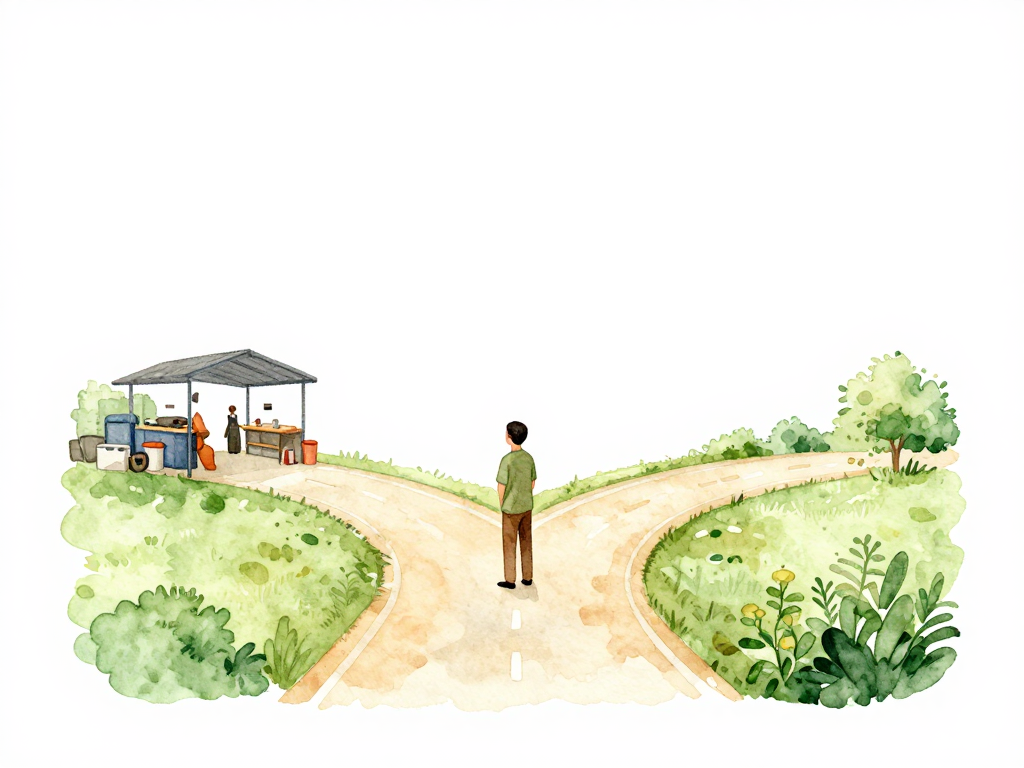
When Infrastructure Drifts: How to Decide Whether to Fix It or Accept It
You open your infrastructure dashboard on a Monday morning. Everything looks fine at first glance. Then you notice it: the database instance size is different from what your Terraform code defines. Someone changed it through the cloud console over the weekend. The pipeline didn't run. The code says one thing, but the actual infrastructure says another.
This is drift. It happens more often than most teams admit. Someone makes a manual change during an incident. A cloud provider updates a resource property automatically. A teammate modifies a security group rule directly because they needed it done fast. Whatever the cause, you now have a gap between what your code declares and what actually exists in your infrastructure.
The question is not whether drift will happen. It will. The real question is what you do after you detect it.
The Three Paths to Reconciliation
Reconciliation is the process of bringing your infrastructure back in line with your code definitions. But there is no single right way to do it. The best approach depends on the situation, the risk involved, and the context behind the change.
Use this decision tree to quickly determine which path fits your situation:
Path One: Reapply the Pipeline
The most straightforward option is to run your pipeline again without changing any code. You take your existing Infrastructure as Code (IaC), keep it exactly as it is, and execute the apply step. Tools like Terraform, Pulumi, or AWS CloudFormation will compare the state file against the actual resources and make the necessary adjustments to restore everything to what the code defines.
This works well when drift happens by accident. Someone resized an instance through the console without realizing they bypassed the pipeline. A developer temporarily opened a security group port for debugging and forgot to close it. A scheduled job from another team modified a tag on your resources. In these cases, reapplying the pipeline is clean and safe. The code represents the intended state, and the infrastructure simply needs to catch up.
The risk here is low because the changes were not intentional. You are correcting an error, not overriding a deliberate decision.
Path Two: Adopt the Drift
Sometimes the manual change was actually the right thing to do. During a production incident, your operations team scaled up the database to handle a traffic spike. The application stayed up because of that change. After the incident, you realize the new capacity is more appropriate for your current workload. The old value in your code is now outdated.
In this case, reverting to the old code would be a mistake. You would undo a fix that kept your system running. Instead, you update your IaC to reflect the new state. This is called adopting the drift. You change the code to match what is actually running, then run the pipeline to confirm everything is consistent.
Adopting drift keeps your pipeline as the single source of truth while preserving changes that have proven useful. But it requires careful evaluation. You need to understand why the change was made, whether it was tested, and whether it introduces any side effects. Adopting drift without review can turn your IaC into a messy collection of undocumented decisions.
Path Three: Manual Remediation
There are situations where running an automated pipeline is too risky. The drifted resource is serving live traffic. A security group change is protecting a critical endpoint. A load balancer configuration is balancing requests across instances. If your pipeline applies changes automatically, it might cause a brief disruption or even a full outage.
In these cases, manual remediation is the safer choice. Someone with access to the cloud console or the server examines the changes one by one, reverts them carefully, and monitors the impact in real time. This is slower and more labor-intensive, but it gives you control over the order and timing of each change.
Manual remediation is not a failure of automation. It is a recognition that some resources need human judgment during recovery. The key is to document what was done and why, so the next time the same drift appears, you can decide whether to automate the fix.
Who Should Decide?
Reconciliation is not a purely technical decision. It requires context. Was the drift caused by a mistake, an incident, or an experiment that was never recorded? The answer determines which path to take.
The decision should involve the people who understand the change and its impact. That might be the operations team who handled the incident, the developer who made the manual fix, or the platform engineer who monitors the system's behavior. A single person making the call in isolation can easily misjudge the situation.
A simple rule of thumb: if you do not know why the drift happened, do not reconcile automatically. Investigate first. Reapply only when you are confident the change was unintended. Adopt only when you are confident the change was beneficial. Remediate manually when you are not sure about either.
A Practical Checklist for Reconciliation Decisions
Before you act on a drift detection alert, run through these questions:
- Do I know who made this change and why?
- Was this change made during an incident or under time pressure?
- Is the drifted resource currently serving production traffic?
- Would reverting this change cause a known problem?
- Is there a record of this change in a ticket, chat, or runbook?
If the answer to the first question is no, start with investigation, not action. If the resource is serving traffic, prefer manual remediation over automated apply. If the change was made during an incident, consider adopting the drift after a proper review.
Reconciliation Is Not the End
Once you have reconciled, the work is not finished. You need to confirm that the reconciliation did not introduce new problems. An automated apply that reverts a critical security fix can leave your system exposed. A manual change that was adopted without testing can introduce instability.
The goal is not to eliminate drift. The goal is to handle it in a way that keeps your system reliable and your code meaningful. Every drift event is also an opportunity to improve your processes. If the same drift keeps appearing, maybe your pipeline needs a guardrail. If manual changes are happening too often, maybe your incident response process needs a clearer path for post-incident code updates.
The Concrete Takeaway
Drift is not a sign that your infrastructure is broken. It is a sign that something happened outside your pipeline. The right response depends on context, not dogma. Reapply when the change was accidental. Adopt when the change was useful. Remediate manually when the risk is high. And always, always understand why the drift happened before you decide what to do next.