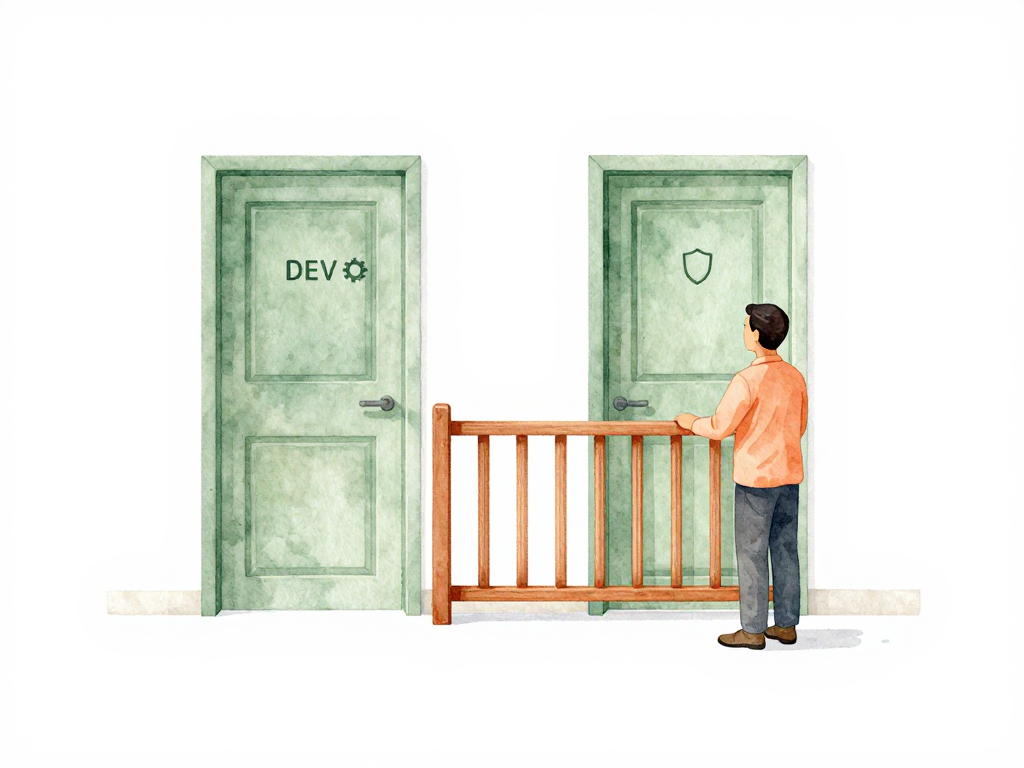
Why Your Staging Environment Needs Its Own Deployment Gates
A developer pushes a change to the main branch. The build passes, unit tests are green, and the pipeline automatically deploys to staging. A QA tester starts verifying the new feature, but halfway through, the staging environment breaks because an earlier deployment from another team introduced a conflicting change. Now QA cannot test anything, the release schedule slips, and no one knows which deployment caused the problem.
This situation is more common than most teams expect. The instinct is to treat staging like a casual environment where anything goes. But if staging is where validation happens, a broken staging environment blocks the entire delivery process. The question becomes: should all environments be treated the same way?
The Problem With Uniform Deployment Rules
When every environment uses the same pipeline rules, one of two things happens. Either the rules are too loose for production, or they are too strict for development. Neither is good.
If you apply production-level controls to development, developers wait for approvals and scans that add no value at that stage. If you apply development-level controls to production, you risk deploying changes that have not been properly validated.
The real issue is that environments have different purposes. Development is for experimentation. Staging is for validation. Production is for real users. Each purpose carries a different level of risk, and the pipeline should reflect that.
What Protected Environment Means
A protected environment is one that cannot be deployed to without passing specific gates. These gates can be automated checks, manual approvals, or both. The key is that the protection is tied to the environment, not to the pipeline stage.
Production is the obvious candidate for protection. But staging often deserves protection too, especially when multiple teams share it or when QA relies on it for release validation. A broken staging environment can delay releases just as effectively as a broken production environment.
The protection is not binary. You do not simply mark an environment as protected or unprotected. Instead, you define what gates apply to each environment. This is where environment-specific gates come in.
Environment-Specific Gates in Practice
An environment-specific gate is a check or approval that applies only to a particular environment. The same pipeline can have different gates for different environments.
Here is a typical example:
- Development: build succeeds, unit tests pass. No manual approval needed.
- Staging: integration tests pass, security scan completes, one peer approval.
- Production: regression tests pass, security scan completes, two approvals from senior engineers, compliance check.
The pipeline configuration defines these gates per environment. When a change moves from one environment to the next, the pipeline checks the gates for the target environment before proceeding.
This approach keeps the feedback loop fast for lower environments while maintaining safety for higher ones. Developers do not wait for unnecessary approvals during early testing. But production changes cannot slip through without proper validation.
How Promotion Works Between Environments
Promotion is the act of moving a change from one environment to the next. For example, promoting from staging to production. When both environments are protected, promotion requires passing the gates of the target environment.
The diagram below illustrates how a change moves through environments with different gates at each boundary.
But the gates for promotion to staging are usually lighter than the gates for promotion to production. This is intentional. You want changes to reach staging quickly so validation can start early. You want changes to reach production only after thorough validation.
A common pattern is to run all automated gates early in the pipeline, then pause for manual approval only before production. Staging gets the automated gates but skips the manual wait. This balances speed and safety.
Who Can Approve Depends on the Environment
Not all approvals are equal. A developer approving a change to development is reasonable. But the same change going to production might need approval from a tech lead or engineering manager.
For database changes, the approval might need to come from a DBA. For infrastructure changes, the platform team might need to sign off. The pipeline should know who is authorized for each environment and record every approval as evidence.
This is not about bureaucracy. It is about making sure the right people are aware of changes that affect their area of responsibility. A DBA does not need to approve every code change, but they should know when a database migration is heading to production.
Practical Checklist for Setting Up Environment-Specific Gates
If you are implementing this for your team, here is a short checklist to guide the process:
- List all environments your team uses (development, staging, production, etc.)
- For each environment, list the risk of a bad deployment
- Define the minimum gates needed to mitigate that risk
- Decide who can approve changes for each environment
- Configure the pipeline to enforce these gates per environment
- Test the gates by simulating a deployment to each environment
- Review the gates periodically as your team and application evolve
This checklist is not exhaustive, but it gives you a starting point. The goal is to apply proportional control, not to add gates for the sake of adding them.
The Takeaway
Protected environments and environment-specific gates let you apply the right level of control to each stage of your delivery pipeline. Staging gets enough protection to stay reliable. Production gets layered protection to catch issues before they reach users. Development stays fast because it does not carry the same burden.
The key is not to copy the same rules everywhere. It is to understand what each environment needs and build your pipeline around that. When you get this right, your team moves faster where speed matters and slows down where safety matters.