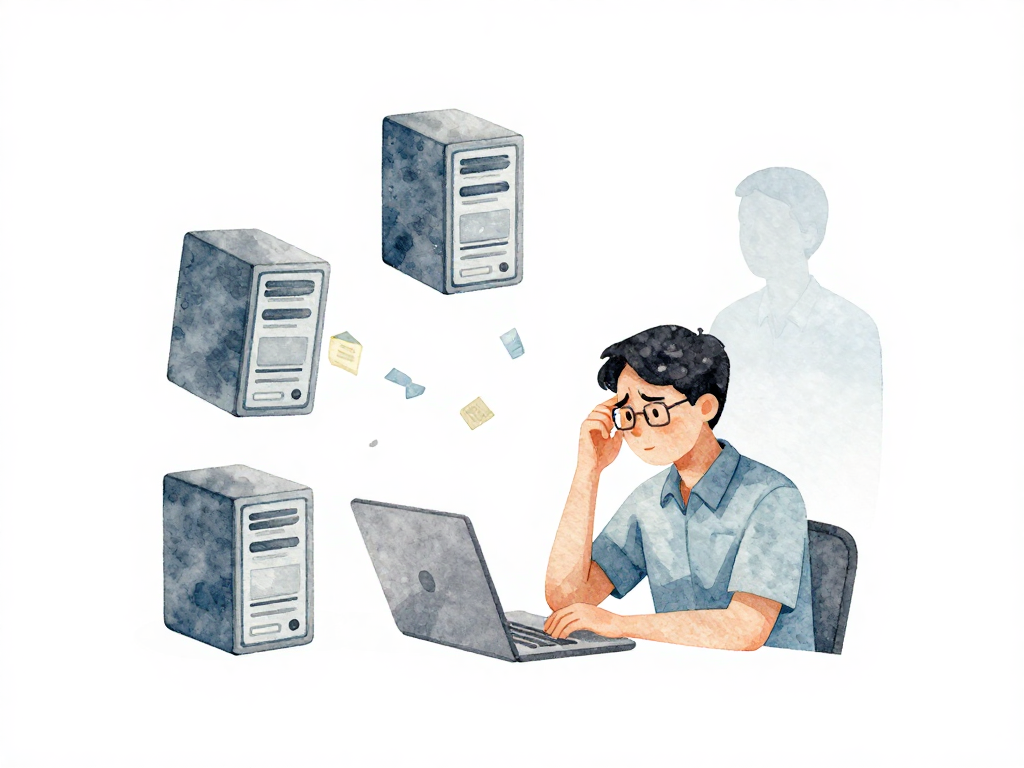
Why Manual Updates Stop Working After Your First Real Users
You fix a bug on your laptop. You upload the changed file to your server via SCP. You restart the application. The bug is gone. Simple, right?
Now imagine doing that when a hundred people are using your application. You can't restart whenever you want anymore - users will get kicked out mid-session. Imagine your application runs on three servers to handle the traffic. You need to upload that same fixed file to all three, one by one. Miss one server, and some users still see the broken version. Worse, they might see errors because old and new code get mixed up on the same request.
This is where the real challenge of software delivery begins. Not with pipelines or tools, but with the simple fact that applications change constantly, and manual processes can't keep up.
The Real Source of Changes
Your application won't be finished after the first release. It will keep evolving. Changes come from every direction:
- Bugs that only surface after real users start using specific features
- New features planned for the next release
- Configuration changes because the server is struggling with growing traffic
- Security patches that need to go out immediately
Every single one of these changes needs to reach the place where your application runs. And they need to reach it repeatedly, for as long as people use your application.
The Build Consistency Trap
Here's a scenario that plays out in teams every day. You fix a bug on your laptop. The fix works perfectly in your local environment. You upload the file to the server, restart, and... the application crashes.
What happened? Maybe your laptop has a different version of a library. Maybe you forgot to update a configuration file that only exists on the server. Maybe you compiled the code with different settings. The fix worked on your machine, but the server environment is slightly different.
Now you're stuck debugging why the production environment behaves differently from your local setup. You fix the issue, upload again, and hope this time it works. But the same uncertainty creeps back in with every manual change.
This isn't about being careless. It's about the fundamental unreliability of manual processes when repeated over time. Each time you build manually, there's a small chance something goes slightly different. One difference is all it takes to break a running application.
The Testing Blind Spot
Manual testing has the same problem. When you test changes by hand, you have to remember every step you took last time. Did you check the login flow? Did you verify that feature that might be affected by this small change? Did you test the edge case that broke last month?
The more frequently you update, the more likely you are to skip a testing step. And when you skip one, bugs slip into production. Not because you're lazy, but because human memory isn't designed to repeat the same sequence of dozens of steps perfectly every time.
The Multi-Server Nightmare
Let's go back to the three-server scenario. Even if you manage to upload the same file to all servers, you now have a timing problem. While you're uploading to server two, server one is already running the new code and server three is still on the old code. Users get routed to different servers depending on load, which means they might see different versions of your application within the same session.
Here is what a manual update looks like in practice:
# Manual upload to each server, one at a time
scp app.jar user@server1.example.com:/opt/app/
ssh user@server1.example.com 'systemctl restart app'

scp app.jar user@server2.example.com:/opt/app/
ssh user@server2.example.com 'systemctl restart app'

scp app.jar user@server3.example.com:/opt/app/
ssh user@server3.example.com 'systemctl restart app'
Now imagine you have ten servers, or you forget which server you already updated. A simple scripted loop reduces the risk:
# Scripted loop - less room for error
for server in server1 server2 server3; do
  scp app.jar "user@$server.example.com:/opt/app/"
  ssh "user@$server.example.com" 'systemctl restart app'
done
Even this small script eliminates the chance of skipping a server or restarting in the wrong order. But it still relies on you remembering to run it and having the correct file locally.
This inconsistency creates bugs that are nearly impossible to reproduce. A user reports an issue, but by the time you look at the logs, all servers are on the same version. The problem disappears, but you have no idea why. And it will come back during the next manual update.
Why Consistency Becomes Non-Negotiable
At this point, the pattern becomes clear. Manual processes are not consistent. Every time you build, test, or deploy by hand, there's a small chance of variation. One variation in the build process, one skipped test, one missed server - any of these can cause problems. And when you update frequently, the probability of at least one variation happening approaches certainty.
This is not about being lazy or wanting to automate for the sake of automation. It's about recognizing that manual processes cannot deliver the consistency that a live application needs. Your users don't care that you had a long day and forgot to test one scenario. They only care that the application works.
Consistency means:
- Every build produces the same result, except for the code that actually changed
- Every test run covers the same scenarios in the same way
- Every deployment follows the same steps on every server
The Practical Shift
This is the moment where teams start looking for ways to standardize their build, test, and deployment processes. Not because they read about CI/CD in a blog post, but because they felt the pain of inconsistent manual updates. They experienced the late-night debugging session caused by a forgotten configuration file. They dealt with the user complaint that came from a missed server.
The shift happens when you realize that manual processes are not just slow - they are unreliable for work that repeats. And your application will always need repeated updates, as long as there are bugs to fix, features to add, or configurations to change.
A Quick Consistency Check
Before you automate anything, check if you have these basics in place:
- Can you rebuild the exact same version of your application from scratch, on any machine?
- Do you know exactly which files changed between your current version and the previous one?
- Can you verify that all your servers are running the same version right now?
- Do you have a written, step-by-step process for deployment that someone else could follow?
If the answer to any of these is no, start there. Tools and pipelines come later. Consistency comes first.
What This Means For Your Team
The next time you do a manual deployment, pay attention to every step you take. Notice the small decisions you make without thinking - which file to upload first, which server to update last, which test to run. Those small decisions are where inconsistency hides.
Your goal is not to eliminate all manual work overnight. It's to recognize that manual processes have a ceiling. They work fine for one server and one developer. They break down when you have multiple servers, multiple environments, and multiple updates per week. That breakdown is not a failure - it's a signal that your delivery process needs to evolve alongside your application.