What Production Teaches You That Staging Never Will
You just finished a deployment. All tests passed in staging. The pipeline was green. The team felt confident. Then, thirty minutes after release, a user sends a message: "The page is loading really slow after the update."
You check staging. It's fine. You check your local machine. Also fine. But production is struggling. This is the moment when you realize that staging and production are not the same place. And the feedback you get from production is unlike anything you can simulate.
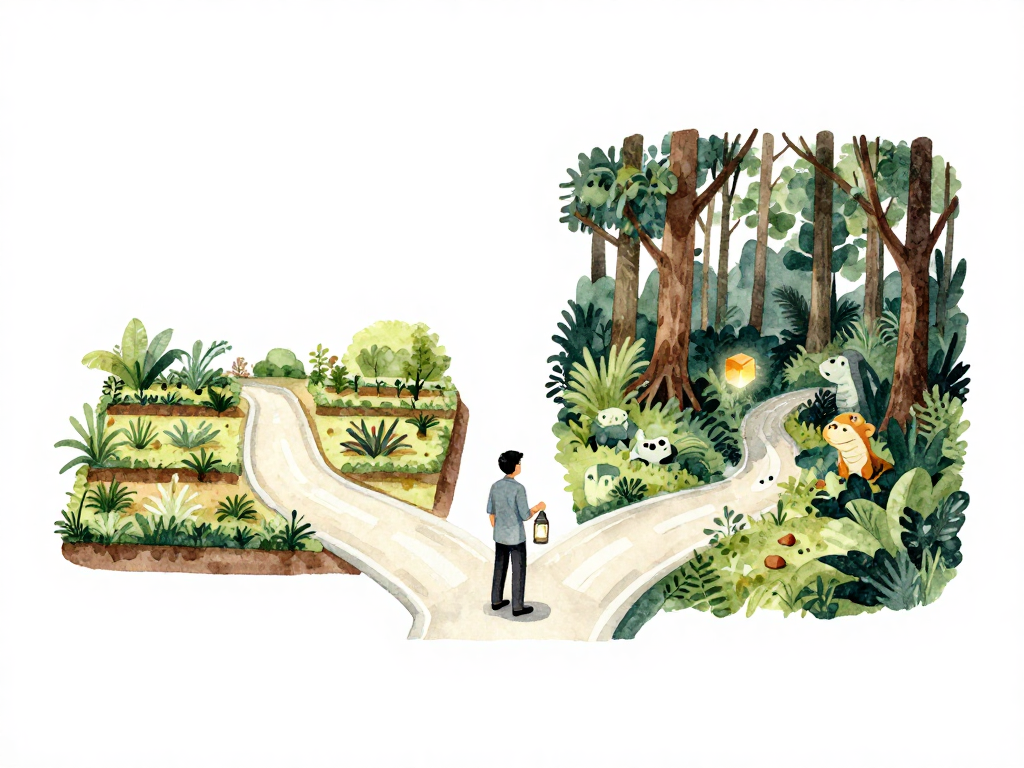
The Gap Between Staging and Real Users
Staging environments are built to mimic production. You set up similar hardware, similar data, similar network conditions. But there is always a gap. Real users bring real unpredictability.
In staging, testers follow scripts. They fill forms with expected values. They click buttons once. They use modern browsers on fast connections. In production, users paste paragraphs into single-line fields. They double-click submit buttons because the page took two seconds to respond. They open your app from a five-year-old browser that doesn't support the CSS feature you relied on.
You cannot script for every possibility. You cannot simulate every device, every network condition, every user behavior. Staging is a controlled experiment. Production is the wild.
Feedback Comes in Many Forms
When something goes wrong in production, the feedback is not always a screaming user or a red alert. Feedback arrives through different channels, and learning to recognize all of them is part of running software in production.
Metrics are often the first signal. Response time starts climbing. Error rate ticks up. Memory usage grows instead of stabilizing. These numbers tell you something changed, even if no user has complained yet. A good monitoring setup catches these shifts before they become visible to users.
Logs tell a different story. A new error message appears that you have never seen before. A warning that was always there suddenly becomes more frequent. Logs are the raw narrative of what your application is doing, and they often reveal problems that metrics alone cannot explain.
Direct user feedback is the most obvious but also the most delayed. Users might say "this feature stopped working" or "the page looks broken." Sometimes they blame the internet, sometimes they blame your app. Either way, their report is a signal that something needs attention.
Production Issues Are Not Always Code Bugs
When a production issue surfaces, the instinct is to look at the latest code change. But the cause is often elsewhere. A configuration change might have flipped a setting that breaks a downstream dependency. A database query that worked fine with a thousand rows starts timing out when the table grows to a million rows. A third-party API that your app depends on changes its response format without notice.
The process of finding the real cause is debugging or troubleshooting. It requires looking at code, configuration, infrastructure, and external dependencies. The skill is not just in fixing the issue, but in tracing the chain of events that led to it. Every production issue is a lesson in how your system actually behaves, as opposed to how you thought it behaved.
Feedback Shapes Your Next Iteration
Production feedback does not just tell you what is broken. It tells you what to build next. When you see that a certain page is accessed frequently but loads slowly, you have a candidate for optimization. When you notice users consistently filling a form field incorrectly, you have a UX problem to solve. When you see that old data is never cleaned up and the database is growing without bound, you have a maintenance task to prioritize.
This is the loop that keeps software alive. Ideas do not only come from product meetings or feature requests. They come from watching how the application behaves in the hands of real users. Production is not a destination. It is a source of direction.
How Production Feedback Changes Your Workflow
Teams that pay attention to production feedback start changing how they work. If they keep finding issues that should have been caught in staging, they invest in better test data or more realistic staging environments. If they keep discovering problems only after a full release, they shift to gradual rollout strategies like feature flags or canary deployments. If they struggle to find the root cause of issues, they improve logging, add distributed tracing, or adopt better observability tools.
Each production issue becomes a signal to improve the delivery process itself. The feedback loop does not stop at fixing the bug. It extends to changing how you prevent, detect, and diagnose similar issues in the future.
Practical Checklist for Acting on Production Feedback
- Set up basic monitoring for response time, error rate, and resource usage before your first production deployment.
- Review logs regularly, not just when something breaks.
- Create a simple process for documenting production issues and what caused them.
- After fixing a production issue, ask: "Could this have been caught earlier?" If yes, adjust your pipeline or staging setup.
- Use gradual rollout methods for changes that carry higher risk.
- Treat user reports as data points, not complaints.
The Takeaway
Production is not the end of the delivery pipeline. It is the beginning of the next cycle. Every metric, every log line, every user message is an invitation to learn something about your system that you could not see before. The teams that get better over time are not the ones that avoid production issues. They are the ones that treat every production issue as feedback, and every piece of feedback as a chance to improve.