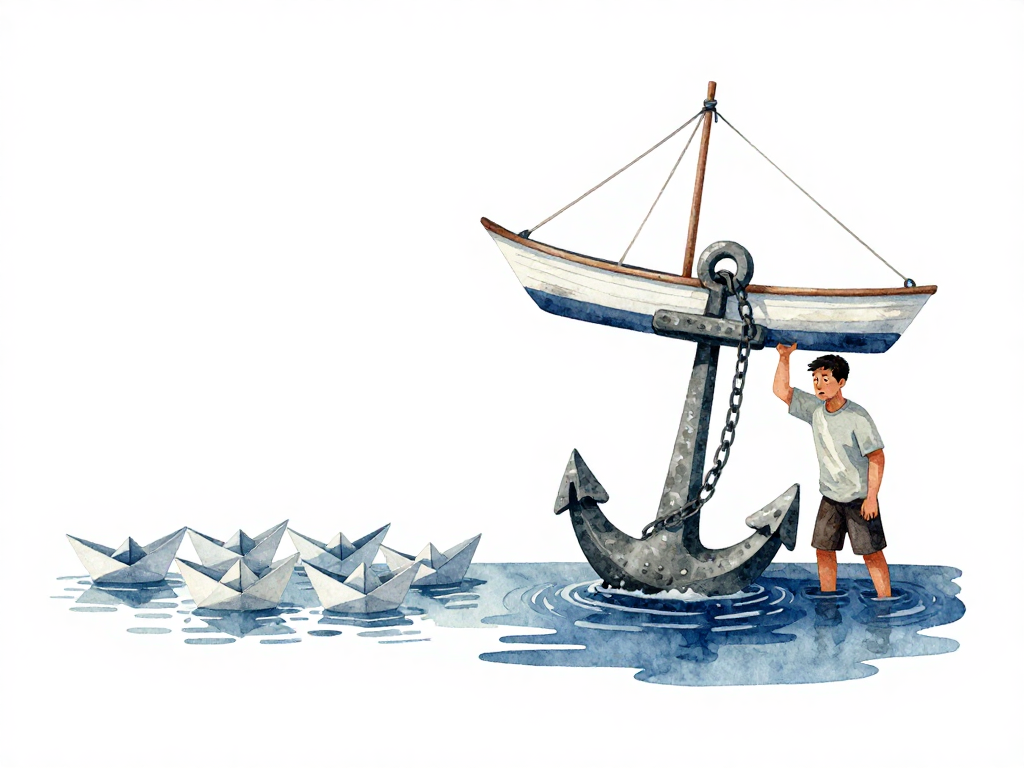
Why Database Deployments Are Harder Than Application Deployments
You've been deploying application code all week. New feature goes in, old process stops, new process starts. If something breaks, you swap back to the previous version. The whole cycle takes minutes. It feels safe because code is replaceable.
Then comes a database migration. A new column needs to be added. A table needs to be renamed. You run the migration script, and suddenly the production database has a different structure. The application works fine at first, but an hour later someone reports missing data in a report. You try to roll back the migration, but the data that was transformed during the migration didn't revert cleanly. Some rows still have the new structure. Some old values are gone.
This is the moment when many teams realize that database deployment is not just "deployment for a different kind of thing." It is a fundamentally different problem.
Code Is Disposable, Data Is Not
When you first learned to build applications, you probably thought of an application as a collection of code. You write code, run it, see the result, and change the code again if something is wrong. If a new version doesn't work, you go back to the previous version. This process feels lightweight because there are no long-term consequences. Wrong code can be thrown away, replaced, or rewritten from scratch.
But when an application starts being used by other people, something grows alongside it: data. User data, transaction data, order data, history records. This data is not just the contents of a database. Data is a record of what has already happened in the business. Every row in a table stores something valuable. If data is lost, rewriting code won't bring it back. Lost data cannot be regenerated.
This is the fundamental difference between application code and a database. Application code can be treated as a replaceable artifact. You can delete a project folder, clone it again from a repository, and the application will run exactly as before. But a database is not like that. A database stores state, which is the current condition of business data. This state is formed from the accumulation of operations that have already occurred. If the database is deleted, the state is gone. There is no Git clone that can restore customer data collected over a year.
The Deployment Impact
The effect of this difference becomes immediately apparent during deployment. When you deploy a new version of an application, you send the latest code to the server, stop the old process, and start the new one. If the new version has issues, you can roll back by reverting to the previous version. The application will run as it did before the update.
But when a database deployment changes the table structure, existing data is affected. A new column might be filled with default values. Data types might change. Old data might need to be transformed. If these changes cause problems, rolling back is not as simple as swapping code versions. Data that has already been changed does not automatically return to its original form.
Consider a simple migration that adds a column and populates it with data:
-- Forward migration
ALTER TABLE users ADD COLUMN age INT;
UPDATE users SET age = 25 WHERE age IS NULL;
-- Rollback script
ALTER TABLE users DROP COLUMN age;
If the forward migration ran and the application started writing new ages, the rollback drops the column and those new values are gone. Unlike application code, you cannot simply redeploy the old version to recover the lost data.
This is why many teams become cautious with database deployments. They can quickly swap application versions several times a day, but hesitate to run a database migration with every deploy. Not because migrations are technically difficult, but because the consequences are different. Wrong code can be fixed by rewriting it. Wrong data might take days to fix, and sometimes cannot be restored exactly as it was before.
How This Changes Your Deployment Process
The difference between code and data affects how you design your deployment process. For applications, you mainly need to ensure that new code can run. For databases, you must ensure that structural changes do not damage existing data, do not disrupt the running application, and can still be undone if something goes wrong.
Here are the practical implications:
Application deployments are additive. You add new code, remove old code, and the system continues. The old version is still available in your repository or artifact storage.
Database deployments are transformative. You change the structure of existing data. The old structure is gone once the migration runs. Even if you have a backup, restoring it means losing any data that was created after the backup was taken.
Application rollbacks are cheap. You point the load balancer to the old version, or restart the old process. The application state is determined by the code that is running.
Database rollbacks are expensive. You need to write a reverse migration that transforms the data back to its previous structure. This reverse migration must be tested. It might fail if new data has been added that doesn't fit the old structure. And if the forward migration transformed data irreversibly (for example, concatenating first and last names into a single column), the reverse migration might lose information.
The Real Risk Is Not Technical
Many teams treat database migrations as a purely technical problem. They write migration scripts, test them in staging, and run them in production. When something goes wrong, they blame the migration script or the database tool.
But the real risk is often organizational. A database migration touches data that belongs to real users. A mistake can corrupt customer records, financial data, or compliance logs. The team that runs the migration might not fully understand how the data is used by other systems. A column rename might break a reporting query that runs once a month. A data type change might cause a legacy service to fail silently.
This is why database deployments require a different level of care. The technical complexity is manageable. The organizational complexity is what makes teams slow down.
Practical Checklist for Database Deployments
Before running a database migration in production, consider these checks:
- Can the migration be reversed? Write and test the rollback script before running the forward migration.
- Will the migration break the current application? If the application reads from a column you are renaming, the application will fail until it is also updated.
- Can the migration run while the application is live? Some migrations lock tables, which can cause downtime.
- Is there a backup? Take a backup before running any migration that transforms data.
- Who needs to know? Notify teams that consume this data, including reporting, analytics, and data science.
The Takeaway
Application code is disposable. You can throw it away, rewrite it, and deploy a new version without losing anything that matters. Database data is not disposable. Every migration changes something that cannot be easily recreated.
Treat database deployments with the same rigor as you treat production incidents. Write rollback scripts. Test migrations against realistic data. Communicate with teams that depend on the data. And never assume that a migration is safe just because it passed in staging.
The difference between code and data is not a technical detail. It is the reason why database deployments deserve their own process, their own testing strategy, and their own risk assessment.