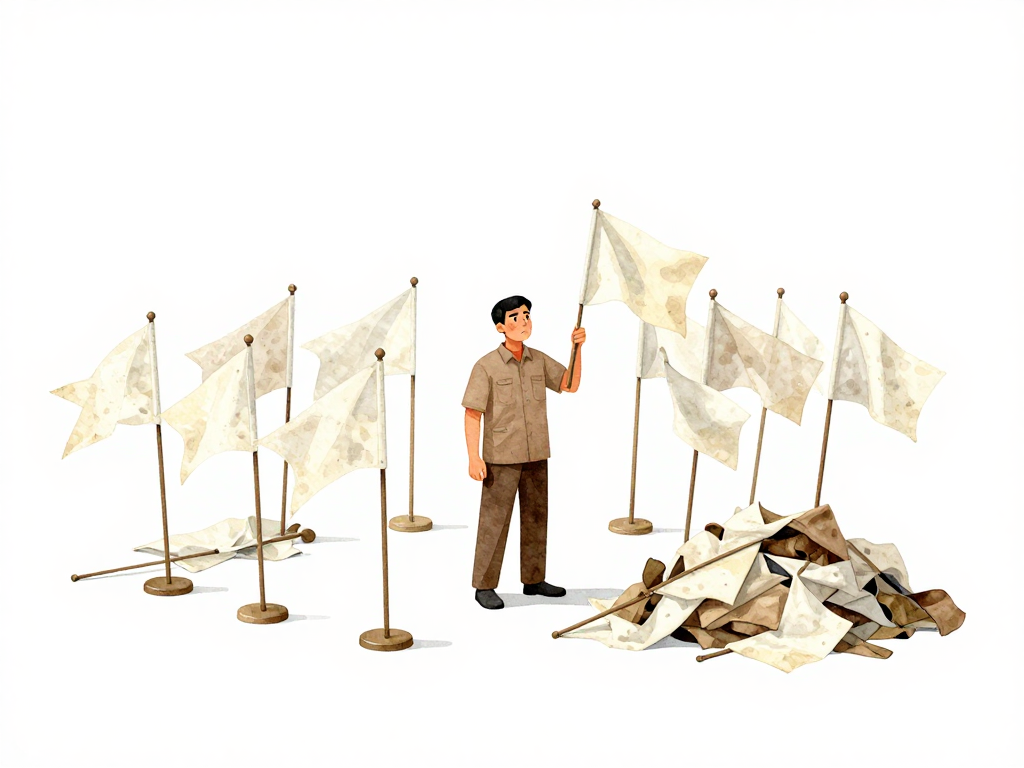
When Feature Flags Become Technical Debt
You shipped a new feature using a feature flag. It worked. Users adopted it. The flag stayed on for everyone. Months passed. Now that flag is still in the code, sitting next to three other flags from last quarter, two from six months ago, and one that nobody remembers what it controls.
This is not unusual. Many teams start using feature flags with good intentions: safer releases, gradual rollouts, kill switches for emergencies. But flags that never get removed slowly turn into a different kind of problem. They stop being a release control tool and start being technical debt that slows everyone down.
The Real Cost of Abandoned Flags
Every flag you leave in the code adds a decision point. When a developer reads a function, they have to ask: is this branch still used? Is that one safe to remove? Can I delete the old code path, or is some user still hitting it?
With one or two flags, this is manageable. With dozens, reading code becomes a guessing game. You end up with if-else blocks where nobody is sure which path is live. The code that was once straightforward turns into a maze of conditional logic that everyone is afraid to touch.
There is also a runtime cost. Every time the application runs, it evaluates each flag. A single flag check is cheap. Hundreds of flag checks in hot code paths add up. The CPU cycles spent evaluating flags that always return the same value are wasted. The memory used to store flag configurations that never change is wasted. Over time, this overhead becomes measurable, especially in high-traffic services.
Every Flag Needs a Lifecycle
The solution is not to stop using feature flags. The solution is to treat every flag as something that must eventually be removed. A feature flag should have a clear lifecycle from the moment it is created:
The following diagram shows the intended lifecycle of a feature flag and what happens when removal is skipped:
- The flag is added when work on a new feature begins.
- It is enabled for internal testing.
- It is gradually rolled out to a subset of users.
- It is enabled for all users.
- The feature is verified as stable in production.
- The flag is removed.
Step six is the one most teams skip. The feature works. Everyone is using it. The flag is still on, so why bother removing it? Because every day the flag stays, it adds friction. The code is harder to read. The next change takes longer. The risk of introducing a bug increases because nobody is sure which code paths are actually active.
When to Remove a Flag
The right time to remove a flag is as soon as the feature it controls is stable and fully rolled out. Some teams set a hard rule: remove the flag within one or two sprints after the feature reaches 100% of users. Others use automated reminders that flag any configuration key that has been active beyond a certain period.
Removing a flag is not just about deleting the conditional check. You also need to clean up the old code that the flag was protecting. If the new feature replaced an old one, delete the old code path entirely. Do not leave dead code behind. Dead code is not harmless. It confuses developers, wastes build time, and can cause subtle bugs if someone later modifies it thinking it is still in use.
On the configuration side, remove the flag from your flag management system as well. A flag that is deleted from the code but still visible in a dashboard or config file will cause confusion. Someone will eventually ask whether that flag is still needed, and nobody will have a clear answer.
Make Removal Part of the Process
The most effective way to keep flags from piling up is to require a removal plan when the flag is created. When a developer opens a pull request that adds a new feature flag, the PR should include a note about when and how the flag will be removed. This can be a comment in the code, a task in your project management tool, or an automated expiration date in the flag system itself.
Some teams go further and enforce flag expiration programmatically. The flag system rejects any new flag that does not include a mandatory expiration date. When the date passes, the system sends a notification or even automatically disables the flag. This forces the team to either remove the flag or explicitly extend its lifetime with a justification.
This might sound like overhead for a small team shipping one feature per month. But the pattern scales. Once you have multiple teams shipping multiple features in parallel, manual flag management becomes unsustainable. The discipline you build early will save you from a painful cleanup later.
A Practical Checklist for Flag Cleanup
If you want to start cleaning up flags today, here is a simple process:
- Identify all flags currently in your codebase and configuration system.
- For each flag, determine whether the feature it controls is fully rolled out and stable.
- If the feature is stable, remove the flag from the code and delete the old code path.
- Remove the flag from your configuration or flag management system.
- Update any documentation or runbooks that reference the flag.
- For any new flag, add a removal plan in the pull request that introduces it.
This is not a one-time exercise. Make it a regular practice. Some teams dedicate one sprint per quarter to flag cleanup. Others add it to their definition of done for every feature. Find a rhythm that works for your team and stick to it.
The Bottom Line
Feature flags are a powerful tool for controlling releases and reducing risk. But they are not free. Every flag you keep beyond its useful life adds complexity, slows development, and increases the chance of mistakes. The goal is not to avoid flags. The goal is to use them with discipline and remove them when they have served their purpose.
If you let flags pile up, they stop being a release control mechanism and become a burden your team carries every day. Clean them up. Your future self, and the developer who has to read your code next month, will thank you.