How to Deliver Configuration Changes to Your Environments
You have a configuration change ready. It's been versioned, reviewed, and validated. Now comes the practical question: how do you actually get that config to where your application runs?
The answer matters more than most teams realize. The wrong delivery method can turn a perfectly correct configuration into a production incident. A server that misses an update, a restart that wasn't planned, or a config value that gets silently ignored can all cause the same symptoms as a bad deployment.
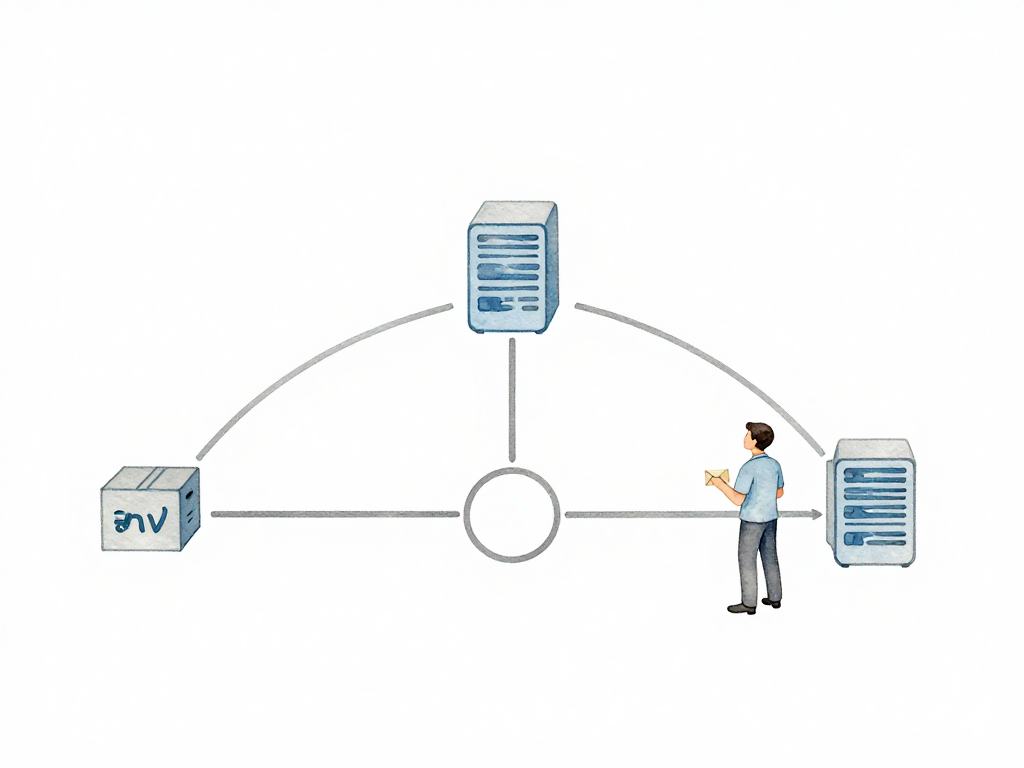
There are three main approaches teams use to send configuration to environments. Each one solves different problems and introduces different trade-offs.
Config Files on Servers
The simplest approach is to put configuration files directly on the server. You copy application.properties or config.yaml into a specific directory on the production machine, restart the application, and you're done.
This feels easy because it's direct. A developer can SSH into a server, edit a file, and the change takes effect after a restart. No extra infrastructure, no new tools to learn.
The problems start when you have more than one server. Imagine running ten servers for the same application. A config change means editing the file on all ten machines. Miss one, and that server behaves differently from the rest. The application might connect to a different database, use a different API key, or serve different feature flags.
There's another hidden issue: versioning. Files on a server don't have automatic history. If someone edits a config file directly, you don't know who changed what or when. If the change causes a problem, you can't easily see what the previous value was. You're relying on someone remembering what they did.
This approach works for prototypes, single-server applications, or environments where you're the only person making changes. It doesn't scale beyond that.
Environment Variables
The second approach is using environment variables. The application reads configuration values from environment variables set in the operating system or container runtime.
This is cleaner than files on servers because configuration stays separate from code. Many teams use environment variables for API keys, database URLs, or mode settings like ENVIRONMENT=production. These values are set during deployment, not baked into the application image.
Environment variables work well with containers and orchestration tools. When you deploy a new container, you pass the environment variables as part of the deployment configuration. Kubernetes, Docker Compose, and most CI/CD platforms support this natively.
But environment variables have limitations. They only handle simple values: strings and numbers. Complex configuration like lists of servers, nested data structures, or multi-line values becomes awkward. You end up serializing JSON into a single variable, which adds parsing logic and error handling.
There's another practical constraint: most applications need a restart to pick up changed environment variables. Not all applications support hot-reloading environment variables at runtime. This means a config change requires a deployment cycle, even if the application code hasn't changed.
Environment variables are a solid choice for small to medium teams, especially when running containerized applications. They keep configuration separate from code and integrate well with modern deployment pipelines.
Centralized Configuration Services
The third approach is a centralized configuration service. Configuration lives in a dedicated system that all application instances can access. Examples include Consul, etcd, Zookeeper, or cloud-native services like AWS Parameter Store and Azure App Configuration.
Applications fetch configuration from this service at startup, and some can periodically refresh it during runtime. This solves the consistency problem: all instances read from the same source. Update the config in one place, and all instances get the change without manual edits on each server.
Centralized config services typically include versioning, audit logs, and access control. You can see who changed what, when, and roll back to a previous version if needed. Some services support watching for changes and notifying applications to reload config without a full restart.
The trade-off is operational complexity. You now have another service to manage, monitor, and keep available. If the config service goes down, applications might fail to start or lose access to critical configuration. There's also network latency: every config read requires a network request, which adds overhead compared to reading a local file or environment variable.
This approach makes sense for larger teams, microservice architectures, or any situation where you need dynamic configuration updates without restarting applications.
How to Choose
The right approach depends on your team size, application scale, and operational maturity.
The following flowchart can guide your decision:
Small teams with one or two servers can use environment variables and be productive. The overhead of managing a config service isn't worth it when you can count your servers on one hand.
Teams with many servers and frequent config changes should consider a centralized service. The ability to update config once and have all instances pick it up saves time and reduces errors. The operational cost of running the service is justified by the consistency and auditability it provides.
There's no wrong choice as long as you understand the trade-offs. The mistake is picking an approach without considering how it will work when you have ten, fifty, or a hundred instances.
Practical Checklist
Before deciding how to deliver configuration, ask these questions:
- How many instances need this config?
- Can the application reload config without restarting?
- Do you need audit history for config changes?
- How complex is your configuration structure?
- Who needs to change config values, and how often?
The Takeaway
Getting configuration to your application is a delivery problem, not just a storage problem. The method you choose determines how fast you can make changes, how consistent your environments stay, and how easy it is to recover from mistakes. Pick the simplest approach that matches your scale, but know when it's time to upgrade.