Why Database Deployments Can't Be Treated Like Application Deployments
You're running an e-commerce site during a busy afternoon. Users are browsing products, adding items to carts, and checking out. Meanwhile, your database team runs a migration to add a discount_price column to the products table. Suddenly, the site slows to a crawl. Product searches time out. Checkouts fail. Users start posting complaints on social media.
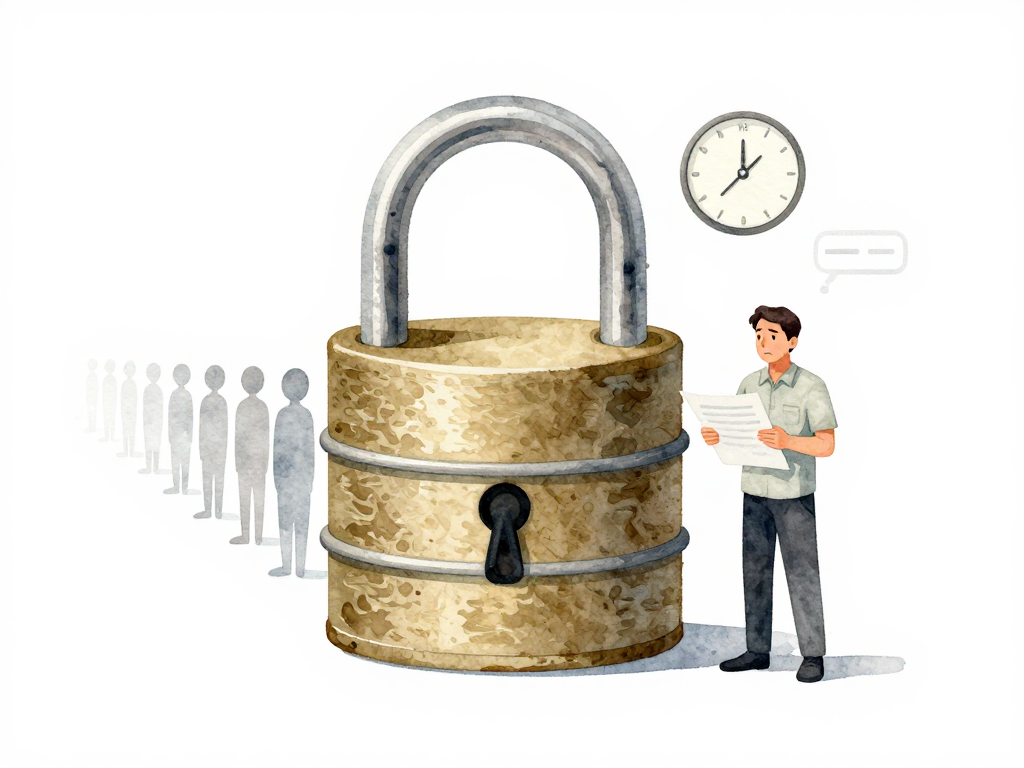
What happened? The database locked the products table while altering its structure, and every query that needed to read or write product data had to wait in line. The application itself was fine. The servers were healthy. But the database was busy protecting itself from data corruption during the schema change.
This scenario plays out in teams that treat database deployments the same way they treat application deployments. The difference is fundamental: you can stop an application, replace it with a new version, and restart it in seconds. A database must keep serving users while it changes.
How Locks Work and Why They Hurt
When you run a command to alter a table structure, the database needs to guarantee that no other operation modifies the same data during the change. This is how databases maintain consistency. To enforce this, the database acquires a lock on the table or specific rows. While that lock is active, any other query that tries to read or write data on the same table must wait.
Some schema changes are fast. Adding a column with a default value of NULL in PostgreSQL, for example, can complete in milliseconds without blocking reads. But other operations are not so friendly. Creating an index on a large table, changing a column's data type, or dropping a column can lock the table for minutes or even hours.
Consider the difference between these two SQL statements:
-- Safe: adds a nullable column, completes in milliseconds, no lock
ALTER TABLE products ADD COLUMN discount_price DECIMAL(10,2);

-- Dangerous: rewrites the entire table, locks for minutes on large tables
ALTER TABLE products ALTER COLUMN price TYPE DECIMAL(12,2);
The first statement adds a column that can be NULL, so the database only updates metadata. The second statement changes the data type of an existing column, forcing the database to rewrite every row in the table. While the rewrite runs, the table is locked, and all queries against products must wait.
The real danger is the cascade effect. A query waiting for a lock doesn't just slow down one feature. It can block other queries that depend on the same table. In extreme cases, the application stops responding entirely because all database threads are consumed by queries waiting for locks. Users see endless loading spinners or timeout errors. From the user's perspective, the application is down. The database is just busy protecting itself.
Not All Schema Changes Are Equal
Different databases handle locks differently, and not all schema operations carry the same risk. Understanding which operations are safe and which are dangerous is essential for planning database deployments.
PostgreSQL can add a column with a NULL default without blocking reads. MySQL's ONLINE DDL operations can run without locking the table for concurrent DML, but they still require a brief metadata lock at the start and end. Even operations that claim to be "online" or "zero-downtime" need to be tested in an environment that mirrors production.
Operations that typically cause the most trouble:
- Creating indexes on large tables
- Changing column data types
- Dropping columns
- Adding columns with non-null default values (in some databases)
- Renaming columns or tables
- Running
ALTER TABLEstatements that rewrite the entire table
Operations that are generally safer:
- Adding columns with
NULLdefault (in PostgreSQL) - Adding indexes with
CONCURRENTLY(in PostgreSQL) - Creating new tables
- Adding new columns with
ONLINEDDL (in MySQL, for supported operations)
The key is knowing which category each operation falls into for your specific database system, and testing the actual execution time in a staging environment before running it in production.
Why Rollback Is Harder Than You Think
Application rollbacks are straightforward. You deploy the previous version of the code, and the application starts serving requests with the old logic. Database rollbacks are not like that.
If you add a column and then need to roll back, you can't just "undeploy" the column. You have to run another migration to remove it. That removal operation itself might lock the table. If the migration changed data types or restructured tables, rolling back might require converting data back to the old format, which could be slow and risky.
This asymmetry changes how you think about risk. With applications, you can deploy quickly and roll back if something goes wrong. With databases, you need to prevent problems from happening in the first place, because the recovery path is painful.
Practical Strategies for Safer Database Deployments
Teams that handle database deployments well don't rely on luck. They build processes that reduce the chance of lock-related incidents and make recovery manageable when things go wrong.
Schedule migrations during low-traffic periods. Running a schema change at 2 PM on a Tuesday is asking for trouble. Schedule it for 2 AM on Sunday, or whatever low-traffic window your application has. If your application serves users globally, you might need to break migrations into smaller steps that can run during multiple low-traffic windows.
Break large changes into small steps. Instead of one migration that adds three columns, creates two indexes, and changes a data type, split it into separate migrations. Each migration should be small enough that it can complete quickly and be rolled back without cascading effects.
Measure execution time in staging. Before running any migration in production, run it in a staging environment that has similar data volume and traffic patterns. If the migration takes 30 seconds in staging, it might take 30 minutes in production with real data. Measure and plan accordingly.
Monitor lock wait times during migration. Set up alerts that fire when queries start waiting for locks for longer than a few seconds. If you see lock wait times climbing, you need a procedure to abort the migration before it causes a full outage.
Have a clear abort procedure. Define exactly what to do if a migration is taking too long or causing lock contention. This might mean killing the migration process, rolling back to the previous schema version, or switching to a read replica while the migration completes.
A Practical Checklist for Database Deployments
Before running any schema change in production, go through this checklist:
- Is this operation safe for concurrent reads and writes in your database system?
- Have you tested the migration in a staging environment with similar data volume?
- What is the estimated execution time based on staging tests?
- Is the migration scheduled during a low-traffic window?
- Do you have a rollback plan that doesn't require another risky migration?
- Are monitoring alerts configured for lock wait times?
- Does the team know the abort procedure if something goes wrong?
The Core Difference
Application deployment is about swapping code. Database deployment is about transforming live data while serving users. These are fundamentally different operations that require different strategies, different risk assessments, and different rollback plans.
The teams that succeed with database deployments are the ones that respect this difference. They don't just tack migration steps onto the same pipeline that deploys application code. They design separate workflows with appropriate safeguards, testing procedures, and monitoring.
Next time you plan a database change, start by asking: "What happens to users while this migration runs?" The answer to that question will tell you whether you're ready to deploy.