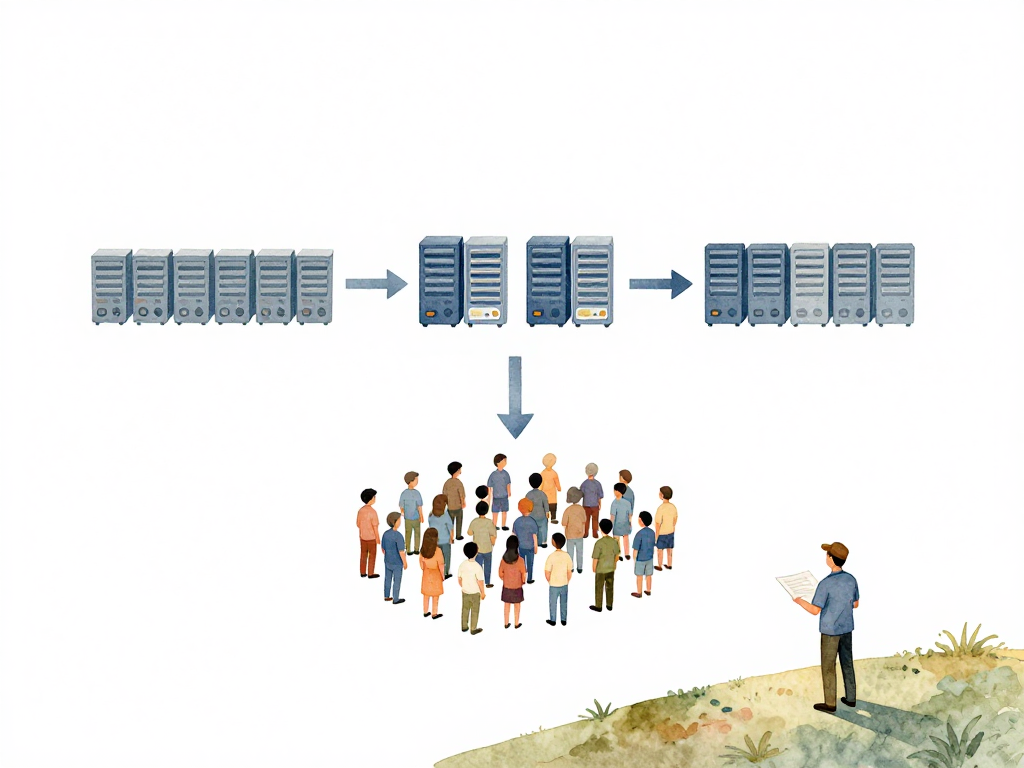
Choosing How to Deploy a New Version Without Breaking Things
You have just finished building a new feature. The code passed all checks, the tests are green, and the artifact is ready. Now comes the real question: how do you put this new version onto the server without making your users angry?
The simplest answer is to stop the server, replace the files, and start it again. That works fine if your application is used by a handful of people who know downtime is coming. But for anything serving real users, that approach breaks immediately. People see error pages. Requests fail. Trust erodes.
The core problem is that you need to get new code into production while the old code is still serving traffic. You cannot just swap everything at once. You need a strategy that lets you transition from one version to another without interrupting the service.
There are three common strategies for this: rolling update, blue/green deployment, and canary deployment. Each one solves the same problem in a different way, and each one fits a different situation.
Rolling Update: Replace One Server at a Time
Rolling update is the most widely used strategy. The idea is straightforward: instead of replacing all servers at once, you replace them one by one or in small batches.
Imagine you have ten servers running your application. With a rolling update, you take two servers offline, install the new version on them, and bring them back online. Once those two are running the new version, you move to the next two. You repeat this until all ten servers are running the new version.
The big advantage here is that you do not need extra servers. You reuse the same infrastructure. The cost is minimal because you are not provisioning duplicate environments.
Here is what a rolling update looks like in a Kubernetes Deployment manifest:
apiVersion: apps/v1
kind: Deployment
metadata:
  name: my-app
spec:
  replicas: 10
  strategy:
    type: RollingUpdate
    rollingUpdate:
      maxSurge: 1
      maxUnavailable: 0
  template:
    spec:
      containers:
        - name: app
          image: my-app:2.0.0
This configuration ensures that only one new Pod is created at a time (maxSurge: 1) and no old Pods are taken down until the new one is ready (maxUnavailable: 0). The update proceeds pod by pod, keeping the service available throughout.
But there is a catch. During the update, two versions of your application are running at the same time. Some users hit the old version, others hit the new one. If the API contract changed between versions, requests can fail. A user might send a request that gets processed by the old server, but the response format has changed. Or the new server expects a field that the old client does not send.
Rolling update works well when the changes are backward-compatible. If you are adding a field, not removing one. If you are extending an API, not changing its shape. If your database schema changes are additive, not destructive. For small, safe changes, rolling update is efficient and simple.
Blue/Green Deployment: Two Complete Environments
Blue/green deployment takes a different approach. You maintain two identical environments. Call them blue and green. At any given time, only one of them serves live traffic. The other one sits idle or runs the previous version.
Here is how it works. Your users are currently hitting the blue environment. You deploy the new version to the green environment. Once the green environment is fully ready and you have verified it works, you switch the traffic. All users now hit the green environment. If something goes wrong, you switch back to blue. The rollback is instant.
This strategy is safer because there is never a mix of versions. Users go from one complete version to another. There is no period where half the servers run old code and half run new code. The transition is clean.
The trade-off is cost. You need double the resources. Two full environments, each with the same capacity, running at the same time. For small applications, this might be affordable. For large ones, the cost can be significant.
Blue/green is ideal for critical applications where downtime is unacceptable and rollback must be fast. If you are deploying a major change, a database migration, or something that touches many parts of the system, blue/green gives you a safety net.
Canary Deployment: Test on a Small Group First
Canary deployment is like rolling update but more cautious. Instead of replacing servers in batches, you start with a very small percentage. Maybe 5 percent of your servers get the new version. The rest stay on the old version.
You watch that small group for a while. If the error rate stays normal, response times are fine, and no one reports issues, you increase the percentage. Maybe to 20 percent. Then 50 percent. Then 100 percent.
The idea is to limit the blast radius. If the new version has a bug, only a small fraction of users experience it. You catch the problem before it becomes a full outage.
Canary deployment requires good monitoring. You need to know what normal looks like. You need dashboards that show error rates, latency, and throughput in real time. Without that visibility, you are flying blind. You will not know whether the canary is healthy or not.
This strategy works well when you want to validate a change in production before committing to it fully. It is especially useful for performance changes, new algorithms, or anything where the behavior under real traffic is uncertain.
Choosing the Right Strategy
There is no single best strategy. Each one fits a different situation.
The following flowchart can help you decide which strategy fits your situation.
Rolling update is the default for most teams. It is resource-efficient and works well for routine changes. Use it when your changes are backward-compatible and you do not need instant rollback.
Blue/green is the safest choice. Use it for critical deployments, major version changes, or when you need to roll back immediately. Be prepared to pay for the extra infrastructure.
Canary is the most cautious. Use it when you want to observe the impact of a change before committing. It requires good monitoring and a process for deciding when to increase the percentage.
Many teams start with rolling updates and move to blue/green or canary as their application becomes more critical and their user base grows. The strategy you choose today does not have to be the one you use forever.
Practical Checklist Before Choosing
- Is the change backward-compatible? If yes, rolling update is fine.
- Do you need instant rollback? If yes, blue/green is safer.
- Do you have real-time monitoring? If no, canary is risky.
- Can you afford double infrastructure? If no, avoid blue/green.
- Do you want to test under real traffic? If yes, canary gives you that.
What Matters Most
The strategy is not the hard part. The hard part is understanding your application's behavior during a transition. Does it handle two versions running at the same time? Can it tolerate a brief period of mixed API contracts? Do you have the observability to detect problems before users report them?
Choose a strategy that matches your risk tolerance and your infrastructure budget. Then test it. Not just in staging, but in production with real traffic patterns. The first time you do a blue/green switch or a canary rollout, do it during low traffic. Watch the metrics. Learn what normal looks like.
Deployment is not about moving bits from one place to another. It is about keeping your users happy while you improve the product. The right strategy makes that possible. The wrong one makes it painful.