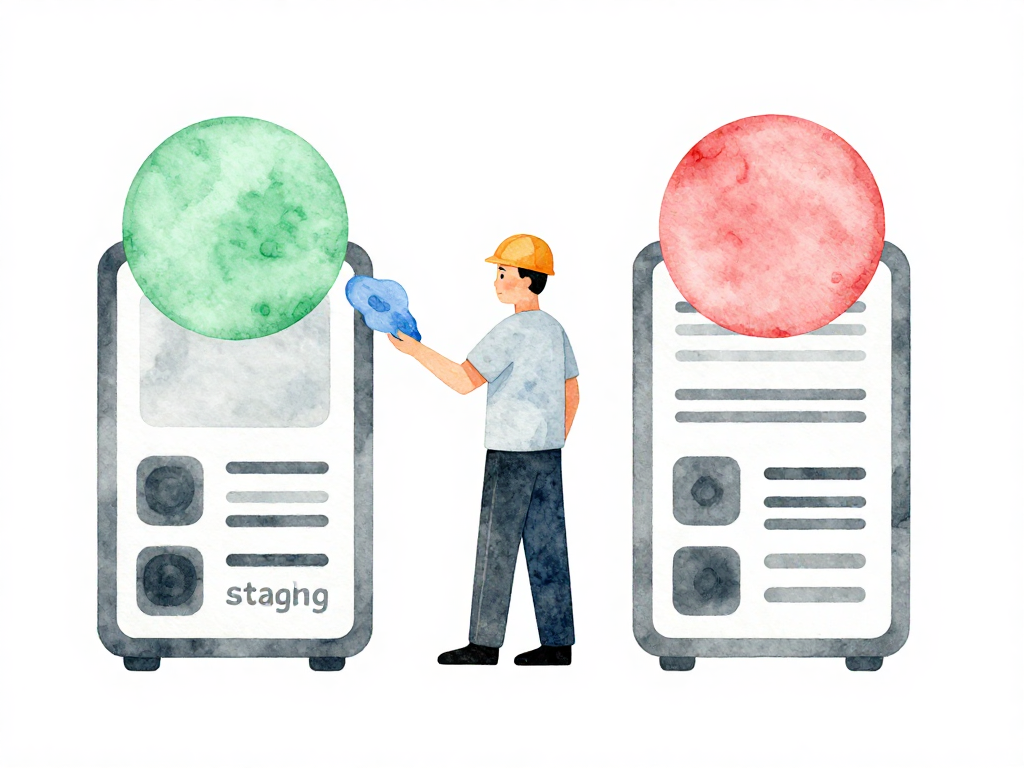
Testing Infrastructure Changes Without Breaking Production
A developer makes a small change to a firewall rule. "Just one config tweak," they think. Minutes later, no one can access the application. Users start reporting errors. The team scrambles to find what happened.
This scenario plays out more often than most teams want to admit. Infrastructure changes carry hidden risk. A database configuration mistake can corrupt data. A network policy change can isolate entire services. And unlike application code, infrastructure problems often affect everything at once.
The question every team needs to answer: where do you test infrastructure changes before they reach production?
The Environment Problem for Infrastructure
When teams managed servers manually, the answer was usually vague. Some had a testing server. Others changed production directly because "it's just a small config change." Small changes in infrastructure rarely stay small in impact.
Applications have a natural answer to this problem: staging environments. You test the new feature in staging, verify it works, then deploy to production. Infrastructure needs the same approach, but with a twist.
You cannot always copy infrastructure exactly. Spinning up duplicate servers, networks, and databases costs real money. A staging environment that mirrors a production setup with dozens of servers, load balancers, and database clusters can multiply your infrastructure bill. The challenge is finding the balance between testing thoroughly and managing costs.
The Core Principle: Isolate Before You Test
Every infrastructure change must go through an isolated environment before touching production. Isolation here is strict: the staging environment must not share any resources with production. No shared database. No shared network. No access to real user data.
If your staging and production still share a server or sit in the same VPC, that is not isolation. A mistake in staging can cascade into production. A misconfigured staging database can overwrite production data. Shared network rules can expose staging services to production traffic.
Isolation alone is not enough. The staging environment must replicate production configuration as closely as possible. If production runs three servers behind a load balancer, staging should have the same setup. If production uses a specific database version, staging must match it.
The goal is not to make staging as powerful as production. The goal is to catch problems that only appear with specific configurations. A database query that works fine on a small staging instance might timeout on production under load. A network rule that passes in a simplified setup might block legitimate traffic in the real topology.
Practical Environment Layers
Most teams end up with multiple infrastructure environment layers. Each layer serves a different purpose and has different trade-offs between cost and fidelity.
Development environment is for developers testing small changes. It can use minimal resources and simplified configurations. A single small server instead of a cluster. A local database instead of a replicated setup. The key requirement is isolation from staging and production. Development environments should never touch production resources, even accidentally.
Staging environment is for integrated testing. It should mirror production configuration as closely as possible, even if the scale is smaller. Same operating system version. Same runtime versions. Same network topology. The difference is usually in capacity: fewer servers, smaller instances, less storage. But the configuration patterns must match.
Production environment runs the actual service. Changes reach here only after passing through development and staging successfully.
The diagram below shows how changes flow through each environment layer, with validation gates preventing unverified changes from reaching production.
The Configuration Trap
One detail that trips up many teams: environment-specific configuration. Database passwords, API keys, and server addresses obviously differ between environments. But other configuration should remain consistent.
Operating system versions should be the same across environments. Runtime versions should match. Logging rules should be identical. When these differ between environments, you create a gap where problems can hide. A bug that only appears on a specific OS version might never surface in staging if staging uses a different version.
The solution is separating configuration by type. Environment-specific values go into separate files per environment. Common configuration gets written once and applied everywhere. When you upgrade the operating system version, you change it in one place, not three different files.
How CI/CD Manages Infrastructure Environments
The pipeline for infrastructure changes follows a clear sequence:
- Review the change through code review or planning tools
- Apply the change to staging automatically
- Run tests to verify resources are created correctly
- Validate that existing resources are not broken
- Apply the same change to production
Each step happens through the same infrastructure-as-code tooling. The same Terraform plan, the same Ansible playbook, the same Pulumi program runs against staging first. If it passes, it runs against production.
This process ensures every infrastructure change goes through an environment that mirrors production before it affects real users. The pipeline enforces the discipline that manual processes often skip.
Practical Checklist for Infrastructure Environments
- Staging is in a separate VPC or account from production
- Staging has no access to production databases or storage
- Staging uses the same OS version and runtime versions as production
- Common configuration is defined once and shared across environments
- Environment-specific values are isolated in separate files
- Pipeline applies changes to staging first, then production
- Tests run after staging apply to verify correctness
What Comes Next
Testing infrastructure changes in isolated environments catches most problems before they reach production. But it does not catch everything. A change that works perfectly in staging might still cause issues when applied to production at scale or under real traffic patterns.
That is where policy and governance come in. The next step is defining rules about what changes are allowed, who can approve them, and what conditions must be met before production deployment. But that is a topic for another article.
For now, the concrete takeaway is this: if your infrastructure changes go directly to production without passing through an isolated staging environment, you are one small config tweak away from a production outage. Set up the environments first. Let the pipeline enforce the discipline. Your users will thank you.