What Your Pipeline Can Actually Check (Beyond Just Security Scanning)
When most teams start adding checks to their deployment pipeline, the first thing that comes to mind is security scanning of the application code. Run a SAST tool, find some vulnerabilities, call it done. But if you look at what actually flows through your pipeline, there are many more things worth checking - and some of them will save you from problems that code scanning alone cannot catch.
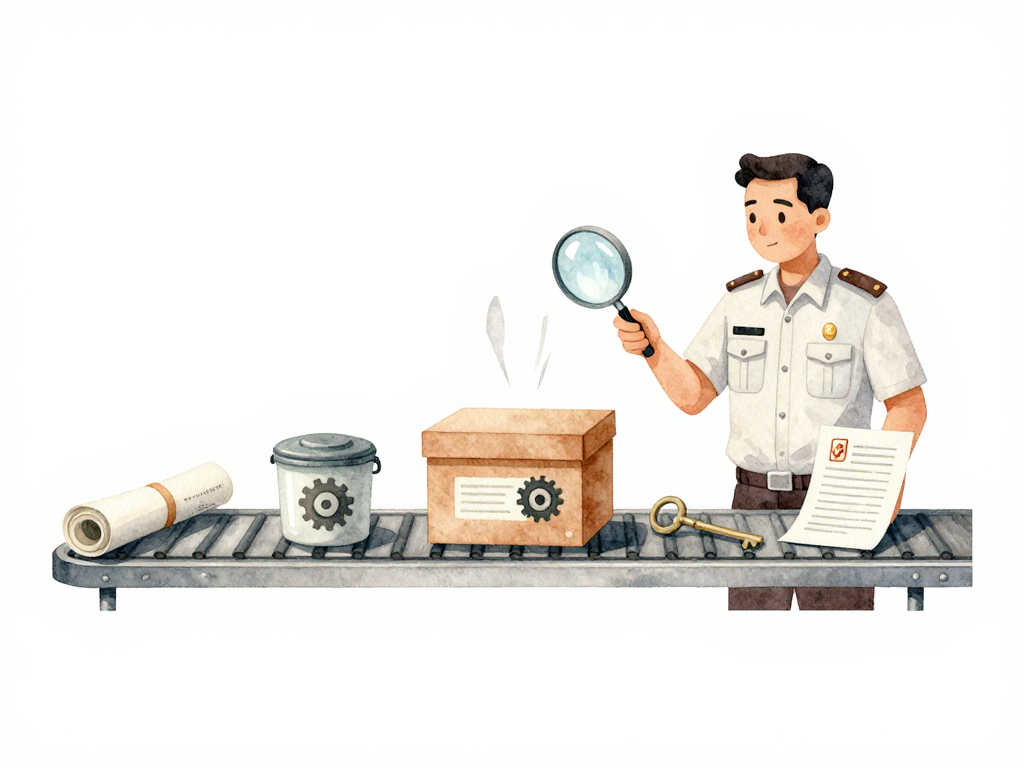
Modern software delivery moves more than just source code. It moves dependency lists, container images, infrastructure definitions, configuration files, and credentials. Each of these artifacts carries its own risks. A pipeline that only scans application code is leaving most of the attack surface unchecked.
Here are the types of checks you can run in your pipeline, what they catch, and when they make sense.
Dependency Scanning
Almost no application is written from scratch anymore. Your project pulls in libraries from npm, PyPI, Go modules, NuGet, or Maven. Each of those dependencies is code written by someone else, and that code can have publicly known vulnerabilities.
Dependency scanning checks your list of dependencies against vulnerability databases. It tells you if any of your libraries have known security issues in the version you are using. This is not about finding zero-days. It is about catching the ones that are already documented and often have patches available.
Run this scan whenever your dependency file changes - package.json, go.mod, requirements.txt, or whatever your ecosystem uses. At minimum, run it once during the build phase. If you run it only on pull requests, you might miss a vulnerability that was introduced by merging a dependency update directly to the main branch.
Here is a minimal YAML snippet for a GitHub Actions job that runs npm audit and fails the pipeline if any high-severity vulnerability is found:
name: dependency-scan
on:
  pull_request:
    paths:
      - 'package.json'
      - 'package-lock.json'

jobs:
  audit:
    runs-on: ubuntu-latest
    steps:
      - uses: actions/checkout@v4
      - uses: actions/setup-node@v4
        with:
          node-version: '20'
      - run: npm audit --audit-level=high
Container Image Scanning
If you package your application as a container image, that image contains more than your code. It contains a base image, an operating system layer, system libraries, and binaries you did not write. A vulnerability in the base image affects your application just as much as a vulnerability in your own code.
Container image scanning examines the entire image contents, including OS packages and installed libraries. It catches things like a vulnerable version of OpenSSL in the base image or a known exploit in a system utility that your application never directly calls but is still present in the runtime.
The right time to run this scan is right after the image is built, before it gets pushed to the registry or deployed anywhere. Once the image is in production, scanning it is still useful for visibility, but the damage is already possible.
Infrastructure as Code Scanning
When you write infrastructure as code with Terraform, CloudFormation, or Pulumi, you are defining cloud resources in text files. Those files can contain misconfigurations that open security holes: storage buckets that are publicly accessible, databases exposed to the internet, encryption disabled, or overly permissive IAM roles.
IaC scanning checks your infrastructure definitions against security best practices before you apply them. It is not a replacement for cloud security posture management tools that scan running environments. It is a preventive check that catches problems before they become deployed resources.
Run this scan when someone opens a pull request that changes infrastructure code. That is the point where you can still fix the configuration without having to clean up a misconfigured resource that is already running.
Secret Scanning
Developers accidentally commit secrets into repositories more often than teams like to admit. API keys, database passwords, SSH private keys, and service account tokens end up in code, configuration files, or commit messages. Once a secret is in the repository history, removing it is difficult because it lives in the git history.
Secret scanning detects patterns that look like credentials: strings that match the format of AWS access keys, GitHub tokens, Slack webhooks, or generic passwords. It flags them before the commit reaches the main branch.
This scan is most effective when run on every commit or at least on every pull request. The earlier you catch a leaked secret, the less exposure you have. If you only scan after the code is merged, the secret has already been in the repository and anyone with access could have pulled it.
License Scanning
Every dependency you use comes with a license. Some licenses require you to include attribution. Others restrict commercial use or require you to open source your own code if you use them. License scanning checks the licenses of all your dependencies against the policy your team or organization has defined.
This is not a security check, but it is a legal and compliance check that can block a release if ignored. Many teams run license scanning alongside dependency scanning since both use the same source data - your list of dependencies.
Policy as Code
Policy as code is not a single type of scan. It is a way to encode rules and enforce them programmatically in your pipeline. Instead of relying on a pre-built scanner, you define your own checks: "every database change must be reviewed by a DBA," "every container image must come from an approved registry," "every deployment to production must have a passing load test."
These rules are written as code and executed automatically in the pipeline. Policy as code gives you flexibility to enforce whatever is relevant to your context without waiting for a vendor to add a feature.
Choosing What to Run and When
Not every check needs to run at every stage. Some are cheap enough to run on every commit. Others are slower and make more sense on pull requests or before deployment. The key is not to run everything everywhere, but to place each check at the point where it gives you the most value with the least friction.
Here is a practical starting point:
- Every commit: secret scanning, dependency scanning (if the dependency file changed)
- Pull request: IaC scanning, license scanning, container image scanning (if the image was rebuilt)
- Before deployment: container image scanning (if not already done), policy as code checks
A Quick Checklist for Your Pipeline
- Dependency scanning runs when dependency files change
- Container images are scanned before they reach the registry
- Infrastructure code is scanned before it is applied
- Secrets are detected before they reach the main branch
- License compliance is checked for every dependency
- Custom policies are enforced as code, not as manual gates
The Concrete Takeaway
A pipeline that only scans application code is checking one layer of a multi-layer delivery process. Your dependencies, containers, infrastructure definitions, and credentials all carry risk. Add checks for each artifact type at the right point in the pipeline. The goal is not to block every change, but to catch problems early enough that fixing them is still cheap.