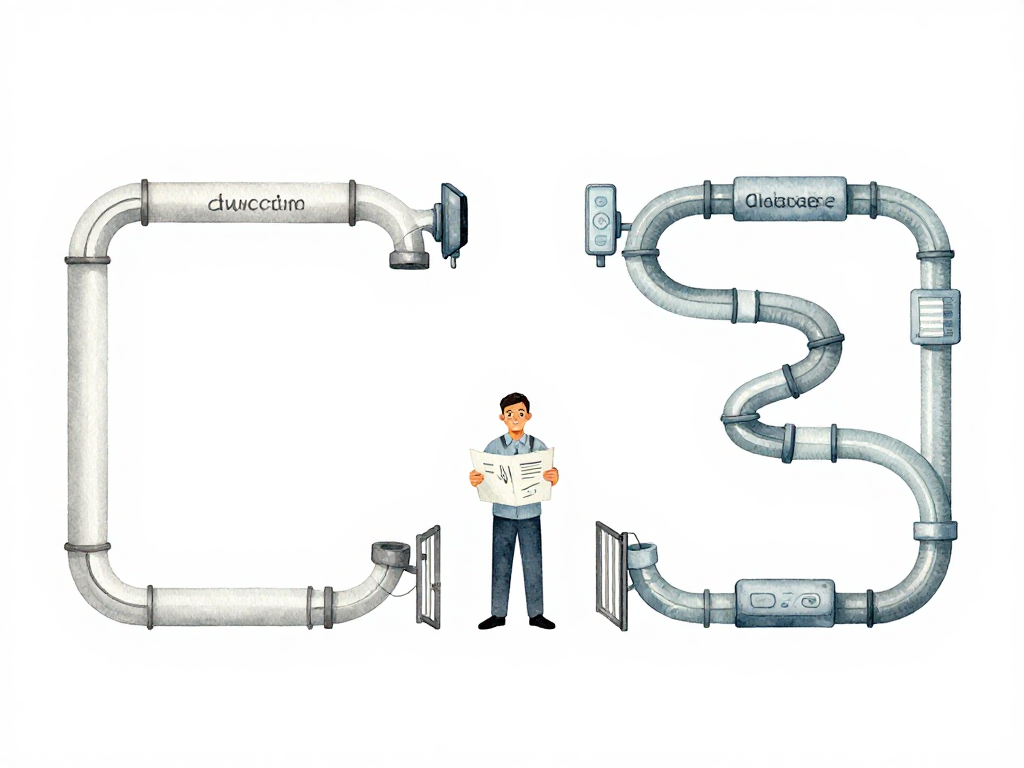
Why Database Deployment Needs Its Own Strategy
You have a CI/CD pipeline that works well for your application. Code changes get built, tested, and deployed to production in minutes. The team ships multiple times a day without breaking a sweat. Then someone adds a database migration to the same pipeline, and everything falls apart.
The migration runs for forty-five minutes on a large table. During that time, the table is locked. Users start seeing errors. The application cannot serve requests. Halfway through, the migration fails, but you cannot roll back cleanly because some rows have already been altered. The pipeline that used to take five minutes now takes an hour, and nobody dares to run it during business hours.
This is not a tool problem. It is a strategy problem. Database deployment operates under fundamentally different constraints than application deployment, and treating them the same way creates risks that no amount of automation can fix.
The Application Deployment Pattern That Does Not Translate
Application deployment follows a simple and repeatable pattern: build a new version, deploy it to servers, and if something goes wrong, roll back to the previous version. This cycle can repeat many times in a single day with minimal consequences. The old version is still there. The files are still valid. The rollback is a matter of pointing the load balancer back to the previous release.
Database deployment does not work that way. When you run a migration, you are changing data structures that already hold production data. A rollback is not a simple switch. You cannot just "undeploy" a column that was added, or restore a table that was dropped, without carefully reconstructing the previous state. Data that was transformed during the migration does not automatically revert.
The following flowchart contrasts the two cycles:
The time factor makes this worse. Application deployments typically complete in seconds or minutes. Database migrations on large tables can take tens of minutes or hours. During that time, tables may be locked, queries may be blocked, and the application may become partially or fully unavailable. A pipeline that treats database changes as just another step in the application workflow ignores these realities.
Why Separating Pipelines Makes Sense
The most practical response to this mismatch is to separate the application pipeline from the database pipeline. They run on different schedules, with different review processes, and different risk profiles.
The application pipeline stays fast. It continues to ship features, bug fixes, and configuration changes multiple times a day. The database pipeline runs on a slower cadence, with more careful review and explicit scheduling. Database migrations can be executed several cycles before the application deployment that depends on them. This creates a buffer: if the migration has issues, there is time to fix it without blocking the application release.
This separation also changes who is involved. Application deployments are typically owned by the development or platform team. Database deployments often require involvement from a DBA or a team member who understands the schema, the data volume, and the locking behavior of the migration. A separate pipeline makes it clear who needs to review, approve, and monitor each type of change.
Backward-Compatible Schema Changes Reduce Risk
Another strategy that changes how you think about database deployment is making schema changes backward-compatible. The idea is simple: the old schema and the new schema should be able to coexist for a period of time. This allows you to deploy the application and the database changes in separate steps, without requiring a synchronized cutover.
Consider renaming a column. The naive approach is to rename the column in one migration and update the application code at the same time. If anything goes wrong, the application breaks because it references a column name that no longer exists.
A backward-compatible approach looks different. First, add the new column while keeping the old one. Update the application to write to both columns. Deploy this change. Once you are confident everything works, update the application to read from the new column instead of the old one. Deploy again. Finally, after all consumers have migrated, remove the old column in a separate migration.
This process takes longer. It requires multiple deployments and more coordination. But it is significantly safer. If something goes wrong at any step, you can roll back the application without leaving the database in an inconsistent state. The database changes are never the blocker.
Governance Is Not Bureaucracy, It Is Protection
Database changes need a review process that goes beyond syntax checking. A pull request for a migration should include answers to questions like: Will this migration lock the table? How long is the lock expected to last? What is the estimated execution time on the production data volume? Are there other services or consumers that read from this table and might be affected?
This is not about adding red tape. It is about recognizing that database changes carry consequences that application code changes do not. A bug in application code can be fixed with a new deployment. A bug in a migration can corrupt data, cause downtime, or require a restore from backup. The review process exists to catch these risks before they reach production.
The same principle applies to who can run migrations. Not everyone should have the ability to execute schema changes against production. This is not about trust. It is about accountability and the reality that database changes require specific knowledge about data volume, indexing, locking, and replication lag. A separate pipeline with controlled access and explicit approval gates is a practical safeguard, not a bureaucratic hurdle.
What This Means for Your Team
If your team treats database migrations as just another step in the application pipeline, you are carrying unnecessary risk. The solution is not to slow down application deployments. It is to give database deployment its own strategy, its own pipeline, and its own review process.
Start with separation. Run application and database pipelines independently. Make schema changes backward-compatible whenever possible. Build a review process that asks the right questions about locking, timing, and consumer impact. And accept that database deployment will never be as fast or as casual as application deployment. That is not a limitation. It is a recognition of what is at stake.
Practical Checklist for Database Deployment Strategy
- Application and database pipelines are separated, with different schedules and review processes
- Schema changes are designed to be backward-compatible where possible
- Each migration includes an estimated execution time and locking analysis
- Database changes go through pull request review with explicit checks for table locks and consumer impact
- Migrations are tested against a staging environment with production-like data volume
- Rollback plan is documented before running any migration on production
The Takeaway
Database deployment is not a technical problem that can be solved by adding a migration tool to your existing pipeline. It is a strategy problem that requires you to design a separate process, with different timing, different review criteria, and different risk tolerance. The teams that treat it that way ship faster in the long run, because they stop being blocked by database changes that were never designed to fit into an application pipeline in the first place.