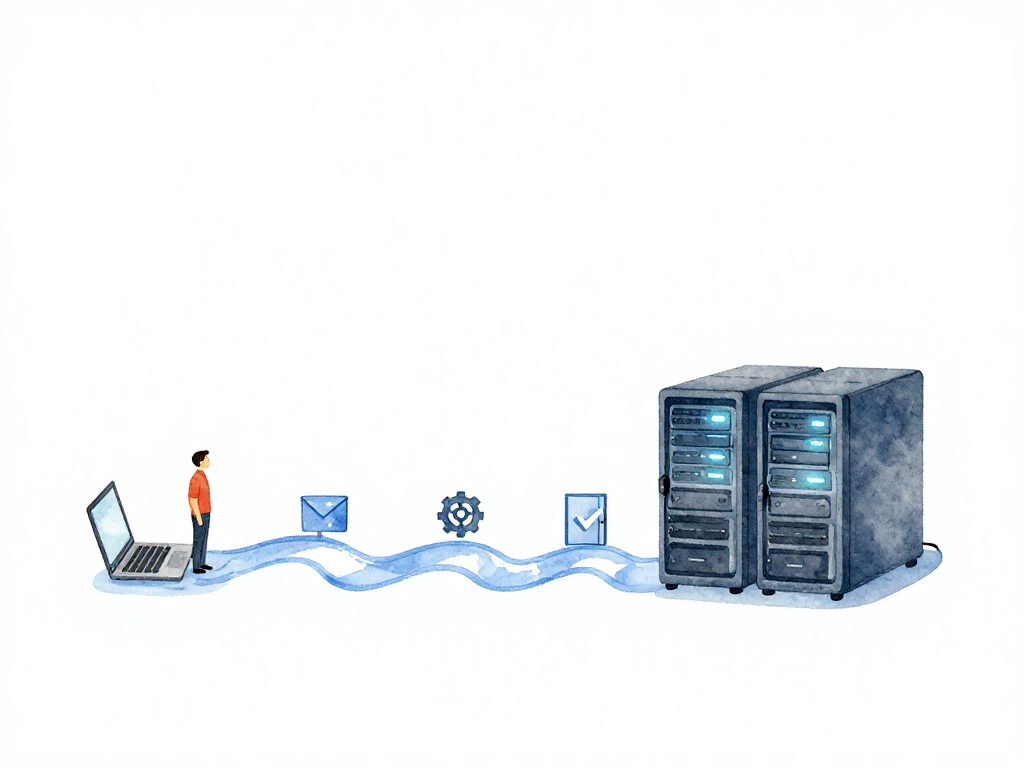
The Journey from Code to Production: A Complete Picture
You just finished writing a new feature on your laptop. You tested it locally, it works fine, and you feel confident. But the feature is useless sitting on your machine. The real journey begins when you need to get that code into production where users can actually use it.
That journey is not a single step. It is a series of transformations, checks, and handoffs. Understanding the full path from code to production helps you see why certain practices exist and where things can go wrong.
From Code to Artifact
Everything starts with an intention. You write code, but code alone cannot run on a server. It needs to be converted into something executable. That conversion is called a build, and the result is an artifact.
An artifact is the packaged version of your application. It might be a compiled binary, a container image, a JAR file, or a ZIP archive. Whatever the format, the artifact is what gets deployed to environments. Without an artifact, there is nothing to run.
The build process itself should be consistent. If you build the same code twice, you should get the same artifact. This reproducibility is what makes automated pipelines possible. When builds are manual or environment-dependent, you introduce risk before the artifact even exists.
Artifact Meets Environment
Once you have an artifact, it needs a place to run. That place is called an environment. Environments are the servers, containers, or platforms where your application executes.
Most teams use multiple environments. Development and staging environments let you test changes before they reach production. These environments should mirror production as closely as possible. If staging uses different database versions or different configuration values, you lose confidence that production will work the same way.
When an artifact is deployed to an environment, the application starts running. But running does not mean working correctly. That is where health signals come in.
Health Signals Tell You If It Works
Health signals are the data that tells you whether your application is actually functioning. They come in three main forms:
- Logs show what the application is doing internally. Errors, warnings, and informational messages all appear here.
- Metrics are numerical measurements like request count, response time, error rate, and memory usage.
- Monitoring ties logs and metrics together into dashboards and alerts that give you a real-time view of system health.
Without health signals, you are deploying blind. You might think everything is fine because the server started, but the application could be returning errors or silently corrupting data. Health signals are how you verify that a deployment actually works.
Deploy vs Release: Two Different Things
Here is a distinction that many teams learn the hard way: deploying and releasing are not the same.
Deploy means the server is running the new version of your application. The artifact is installed, the process is started, and the environment has the new code.
Release means users can actually use the new feature. Even after a deploy, you can control whether users see the new functionality.
Why separate them? Because it gives you control. You can deploy a new version to production servers but keep the feature hidden behind a feature flag. This lets you test in production with internal users first, or roll back the feature without redeploying. You can also deploy the new version to a subset of servers and gradually shift traffic, watching health signals before committing fully.
This separation is one of the most powerful patterns in software delivery. It turns deployment from a high-risk event into a routine operation, because you can always decide not to release even after deploying.
CI/CD Orchestrates the Whole Flow
Continuous Integration and Continuous Delivery (CI/CD) is the system that manages this entire journey. It is not just a tool or a pipeline configuration. CI/CD is a structured approach to moving code from development to production automatically and repeatably.
When you commit code, CI/CD kicks off a build to create the artifact. It runs tests to verify the code works. It deploys the artifact to staging. It waits for health signals to confirm everything is healthy. Then it proceeds to production, either automatically or after manual approval.
Each step in this flow has a purpose. The build ensures the artifact is valid. The tests catch regressions. The staging deployment verifies the application works in an environment similar to production. The health signals confirm the deployment is successful.
Without CI/CD, each of these steps is manual. Someone builds the artifact on their machine. Someone copies it to a server. Someone runs tests by hand. Someone checks logs manually. This manual process is slow, error-prone, and inconsistent. Every deployment becomes a special event that requires coordination and luck.
The Pipeline Is Not Just for Applications
The same principles apply to databases and infrastructure. A database schema change needs to be built into a migration script, tested in staging, and deployed to production with the same care as application code. Infrastructure changes like server configuration, network rules, or load balancer settings also need to go through the same pipeline.
Many teams treat database changes as separate, risky operations that require manual intervention. But the same CI/CD principles apply. Build the migration, test it, deploy it, verify it. The only difference is that database changes often require more careful sequencing and rollback planning.
Infrastructure changes follow the same pattern. Infrastructure as Code means your server configurations, network settings, and deployment definitions are stored as code. They get built, tested, and deployed through the same pipeline as your application. This consistency reduces surprises and makes the entire system more predictable.
The Complete Picture
Here is how the full journey looks:
The following flowchart illustrates the complete journey from code to production, showing each step and how CI/CD and health signals connect them.
- You write code on your laptop.
- CI/CD builds the code into an artifact.
- The artifact is deployed to a staging environment.
- Health signals confirm the application works in staging.
- The artifact is deployed to production.
- You decide when to release the feature to users.
- Health signals continue to monitor the production deployment.
This flow applies to applications, databases, and infrastructure. Every change goes through the same structured path from code to production.
Practical Checklist
Before your next deployment, run through this quick check:
- Is the artifact built from a clean, reproducible process?
- Has the artifact been deployed to a staging environment?
- Are health signals (logs, metrics, monitoring) working in staging?
- Do you know the difference between deploy and release for this change?
- Can you roll back without redeploying the entire application?
- Are database and infrastructure changes going through the same pipeline?
What This Means for Your Team
The journey from code to production is not a single event. It is a pipeline of transformations, checks, and decisions. Each step exists to catch problems early and give you control over what reaches users.
When you understand this full picture, you stop treating deployment as a risky manual operation. You start building systems that move changes safely and predictably from your laptop to production, every time, without drama. That is what CI/CD is really about: making the journey from code to production boring, routine, and reliable.