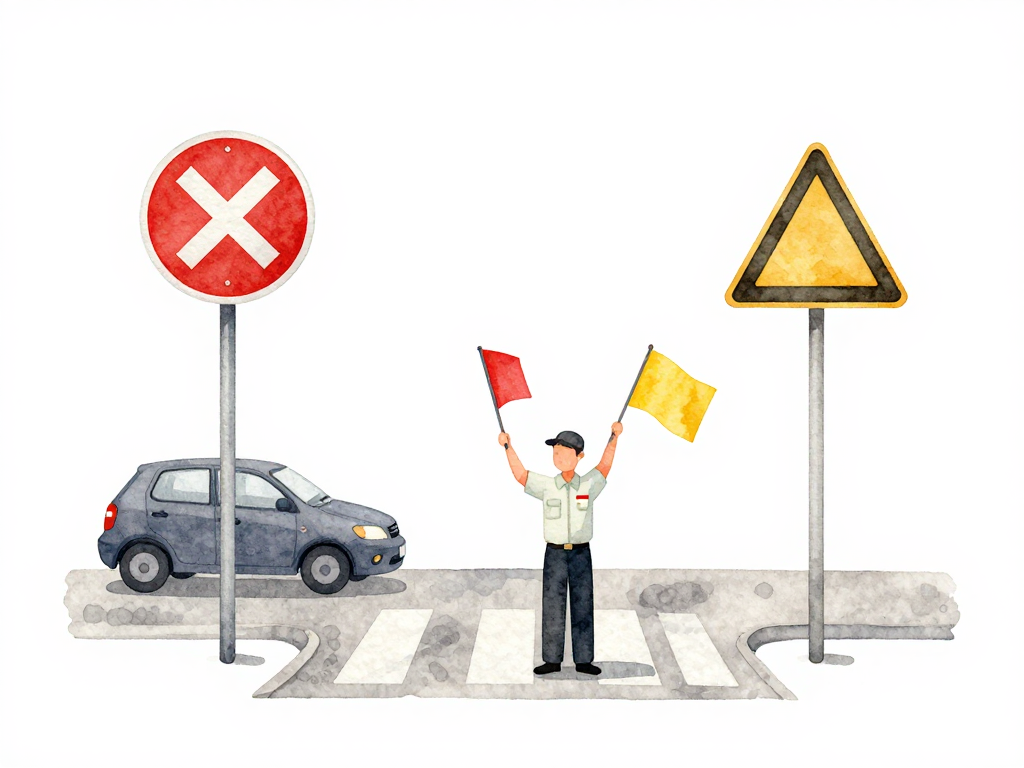
When to Fail a Pipeline and When to Just Warn
You just added a security scanner to your CI pipeline. The first scan runs, and it finds 47 issues. Three are marked critical, twelve are high, and the rest are medium and low. Now you have a decision to make: do you fail the pipeline on every finding, or do you let everything through and just collect reports?
If you fail on everything, your pipeline will be red more often than green. Developers will start ignoring the scanner, or worse, they'll find ways to bypass it. If you never fail the pipeline, the scanner becomes noise. Nobody reads the reports, and the same vulnerabilities sit in your codebase for months.
Neither extreme works. The answer is a severity threshold.
Severity Tells You What Matters
Every security scanner groups findings by severity. The labels vary slightly between tools, but the pattern is consistent: critical, high, medium, low, and sometimes info or unknown. These labels are not decoration. They estimate how bad things could get if someone exploits that vulnerability.
A critical finding in a library that handles user authentication is different from a low finding in a piece of code that runs once during setup and never again. Treating them the same way is a mistake.
The simple rule: fail the pipeline on critical and high findings. Let medium and low findings pass through with a warning.
The decision tree below summarizes the rule:
Why This Works in Practice
When you fail on critical and high, you block the most dangerous issues from reaching production. These are the vulnerabilities that attackers actively look for. They are the ones that cause data breaches, service takeovers, and compliance failures.
When you warn on medium and low, you keep the pipeline moving. Developers can continue their work. The team does not get blocked by issues that might never matter in practice. But the warnings are recorded, and someone needs to review them later.
This balance keeps the pipeline useful without making it a bottleneck.
Exceptions Exist, But They Need Rules
The simple rule is a good starting point, but real projects have edge cases.
Sometimes a high finding has no patch available yet. The vendor has not released a fix, and you cannot remove the dependency because it is central to your application. In that case, failing the pipeline every time does not help anyone. You need a way to accept that finding temporarily while you track the vendor for a fix.
Sometimes a medium finding is in a sensitive component like encryption or authentication. Even though the scanner rates it medium, the risk is higher because of where it sits. You might want to fail the pipeline for that specific finding even though it is not critical or high.
This is where a risk-based quality gate becomes useful instead of a simple count-based gate.
Build a Quality Gate, Not a Zero-Finding Rule
A common mistake is to set the rule as "pipeline fails if there are any findings." That sounds strict and secure, but in practice it creates problems. Scanners produce false positives. They flag things that are not actually exploitable in your specific setup. If you fail on everything, developers learn to ignore the scanner or request exceptions for everything. The gate loses its meaning.
A better quality gate evaluates whether findings violate a risk threshold. Examples:
- Pipeline fails if there are any critical or high findings without an approved exception.
- Pipeline fails if there is a medium finding in the authentication module.
- Pipeline fails if the same finding has been open for more than 30 days without action.
These rules are more realistic than "zero findings." They acknowledge that some vulnerabilities can be managed, while others must be blocked immediately.
How to Set Up Your Threshold
Start with what your scanner already provides. Most scanners let you configure the exit code based on severity. Set critical and high to fail the build. Set medium and low to pass but log a warning.
Then add notification. When medium and low findings appear, send a message to the team's chat channel or create a ticket in your issue tracker. The team should review these findings periodically, maybe every sprint or before every major release. This way, the findings do not get lost, but they also do not block daily work.
After you have the basic threshold running, watch how it behaves. If the pipeline fails too often, check whether the findings are real or false positives. If the pipeline almost never fails, check whether your scanner is configured correctly and scanning the right things.
What a Gate Actually Does
A security gate in your pipeline is not a guarantee that your application is perfectly secure. No automated scanner can find every vulnerability. No pipeline rule can prevent every mistake.
What a gate does is prevent the most dangerous issues from reaching production automatically. It catches the things that would keep you up at night if they got deployed. For everything else, you rely on manual review, scheduled remediation, and good engineering practices.
This is more realistic and more sustainable than trying to achieve zero findings. Teams that aim for zero findings often burn out or start gaming the system. Teams that aim for blocking the worst issues and managing the rest tend to stay effective over time.
Practical Checklist
- Set critical and high findings to fail the pipeline.
- Set medium and low findings to pass with a warning.
- Configure notifications for medium and low findings so the team can review them later.
- Create a process for approving exceptions when a finding cannot be fixed immediately.
- Review exception requests with a small group, not a single person.
- Set expiration dates on exceptions so they do not stay open forever.
- Review your threshold every few months to adjust based on real experience.
The Takeaway
Your pipeline gate does not need to catch everything. It needs to catch the things that matter most. Start with critical and high as hard blocks. Let medium and low be warnings that the team reviews on a schedule. Build a simple exception process for cases where a fix is not immediately possible. That combination keeps your pipeline moving and your production environment safer than trying to block everything.