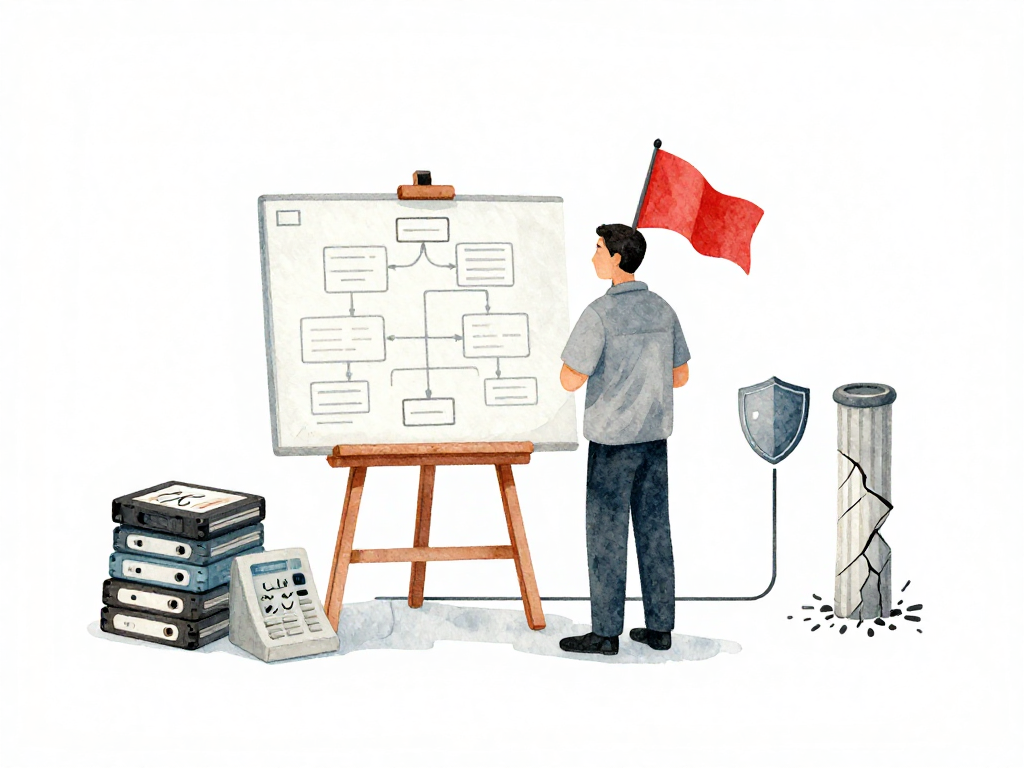
Why Database Migrations Need Their Own Checklist
A developer pushes a change that drops a column. The deployment pipeline runs green. The application deploys successfully. But the database migration already executed, and that column is gone. Now the old version of the application, which still references that column, cannot start. The team realizes they cannot simply roll back the application without also restoring the database. And restoring the database means losing any data written after the migration ran.
This scenario plays out in teams that treat database changes the same way they treat application code changes. The risk profile is fundamentally different. When application code breaks, you can redeploy the previous version. When a database migration breaks, you cannot always undo what was done. Data may be lost. Constraints may be violated. The schema may have changed in ways that make a simple rollback impossible without a full restore from backup.
That is why database migrations need their own template. Not a generic deployment checklist. Something specific to the nature of schema changes, data transformations, and the irreversible consequences of altering production data.
The Problem With Treating Migrations Like Code Deployments
Code deployments are relatively safe because they are reversible. You deploy version 2, it has a bug, you deploy version 1 again. The application restarts with the old code, and users continue working.
Database migrations do not work that way. Once a migration runs:
- Dropped columns cannot be recovered without a restore
- Renamed tables break queries that still use the old name
- Data transformations that remove or modify values cannot be reversed by running the migration again
- Index creation or removal can change query performance for hours or days
The risk is not just technical. It is operational. A failed migration can take down the entire application, lock tables for extended periods, and require coordination between developers, DBAs, and operations teams to recover.
The Five-Step Database Migration Template
A good migration template is not a rigid script. It is a sequence of checks and actions that reduce the chance of surprises. Each step has a clear purpose, and skipping any step increases risk.
The following flowchart illustrates the five-step template and the key decision points:
Step 1: Backup Before Anything Else
Before any migration runs, the database must be backed up. This is not a checkbox for compliance. It is the last safety net when everything else fails.
The backup must be usable for a restore to the exact state before the migration. That means:
A reversible migration script pairs the forward change with a rollback, making it clear how to undo if needed:
-- Up: Add a column with a default value
ALTER TABLE users ADD COLUMN last_login_at TIMESTAMP DEFAULT NULL;

-- Down: Remove the column (only safe if no code depends on it)
ALTER TABLE users DROP COLUMN last_login_at;
- The backup file must be tested for validity, not just created
- The restore procedure must be documented and practiced
- For high-risk migrations, a manual backup taken immediately before the migration is better than relying on automated daily backups
Some teams keep automated backups every night. That is fine for routine operations. But for a migration that drops a table or modifies millions of rows, take a backup right before the migration starts. The backup should be stored in a location that is not affected by the migration itself.
Step 2: Dry-Run on a Realistic Environment
A dry-run means executing the migration on a non-production environment that mirrors production as closely as possible. The goal is to catch problems before they hit production.
The key word is "realistic." Running the migration on a database with ten rows tells you nothing about how it will behave on a database with ten million rows. A migration that completes in two seconds on an empty database might take twenty minutes on production data. During those twenty minutes, tables may be locked, queries may queue up, and the application may become unresponsive.
A proper dry-run environment should have:
- Schema identical to production
- Data volume close to production, or at least representative of the largest tables being modified
- Similar hardware or resource constraints, especially for CPU and I/O
Run the migration. Note how long each statement takes. Watch for lock contention. Check for errors. If the dry-run reveals problems, fix them before touching production.
Step 3: Execute the Migration in Production
This is the critical moment. The migration should run during low-traffic hours. Not because the migration itself will fail, but because the impact of any issue is smaller when fewer users are affected.
During execution, monitor actively:
- How long does each statement take to complete?
- Are there locks that block other queries?
- Is the application still serving requests, or are connections timing out?
- Are error rates increasing in the application logs?
If the migration takes longer than expected, do not assume it will eventually finish. Have a plan for aborting or pausing. Some migrations can be split into smaller batches. Others may require putting the application into maintenance mode temporarily.
Step 4: Verify the Result
Do not trust a green exit code. A migration can complete without errors and still leave the database in a broken state. Verification means checking that the schema matches expectations and that the application can connect and function.
Verify by:
- Checking that new columns exist with the correct data types
- Confirming that data transformations produced the expected values
- Running a test query that exercises the changed schema
- Connecting the application to the database and checking for connection errors
If the migration added constraints, verify that existing data satisfies them. If the migration removed constraints, verify that the application still performs correctly without them.
Step 5: Monitor for Short-Term Effects
Schema changes do not stop affecting the system once the migration completes. They can alter query execution plans, change index usage, and introduce new locking patterns. These effects may not appear immediately.
Monitor for the next few hours:
- Are there new slow queries in the database?
- Are error rates in the application higher than before?
- Are there deadlocks that did not exist previously?
- Is the application responding within normal latency ranges?
Use existing monitoring tools. Do not rely on manually checking logs. Set up alerts for any degradation that correlates with the migration time.
Practical Checklist for Database Migrations
| Step | Action | Verify |
|---|---|---|
| Backup | Take a manual backup before migration | Test that the backup file is valid and restorable |
| Dry-run | Run migration on staging with production-like data | Compare execution time, check for errors, note lock duration |
| Execute | Run migration during low traffic | Monitor statement duration, locks, application errors |
| Verify | Check schema and data after migration | Confirm columns, constraints, and application connectivity |
| Monitor | Watch for performance changes for 2-4 hours | Check slow queries, error rates, deadlocks |
The Takeaway
Database migrations are not code deployments. They carry irreversible consequences that require a different approach. A five-step template - backup, dry-run, execute, verify, monitor - gives your team a structured way to reduce risk. Use it for every migration, no matter how small. The migration that seems too simple to need a checklist is often the one that causes the most damage.