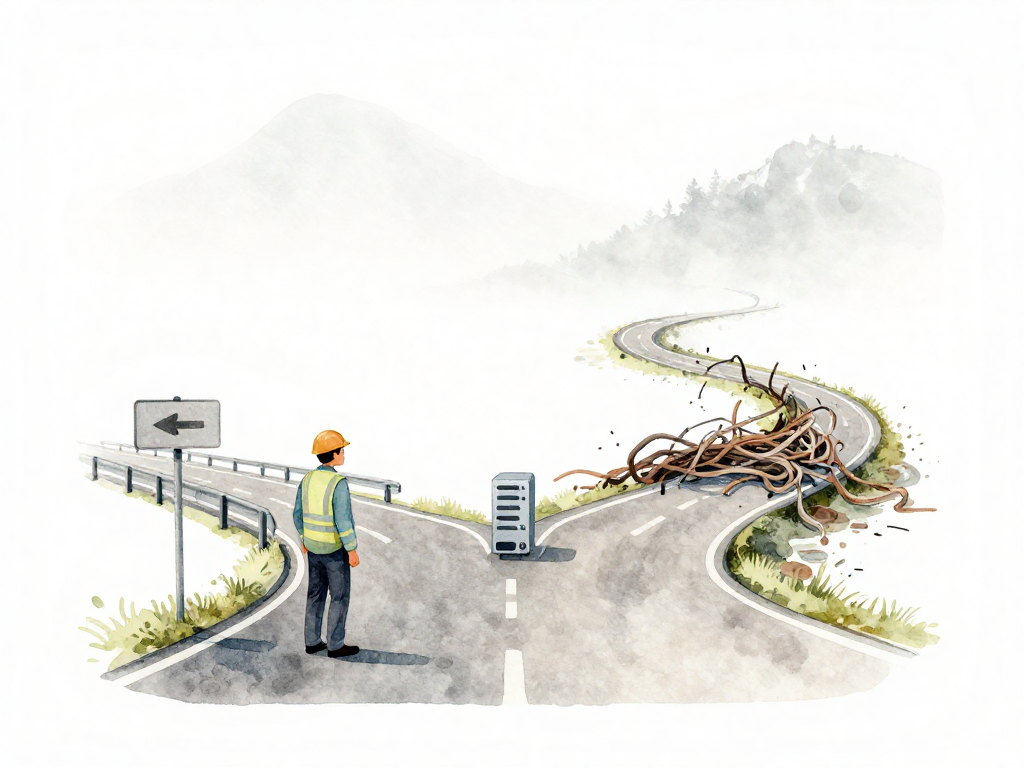
Why Every Change Needs a Controlled Path
You change one line of code on a production server. No one else knows. It feels harmless -- fixing a typo on the login page, maybe tweaking a button color. Then users start reporting that the main page is down. You panic, digging through logs, trying to remember what you touched. There is no record. No one can tell you what changed, when, or whether that change caused the outage.
This scenario is not hypothetical. Many teams have lived through it, especially in the early days when the application was small and only a handful of people used it. Changing something directly on production felt efficient. Why go through a long process for a tiny fix? But as the application grows, as more users depend on it, the risk of uncontrolled changes grows too.
The Real Cost of Uncontrolled Changes
Consider a developer who updates a library on production because they want to use a new feature. They do not realize the new version is incompatible with the current database driver. Suddenly, queries that used to complete in milliseconds start taking seconds. Users complain. The team scrambles to find the cause while the application crawls.
Or imagine someone tweaks a server configuration to fix a minor issue. The change works -- until the server restarts. Then it refuses new connections. The application goes down completely. The team has no idea what changed because no one wrote it down. They have to reconstruct the state from memory, guessing what might have gone wrong.
These problems are preventable. The key is making every change go through a controlled path. That does not mean bureaucracy or slow approvals. Good control actually makes teams faster and safer. When something breaks, you know exactly what changed, who changed it, and how to undo it.
Consistency Across Servers
When an application runs on multiple servers, all of them must run the same version. If someone manually changes one server, the behavior becomes inconsistent. Users hitting different servers see different results. Debugging turns into a nightmare because you cannot tell which server is misbehaving.
Controlled changes ensure that every server receives the same update in the same way. Automation handles the distribution, and the team knows that what works on one server works on all of them.
Audit and Incident Response
When an incident happens, the first question is always: what changed? Without a record of changes, the team can only guess. In many cases, the root cause is the last change made. If that change is documented, the team can roll it back immediately. If not, they waste precious time searching.
Audit trails are not just for compliance. They are a practical tool for daily operations. Every change should leave a trace: who made it, what was changed, when, and why. This trace is what allows a team to respond quickly and confidently when something goes wrong.
Control Does Not Mean Slowing Down
There is a common fear that controlling changes will slow the team down. The opposite is true. With a controlled path, the team can move with confidence. Every change has been reviewed, tested, and recorded. If something breaks, the team knows how to revert. The fear of breaking production fades, and the team becomes willing to ship more frequently.
This is where the concepts of gates and approvals come in. A gate is a checkpoint that a change must pass before moving to the next stage. An approval is a human decision that grants permission to proceed. Together, they ensure that changes reaching production have been properly vetted.
But not all changes carry the same risk. Fixing a typo on a static page is low risk. Migrating a database or changing infrastructure architecture is high risk. The controls you apply should match the level of risk. A small change might only need automated checks. A large change might need manual review, sign-off from multiple stakeholders, and a scheduled deployment window.
Practical Checklist for Change Control
Use this checklist when setting up or reviewing your change control process:
- Is every change recorded with who, what, when, and why?
- Can you roll back any change within minutes?
- Do automated checks run before changes reach production?
- Are high-risk changes reviewed by at least one other person?
- Do you know the last change made before any incident?
- Is the process the same for code, configuration, and infrastructure changes?
The Takeaway
Uncontrolled changes are a gamble. They might work, but when they fail, the cost is high: downtime, frustrated users, and a stressed team scrambling to find answers. A controlled path does not slow you down. It gives you the safety net to move faster. Every change, no matter how small, deserves a record, a review, and a way to undo it. That is not bureaucracy. That is engineering discipline that protects your users and your team.