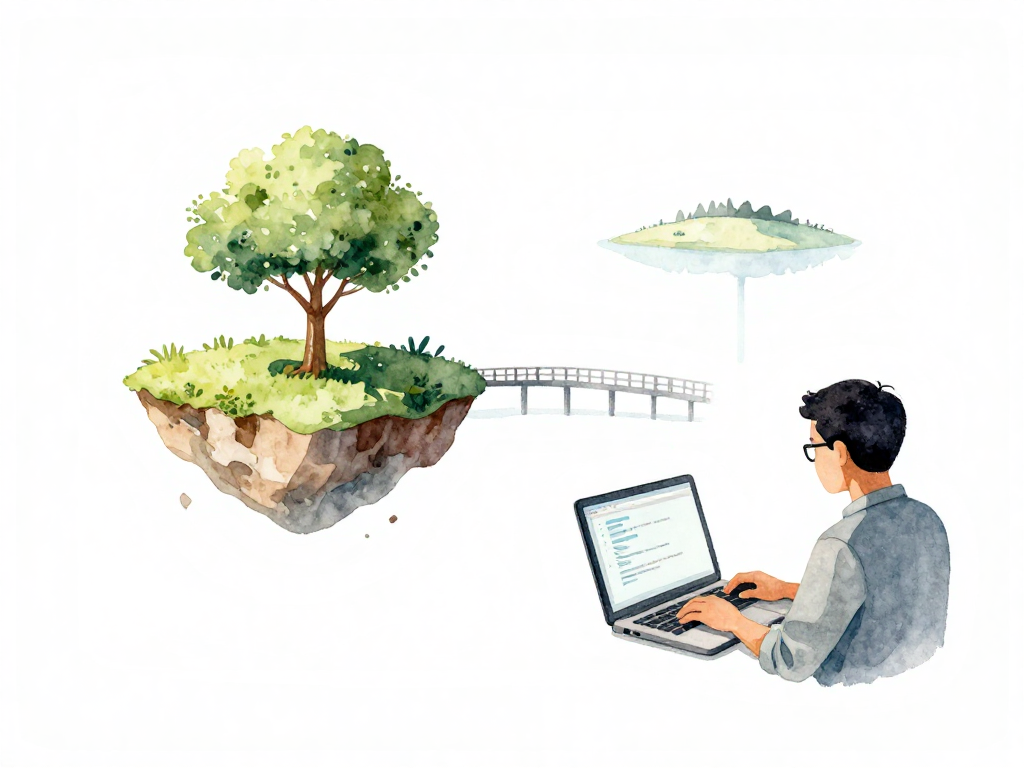
From Idea to Code: The First Step in Software Delivery
Every feature starts the same way: someone has an idea, the team agrees it's worth building, and a developer opens their editor to write code. At this point, the code exists only on one person's laptop. It runs in an environment that one person controls completely.
The developer types, tests, tweaks, and watches the output on their own screen. Everything works. The button appears where it should. The data loads correctly. The feature does what it's supposed to do.
This feels like progress. And it is. But the code running on a laptop is not yet ready to be shipped.
The Local Environment Trap
When code lives only on a developer's machine, it runs in a bubble. The libraries installed, the operating system version, the database configuration, even the port numbers -- all of these are specific to that one laptop. Another developer on the same team might have Python 3.11 when you have 3.10. They might use PostgreSQL 15 while you use 14. Their Node version could be different. Their file paths are definitely different.
These differences are invisible during local development. The code works on your machine, so you assume it works everywhere. But the moment someone else tries to run it, problems surface. A library wasn't installed. A configuration points to a local path that doesn't exist on another machine. A dependency version mismatch causes a cryptic error.
This is the first real problem in software delivery: code that runs perfectly on one laptop may fail everywhere else. And the further the code travels from the developer's machine, the harder it becomes to diagnose why.
Writing Code That Travels
To make code that can move beyond a single laptop, developers need to write with discipline. Not because of rules or process, but because code that stays on one machine is useless to everyone else.
The first discipline is dependency management. Every library, framework, and tool the code needs must be recorded explicitly. Not installed manually and forgotten. Not assumed to be present. Written down in a configuration file that another developer or a server can read and install automatically. If the code needs a specific version of a library, that version must be pinned. If it needs a system tool, that tool should be documented.
For example, a Node.js project declares its dependencies in a package.json file like this:
{
  "name": "my-app",
  "version": "1.0.0",
  "dependencies": {
    "express": "4.18.2",
    "pg": "8.11.3",
    "lodash": "4.17.21"
  },
  "devDependencies": {
    "jest": "29.7.0",
    "eslint": "8.56.0"
  }
}
The second discipline is configuration separation. Database addresses, API keys, file paths, and environment-specific settings should never be hardcoded into the source files. They belong in environment variables or configuration files that are loaded at runtime. This way, the same code can run on a developer's laptop, a test server, and production without modification. Only the configuration changes.
The third discipline is keeping a record of changes. Every time a developer finishes a logical piece of work, they save that state. In practice, this means making a commit. A commit is a snapshot of changes to one or more files that form a coherent unit. Adding a save button? The commit should include the frontend change, the backend endpoint, and any related tests. Not half the work, not unrelated changes mixed in.
Commits create a history. Later, when code is running in production and something breaks, that history becomes the first place to look. Who changed what? When? Why? The commit message should answer those questions.
From Local to Shared
Committing code to a local repository is a good habit, but it's not enough. The code is still on one machine. If that laptop dies, the work is gone. If another developer needs to review the changes, they can't see them. If an automated system needs to build and test the code, it has no access.
The next step is to push the code to a shared repository. This is a central location that the team can access. It's where code becomes visible to others. It's where automated tools can pick it up. It's where the journey from idea to running software truly begins.
Once code reaches the shared repository, it can be checked, tested, and built into something that runs on a server. But before that happens, there's one more step: the code needs to be reviewed. Either by another person or by an automated tool. This review catches mistakes that the original developer missed. It ensures the code follows the team's standards. It confirms that the change makes sense before it moves further down the pipeline.
The Gap Between Working Code and Shippable Code
There is a difference between code that works on your machine and code that is ready to be shipped. The gap is not about skill. It's about environment. Code that has only ever run on one laptop has not been tested against reality. It has not been validated against the shared environment where it will eventually run.
Closing this gap requires habits that feel like overhead at first. Recording dependencies. Separating configuration. Making clean commits. Pushing to a shared repository. Each step seems small, but together they transform code from something personal into something that can be built, tested, and deployed by anyone on the team.
Practical Checklist Before Pushing Code
Before you push your next change to the shared repository, run through this quick check:
- Are all dependencies recorded in a configuration file that can be installed automatically?
- Are environment-specific values (database URLs, API keys, paths) separated from the code?
- Does the commit contain one logical change, with all related files included?
- Does the commit message explain what changed and why?
- Have you run the code in a clean environment that matches what the server will use?
If you can answer yes to all five, the code is ready to leave your laptop.
What Comes Next
Code that has been pushed to a shared repository is no longer private. It is visible to the team and available for automated processes. But it is still just code. It has not been tested against the real environment. It has not been integrated with other changes. It has not been built into a deployable artifact.
The next step is to verify that this code actually works when combined with everything else. That verification is where continuous integration begins. But before that, the foundation must be solid: code that is written with the awareness that it will leave the developer's machine and run somewhere else. That awareness is the first real step toward reliable software delivery.