Why Your Pipeline Should Check Security and Compliance
When your team first sets up a CI/CD pipeline, the checks you add are usually the obvious technical ones: does the code compile, do the unit tests pass, can the application start. That makes sense. At that stage, the problems you feel most are code that breaks and features that don't work.
But once real users start using your application, new questions appear. Does this code have a security hole? Does that library have a known vulnerability? Is the server configuration following company policy? Did someone accidentally commit a password?
Most teams answer these questions manually. A security team runs periodic audits. Someone fills out a compliance checklist before each release. This manual approach has three problems.
First, the checks happen after the code is done, sometimes after it's already in production. When you find a problem, fixing it means going back and forth between the development team and the security team. That's expensive and slow.
Second, manual checks are inconsistent. The same person can miss different things on different days. Two people can interpret the same rule differently.
Third, manual processes can't keep up when your team deploys multiple times a day. The bottleneck shifts from writing code to waiting for approvals and checklists.
The Pipeline as an Automated Gatekeeper
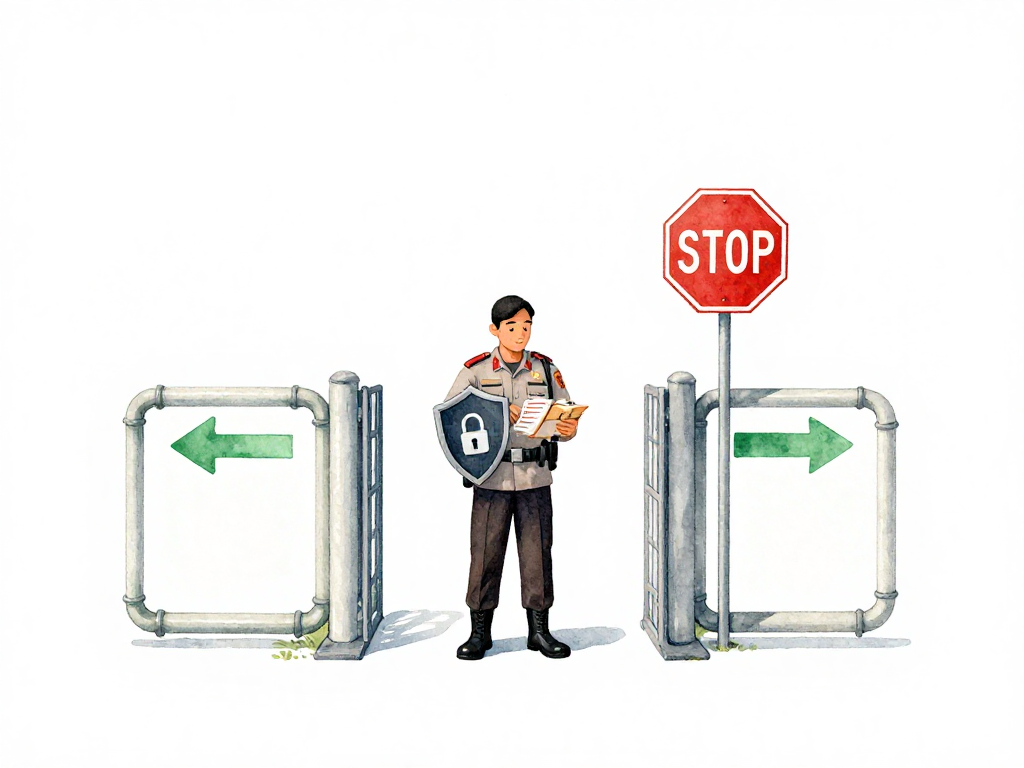
This is why security and compliance checks need to live inside your pipeline. The idea is simple: every time someone pushes a change, the pipeline runs the same checks, in the same way, and gives consistent results.
If there's a security vulnerability, the pipeline tells you before the code reaches production. If a configuration violates company policy, the pipeline stops the process before the problem spreads.
This isn't about replacing your security team. It's about catching the obvious problems automatically so the security team can focus on the harder questions that require human judgment.
The Speed Concern
Many teams worry that adding security checks will slow down the pipeline. That concern is valid, but the problem isn't the checks themselves. The problem is running every check on every commit without thinking about which checks matter when.
Running a full dependency vulnerability scan that takes fifteen minutes on every single commit will definitely frustrate your developers. But running that same heavy scan once a day, or only before merging to the main branch, has minimal impact on developer velocity.
The key is separating fast checks from slow checks.
Fast checks complete in seconds. Scanning for secrets accidentally committed to the repository takes almost no time. Checking that library licenses are acceptable is equally quick. These checks should run on every commit. They catch problems early, and they're cheap enough that no one notices the delay.
Slow checks take minutes or longer. Scanning dependencies against a vulnerability database requires downloading and comparing data. Scanning container images for known CVEs involves analyzing layers and installed packages. These checks are valuable, but they don't need to run on every code push. Run them when someone opens a pull request, or before deploying to a staging environment.
What Security Checks Actually Look Like in a Pipeline
Let's make this concrete. Here are the common categories of security and compliance checks that belong in a pipeline:
Secret scanning. Tools that detect API keys, passwords, tokens, and certificates committed to the repository. These run fast and should run on every commit. If someone accidentally pushes a credential, you want to know immediately, not after the code reaches production.
Dependency scanning. Checks that compare your project's dependencies against databases of known vulnerabilities. These tell you if a library you're using has a published CVE. Run these on pull requests and before production deployments.
Static application security testing (SAST). Tools that analyze your source code for security patterns without executing the code. They look for SQL injection risks, cross-site scripting vulnerabilities, insecure cryptographic functions, and similar issues. SAST tools vary in speed, but many can run within a minute or two on reasonably sized codebases.
Container image scanning. If you build container images, scanning them for vulnerabilities in the base image and installed packages. This catches problems in the operating system layer and runtime dependencies that your application code doesn't directly manage.
Here is what a container image scanning step looks like in a GitHub Actions workflow:
- name: Scan container image for vulnerabilities
  uses: aquasecurity/trivy-action@master
  with:
    image-ref: 'my-app:${{ github.sha }}'
    format: 'table'
    exit-code: '1'
    severity: 'CRITICAL,HIGH'
This step runs Trivy against the built image, outputs a table of findings, and fails the job if any critical or high severity vulnerabilities are found. The exit-code: '1' ensures the pipeline stops, acting as an automated gatekeeper.
Infrastructure as code scanning. If you define infrastructure with Terraform, CloudFormation, or similar tools, scanning those definitions for misconfigurations. Things like open security groups, unencrypted storage, or overly permissive IAM policies.
License compliance. Checking that the licenses of your dependencies are compatible with your project's licensing and company policy. This is especially important for commercial products or projects that may be distributed externally.
A Practical Approach to Getting Started
You don't need to implement all of these at once. Start with the checks that address your most immediate risks.
If your team has accidentally committed secrets before, start with secret scanning. If you've been burned by a vulnerable library, start with dependency scanning. If your infrastructure team has found misconfigurations in production, start with IaC scanning.
Add checks incrementally. Run the fast checks on every commit. Schedule the slow checks at pull request time or before staging deployments. Let the pipeline tell you when a check fails, and make sure the failure message is clear enough that the developer knows what to fix.
A Quick Checklist for Your Pipeline
- Secret scanning runs on every commit
- Dependency scanning runs on pull requests and before production deployment
- SAST runs on pull requests
- Container image scanning runs before staging deployment
- Infrastructure as code scanning runs on infrastructure changes
- License compliance runs on pull requests
- Fast checks (seconds) run on every commit
- Slow checks (minutes) run at pull request or before staging
The Real Value
Security and compliance checks in your pipeline aren't extra bureaucracy that slows you down. They're guardrails that let your team move faster with confidence. When every change passes the same automated checks, you don't need to wonder whether this release has a known vulnerability or violates company policy. The pipeline already answered those questions.
Your team can focus on building features and fixing bugs, knowing that the basic security and compliance filters are running automatically, consistently, and immediately. That's the difference between hoping nothing goes wrong and knowing that nothing obvious did.