Why Every Build Needs a Unique Identity
You just ran a build. A JAR file appears in the output directory. Or maybe a ZIP archive, or a compiled binary. It looks like any other build you've done this week. You copy it to a server, deploy it, and move on.
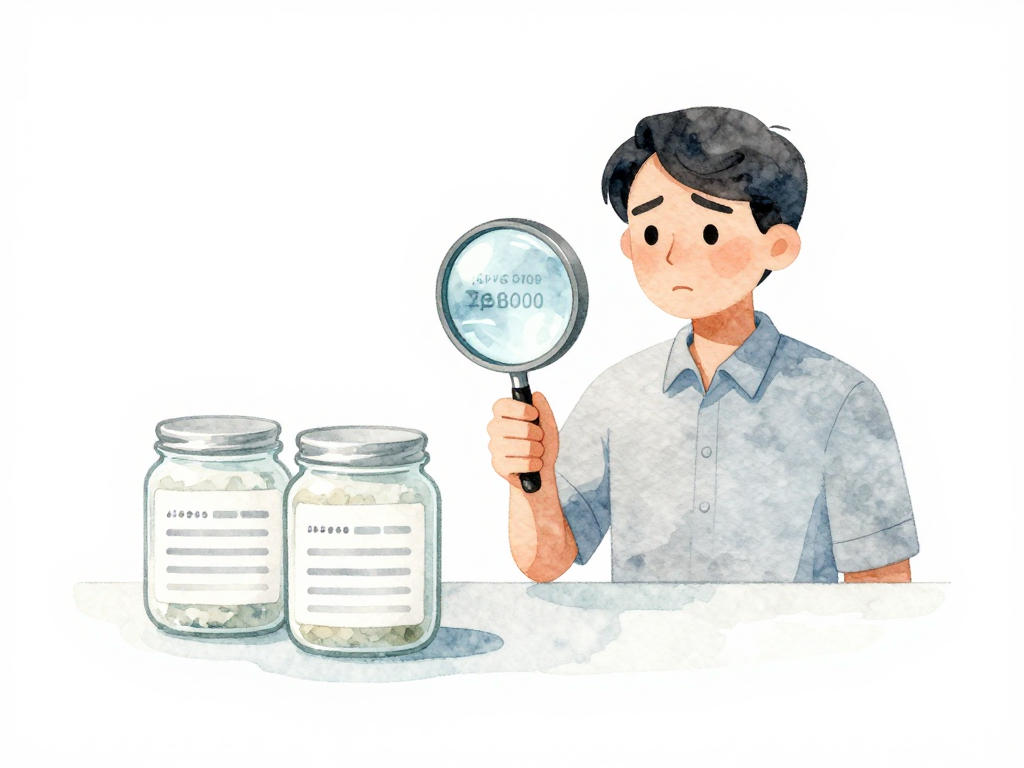
Three days later, someone reports a bug in production. You need to figure out which artifact is actually running. You check the server, find a file named app-1.0.0.jar, and realize you have no idea whether this is the build from Tuesday or the one from Thursday. Both were labeled 1.0.0. Both came from the same repository. But something is wrong, and you can't trace the problem back to the source code.
This is the moment when a missing artifact identity becomes a real operational headache.
The Problem with Just a Version Number
Version numbers are the most basic form of identification. They give you a rough sense of what you're dealing with. 1.0.0, 2.3.1, 3.0.0-beta -- these labels help humans understand progression and compatibility.
But version numbers alone break down fast in practice.
Imagine you build version 1.0.0 today. Tomorrow, you run the same build from the same source code. You get another 1.0.0. Now you have two different files with the same label. Which one is in production? Which one was tested? If you need to reproduce a bug, which 1.0.0 should you use?
The uncomfortable truth is that two builds from identical source code can produce different artifacts. A dependency version might have changed in your package manager. The build tool itself could have been updated. The build environment -- operating system patches, library versions, even the timezone -- can introduce subtle differences. Same version number, different artifact.
What Makes a Good Artifact Identity
A useful artifact identity needs to be unique, traceable, and permanent. It should answer three questions:
- What code was used?
- When was this built?
- Which build run produced it?
The most common approach combines three pieces of information into a single identifier.
Build ID
Every pipeline run gets a sequential number. Jenkins calls it the build number. GitLab CI calls it the pipeline ID. GitHub Actions calls it the run number. Whatever the name, it's a monotonically increasing integer that is unique within a project. Build 142 is always different from Build 143.
But a build ID alone doesn't tell you what code was built. You need more.
Commit Hash
Every commit in Git has a SHA hash -- a long hexadecimal string that uniquely identifies the exact state of the source code at that point. When you combine the build ID with the commit hash, you get something powerful: "This artifact came from build 142, which used commit a3f2c9e."
If something goes wrong, you can check out that exact commit and see the code that was compiled. No guesswork, no "I think this was the version we used."
Timestamp
Some teams add a timestamp to the identity. It helps when you need to know exactly when the build happened, especially when comparing artifacts across different environments. But timestamps alone are not unique -- two builds in different pipelines could start at the same second.
The combination of build ID, commit hash, and timestamp gives you a robust, human-readable identity. Something like 142-a3f2c9e-20250321T143022. It's not pretty, but it's unambiguous.
Here's how you might construct that identity in a CI pipeline:
BUILD_ID="${CI_PIPELINE_ID:-142}"
COMMIT_HASH="${CI_COMMIT_SHA:-a3f2c9e}"
TIMESTAMP=$(date +%Y%m%d%H%M%S)
ARTIFACT_NAME="myapp-${BUILD_ID}-${COMMIT_HASH}-${TIMESTAMP}.jar"

echo "Building ${ARTIFACT_NAME}"
# ... build steps ...
cp target/app.jar "dist/${ARTIFACT_NAME}"
The Immutable Artifact Rule
Once an artifact receives its identity, that identity must never change. This is the principle of immutability.
An immutable artifact means:
- You never overwrite an existing artifact.
- You never reuse an identity for a different file.
- You never modify an artifact after it's built.
If you need to rebuild, you get a new identity. The old artifact stays where it is, with its original label. This might seem wasteful, but it's the foundation of traceability.
Without immutability, your artifact storage becomes a mess of overwritten files and lost history. You can't confidently say "this is the artifact that was tested in staging" because someone might have replaced it with a newer version under the same name.
With immutability, you can track every artifact through its lifecycle. You know exactly which artifact went to staging, which went to production, and which is still waiting for testing. You can compare artifacts across environments and confirm they are identical.
Where Do Artifacts Live?
Identity alone isn't enough. You also need a place to store artifacts so they survive beyond the build machine.
If your artifacts sit in a folder on your CI server or your laptop, they will disappear when the disk is cleaned, the machine is replaced, or you run out of space. You need a centralized storage system that is accessible to everyone who needs it -- developers, testers, operations teams, and deployment pipelines.
This storage is called a registry. It can be a simple file server, a dedicated artifact repository like Nexus or Artifactory, or a cloud-native solution like container registries for Docker images. The important thing is that it's a single source of truth for all built artifacts.
When you combine a unique, immutable identity with a reliable registry, you create a chain of custody for every piece of software you produce. You can trace any running instance back to its exact build, its source code, and the conditions under which it was created.
Practical Checklist
- Every build produces a unique identifier combining build ID, commit hash, and timestamp.
- Artifacts are never overwritten or replaced with the same identity.
- Artifact storage is centralized and accessible to all teams that need it.
- You can trace any deployed artifact back to its exact source code commit.
- Your deployment process records which artifact identity is running in each environment.
The Takeaway
A build without a unique identity is a liability. You can't debug production issues effectively, you can't verify what's running where, and you can't trust your deployment process. The combination of build ID, commit hash, and timestamp gives you a simple, reliable way to identify every artifact you produce. Make it immutable, store it in a registry, and you'll never have to guess which version of your software is actually running.