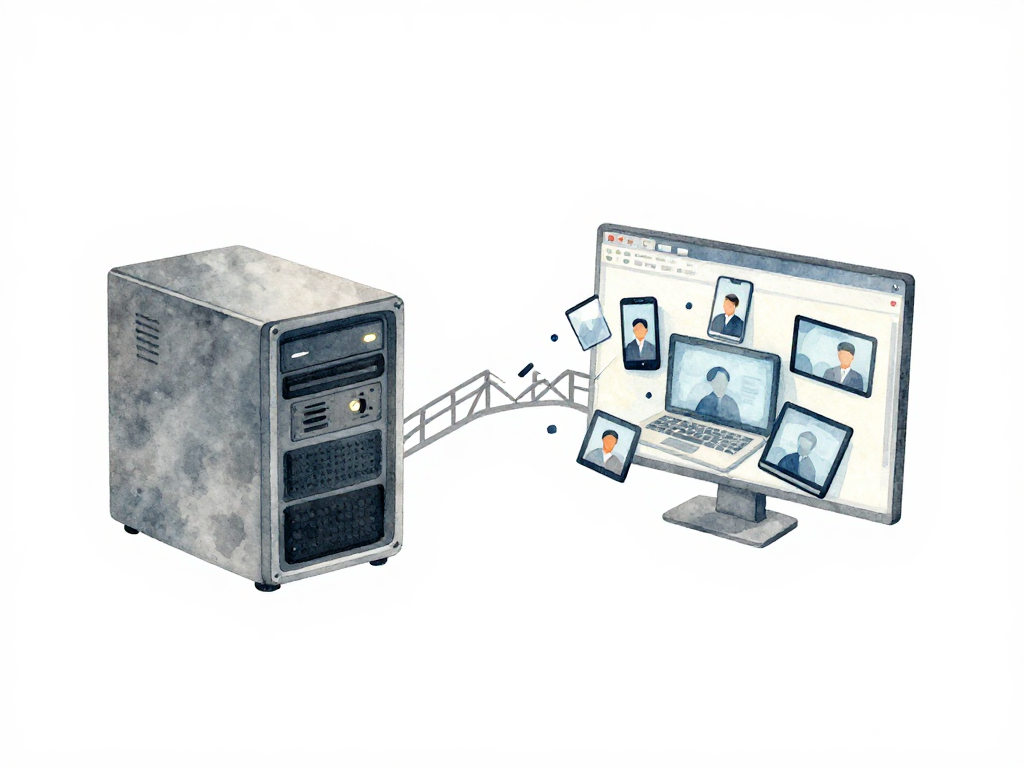
Why Frontend Web CI/CD Is Not Backend CI/CD
When a team starts building a CI/CD pipeline, the first thing that comes to mind is usually the backend. There is a server to restart, a database migration to run, an API to check for correct responses. The backend runs on infrastructure the team controls. You know the OS, the runtime version, the available memory, and when the server was last restarted. If something breaks, you SSH in, check logs, and restart the process.
Frontend web does not work that way. Once the application is deployed, JavaScript, HTML, and CSS are sent to the user's browser. That browser could be Chrome, Firefox, Safari, or something else entirely. The user might be on a Windows laptop, a Mac, or an Android phone. Their internet connection could be fast or painfully slow. The team has zero control over any of these variables. The only thing you can control is the code you ship: that it is correct, lightweight, and compatible with as many environments as possible.
This difference changes everything about how you design a frontend pipeline. The strategies that work for backend deployment often fail or cause new problems when applied to frontend code.
Static Assets vs. Server-Side Rendering
Frontend web deployments typically involve two kinds of assets. Static assets are files that do not change based on who requests them: HTML, CSS, JavaScript, images, fonts. These files can be stored on a CDN, cached by the browser, and served from the server closest to the user. They are simple to deploy: upload to a storage bucket or CDN, and users get the latest version when they refresh the page.
The complication comes from caching. Even after you deploy a new version, the browser or CDN might still serve the old files. A user who visited your site an hour ago might see the old UI for hours or days, depending on cache headers and service worker behavior. This is a frontend-specific problem that backend teams rarely deal with. A backend API change takes effect immediately on the server. A frontend change can be invisible to users because their browser decided to keep the old files.
The other type of frontend asset is server-side rendered (SSR) content. In SSR, the page is built on the server and sent to the browser as ready HTML. This approach is common for applications that need fast initial page loads, good SEO, or dynamic content that changes per user. SSR means your frontend code runs on a server you control, at least for the initial render. But the JavaScript that hydrates the page still runs in the user's browser, so you still have the compatibility problem. SSR adds another deployment target: you now need to manage the server processes that generate the HTML, handle scaling, and monitor for errors.
To force the CDN to fetch the latest files after a deployment, you can invalidate its cache. For example, with AWS CloudFront:
aws cloudfront create-invalidation \
  --distribution-id E1234567890ABC \
  --paths "/*"
This command tells the CDN to discard all cached files and request fresh copies from the origin. Without this step, users might see stale assets for hours even after a successful deploy.
The API Dependency Problem
Frontend applications rarely stand alone. Almost every modern web app fetches data from an API, sends user input, or handles authentication. This creates a tight coupling between frontend and backend that makes pipeline design harder than it looks.
When you release a new frontend version, you need to be sure the backend API still matches. If the backend changed the response structure without telling the frontend team, users will see broken pages or missing data. If the frontend starts calling an endpoint that does not exist yet on the backend, the application will error out.
This means a frontend pipeline cannot stop at "build succeeded." The pipeline must also verify that the frontend version about to be released is compatible with the API currently running in production. The team needs to know which API version is live, whether any breaking changes were introduced, and how to handle the transition period when frontend and backend are released at different times.
In practice, this often leads to versioned APIs, feature flags, or careful coordination between frontend and backend release cycles. Some teams adopt a contract-testing approach where the frontend pipeline runs tests against a known API specification before allowing a deployment. Others use canary releases or blue-green deployments on the frontend to catch incompatibilities early.
Testing Is Different for Frontend
Unit testing in frontend has a different shape than in backend. A backend unit test typically calls a function or endpoint and checks the response. A frontend unit test needs to account for user interaction, browser behavior, and visual output.
The industry habit of equating unit tests with testing individual functions or classes is misleading for frontend. A unit test should verify one meaningful behavior from a relevant entry point. For frontend, that entry point is often a user action: a click, a form submission, a navigation, or a visible state change. The test should prove that the system responds correctly to that interaction, not that an internal method was called with the right arguments.
This means your test suite should not break just because you refactored internal code. If you changed how a component manages its internal state but the user still sees the same result, the tests should still pass. Tests that are tightly coupled to implementation details become a maintenance burden and slow down the pipeline without adding real safety.
For frontend, the relevant test environment might include a browser runtime. Emulators or simulators can be valid execution environments for unit tests if the behavior being tested requires browser APIs, layout calculations, or runtime features. Physical devices are still necessary for hardware-dependent scenarios: camera, sensors, network variations, and real-world performance.
The Build Step Is Not Just Compilation
In backend CI/CD, the build step usually means compiling code and packaging it into a deployable artifact. For frontend, the build step does much more. It bundles JavaScript modules, minifies code, optimizes images, generates source maps, injects environment variables, and produces multiple file versions for different browsers or devices.
The build output is not a single artifact. It is a collection of files with cache-busting hashes in their filenames. These hashes are critical for cache management. When you deploy a new version, only the files that changed get new hashes. Files that did not change keep their old hashes, so the browser cache continues to serve them. This reduces download size for users who already visited your site.
But cache busting only works if your pipeline handles it correctly. If your build process does not generate unique hashes for changed files, or if your deployment process does not update the HTML references to point to the new hashes, users will get a mix of old and new files. The result is a broken UI that is hard to debug because it only happens on some browsers or after certain navigation patterns.
Practical Checklist for Frontend CI/CD
- Verify that your build step generates unique cache-busting hashes for changed files.
- Test your frontend against the exact API version running in production, not just a mock or staging API.
- Include browser-based tests that simulate real user interactions, not just unit tests on internal functions.
- Set up cache header policies that balance freshness with performance. Short cache times for HTML, long cache times for hashed assets.
- Run a quick visual regression check to catch unintended UI changes before release.
- Confirm that your deployment process updates all references to new asset hashes, including service worker files if you use one.
The Concrete Takeaway
Frontend CI/CD is not a simplified version of backend CI/CD. It has its own constraints: uncontrolled user environments, caching behavior that can hide or break your release, tight coupling to backend APIs, and a build step that does more than compile code. Treating frontend deployment as "just upload some files" will lead to broken user experiences that are hard to diagnose. Build your frontend pipeline around the reality that the code runs in someone else's browser, on someone else's network, and you only get one chance to make the first impression work.