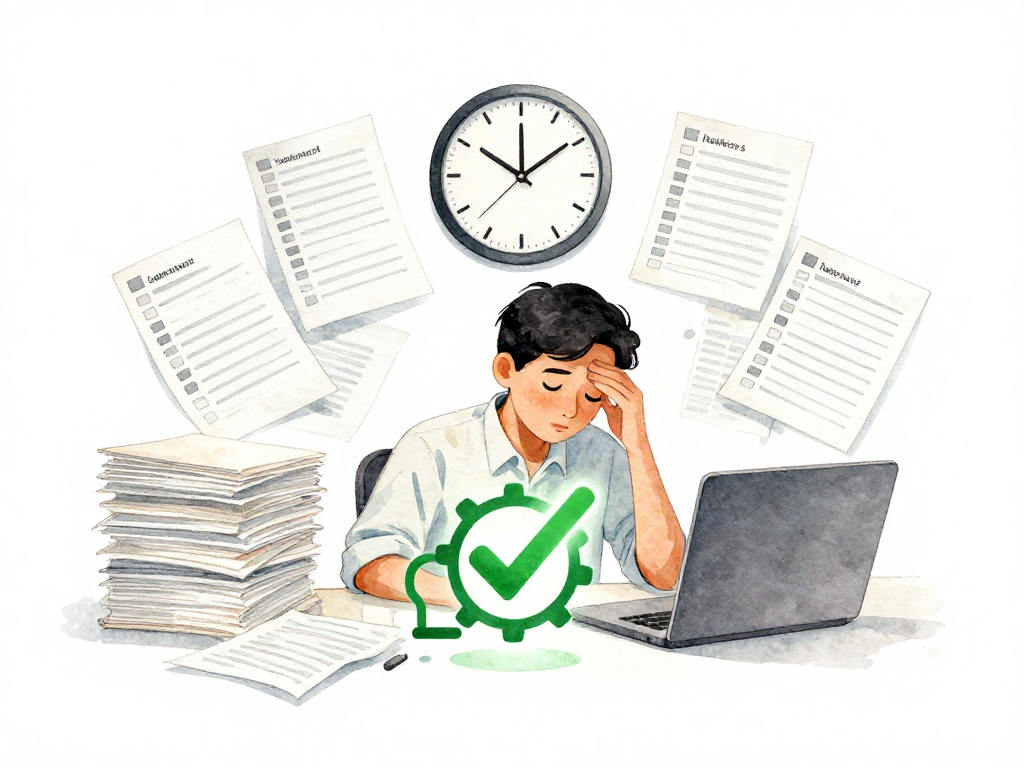
Why Manual Checks After Deployment Will Fail (And What To Do Instead)
You just deployed a new version. You open your browser, click through a few pages, check if the database responds, and everything looks fine. You close the tab and move on.
That works when you deploy once a week. But when deployments happen daily, or multiple times a day, that manual check stops being reliable. The same person cannot repeat the exact same inspection every single time without missing something. Some checks get skipped because you are in a hurry. Some get rushed because the next meeting is starting. Some get assumed to be fine because "it worked last time."
The problem is not that people are careless. The problem is that manual repetition does not scale. And when a bad deployment slips through because someone forgot to check one endpoint, the whole team pays for it.
The Real Cost of Manual Post-Deploy Checks
Manual checks after deployment create hidden risks that teams often underestimate.
First, they depend on memory. The person doing the check has to remember every step: which endpoints to hit, what responses to expect, which database queries to verify, which background jobs to confirm. Memory is unreliable, especially under pressure.
Second, they vary between people. One engineer might check the login flow and the search feature. Another might check the checkout process and the admin panel. Neither checks everything, and both assume the other person covered the rest.
Third, they do not leave evidence. When a manual check passes, there is no record of what was checked, what the response was, or whether the check was thorough. If something breaks an hour later, you cannot look back at the check results to understand what changed.
Fourth, they create a bottleneck. The person who knows how to do the checks becomes a gatekeeper. Deployments wait for them. Releases get delayed. And if that person is unavailable, the team either deploys without checks or does not deploy at all.
Automating Post-Deploy Checks: The Core Idea
The solution is straightforward: after your pipeline finishes deploying a new version, it should immediately run a predefined set of checks. These checks execute the same way every time, without anyone needing to remember what to inspect.
The following flowchart contrasts the manual approach with the automated approach described here:
This is not about testing every feature. It is about verifying that the most critical functions still work after the deployment. The checks confirm that the application is alive, reachable, and behaving correctly at the level that matters most to users.
The pipeline runs these checks automatically. If they all pass, the team has evidence that the new version is healthy. If any check fails, the pipeline alerts the team immediately, and they know exactly which part needs attention.
Here is a minimal example of what such an automated check script might look like:
#!/bin/bash
# post-deploy-check.sh
# Run after deployment to verify the application is healthy.

BASE_URL="https://your-app.example.com"
PASS=0
FAIL=1

# Smoke test: check main endpoint
HTTP_CODE=$(curl -s -o /dev/null -w "%{http_code}" "$BASE_URL")
if [ "$HTTP_CODE" -ne 200 ]; then
  echo "FAIL: Main endpoint returned $HTTP_CODE"
  exit $FAIL
fi
echo "PASS: Main endpoint is reachable"

# Synthetic transaction: simulate a user login flow
LOGIN_RESPONSE=$(curl -s -X POST "$BASE_URL/api/login" \
  -H "Content-Type: application/json" \
  -d '{"username":"test_user","password":"test_pass"}')

if echo "$LOGIN_RESPONSE" | grep -q '"token"'; then
  echo "PASS: Login flow works"
else
  echo "FAIL: Login flow failed"
  exit $FAIL
fi

echo "All checks passed. Deployment is healthy."
exit $PASS
Two Types of Automated Checks You Can Start With
Smoke Tests
Smoke tests are the simplest form of automated post-deploy checks. They verify that the application is running and responding to basic requests.
A smoke test might check:
- Can the application accept network connections?
- Does the main endpoint return a 200 status code?
- Can the new version reach the database?
- Are the critical API routes responding?
These checks are easy to write. They are just scripts that your pipeline calls after the deploy step. If any check fails, the pipeline stops and notifies the team.
Smoke tests do not need to be comprehensive. They just need to catch obvious failures: a service that did not start, a database connection that broke, a configuration that went missing.
Synthetic Transactions
Synthetic transactions go a step further. They simulate what a real user does, step by step.
For an e-commerce application, a synthetic transaction might:
- Open the product listing page
- Click on a specific product
- Add it to the cart
- Proceed to checkout
- Fill in shipping details
- Confirm the order
Each step checks that the response is correct. If the cart page returns an error, or the checkout fails to load, the synthetic transaction fails and the pipeline knows something is wrong.
Synthetic transactions require more setup than smoke tests. You need to write scripts that mimic user behavior. But they catch problems that smoke tests miss, like broken workflows or missing data in a multi-step process.
What to Automate First
Do not try to automate everything at once. Start with the functions that would cause the most pain if they broke.
Ask your team: "If we deploy and this feature stops working, how quickly would users notice? How much damage would it cause?"
The answers tell you what to automate first. For most applications, that means:
- Authentication and login
- Search functionality
- Core transaction flows (checkout, payment, booking)
- Data submission forms
- API endpoints that other services depend on
Start with one or two scenarios. Run them consistently after every deployment. Add more over time as you see what breaks and what matters.
A small set of checks that run every time is far more valuable than a large suite that fails constantly due to flaky tests or irrelevant scenarios.
Making the Results Visible
Automated checks are only useful if their results are visible and actionable.
Your pipeline should record the outcome of every check. Store the results alongside the deployment logs. Display them on a dashboard that the team can see.
When all checks pass, the team has clear evidence that the deployment is healthy. When a check fails, the team knows immediately which part of the system needs investigation.
This visibility changes how the team operates. Instead of wondering whether a deployment went well, they have data. Instead of relying on someone's memory, they have records. Instead of discovering problems through user complaints, they catch them minutes after deployment.
The Next Step: From Verification to Decision
Once automated post-deploy checks become routine, the next logical step is to use them as a gate. If the checks fail, the pipeline can automatically stop the release from reaching users. If they pass, the release continues.
This is not about removing human judgment. It is about removing the need for humans to repeat the same manual verification every single time. The team decides what to check. The pipeline executes those checks consistently. And the team focuses on the exceptions, not the routine.
Practical Checklist for Getting Started
Before you build a full automation system, start small:
- Identify the three most critical user-facing functions in your application
- Write a smoke test script that checks whether your main endpoints respond correctly
- Write one synthetic transaction script that simulates a core user flow
- Add these checks to your deployment pipeline, right after the deploy step
- Configure the pipeline to notify the team if any check fails
- Run the checks for one week and note any false positives or gaps
- Adjust the checks based on what you learn
- Add one more scenario the following week
The Concrete Takeaway
Manual post-deploy checks work until they don't. The moment your team deploys more than once a day, or the moment a bad deployment slips through because someone forgot to check one thing, you need automation.
Start with smoke tests for basic availability. Add synthetic transactions for critical user flows. Make the results visible. And let the pipeline handle the repetition so your team can focus on what actually needs human attention.
The goal is not to eliminate human oversight. The goal is to eliminate the kind of oversight that happens because someone had to remember to check the same thing for the hundredth time.