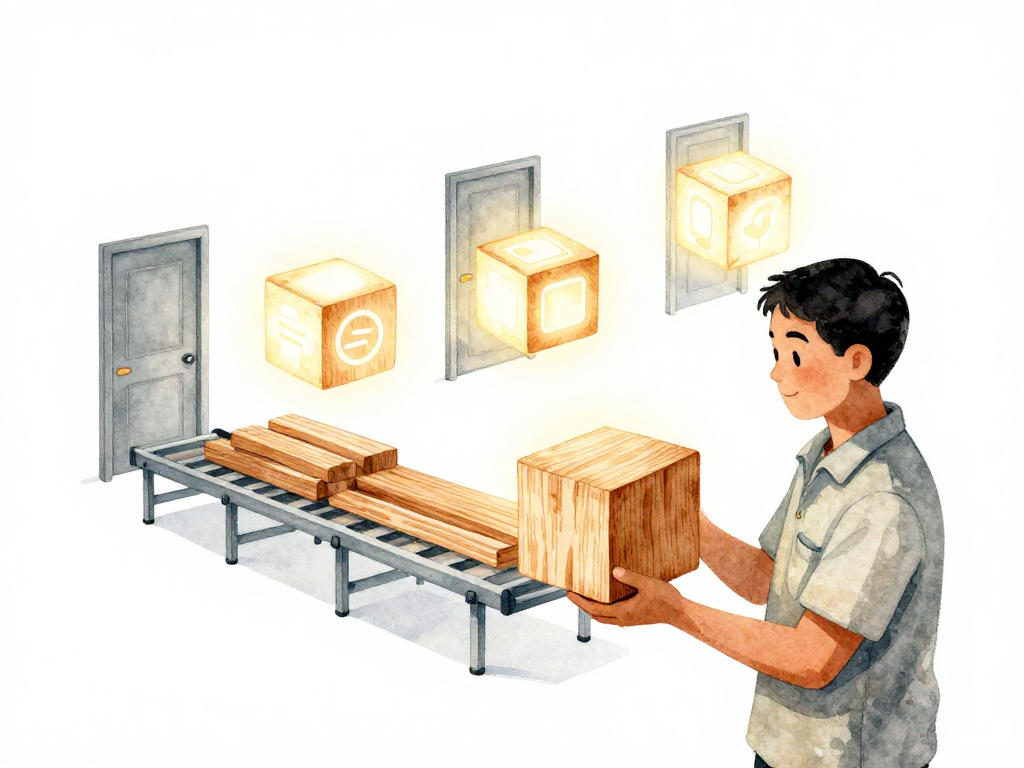
What Actually Gets Sent to Your Environments (And Why It Matters)
Picture this: your team just finished a sprint. Everyone is tired, but the release must go out tonight. A developer builds the application on their laptop, tests it locally, and pushes the artifact to staging. The staging tests pass. Confidence is high.
Then someone says: "Let me rebuild for production, just to be safe. I'll include the latest config fix."
The production build is different from the staging build. Different timestamp. Different compilation. Maybe a slightly different library version got pulled in.
Production goes down an hour later. Now you have a question you cannot answer: is the bug in the code that was different, or is it in the environment configuration? You lost the ability to know for sure.
This is the problem that immutable artifacts solve. But before we get there, let's talk about what an artifact actually is.
Source Code Is Not What Runs on Servers
When developers write code, they produce source code. That source code is raw material. It is human-readable text that needs to be transformed before a server can execute it.
That transformation process is called a build. And the output of a build is called an artifact.
What an artifact looks like depends on what you are building:
- A Java application produces a
.jaror.warfile. - A Python application produces a wheel file or a packaged folder.
- A Node.js application produces a
distfolder with minified files. - A Go application produces a single binary executable.
In every case, the artifact is a collection of files that are ready to be placed on a server and executed. No compilation needed. No dependency resolution. Just run it.
The Build Pipeline Produces the Artifact
In modern software delivery, the build process runs automatically. A developer pushes code to a repository. A CI pipeline triggers. It compiles the code, runs tests, and produces an artifact. That artifact is then sent to environments -- starting with staging, then production, and everything in between.
Here is a visual comparison of the correct approach versus the risky anti-pattern:
This is where most teams have a choice. And most teams make the wrong choice without realizing it.
The Problem with Rebuilding for Each Environment
Here is a common pattern: build for staging, test it, then rebuild for production. The logic sounds reasonable -- "we want to make sure production gets the freshest build."
But this pattern creates a hidden risk. Every build is slightly different. The compiler might produce different output. Dependencies might resolve to slightly different versions. The build timestamp changes. Even the order of file writes can differ.
When production fails, you have two variables: the artifact and the environment. You cannot tell which one caused the problem. Was it the code change, or was it something in the production environment that staging did not have?
You have lost certainty. And certainty is the most valuable thing you can have during an incident.
Immutable Artifacts Restore Certainty
An immutable artifact is one that never changes after it is built. Once the build produces it, that artifact is frozen. No modifications. No rebuilds. No manual edits.
The same artifact -- same hash, same size, same files -- goes to every environment that runs that version.
This gives you a powerful guarantee: if the artifact passed tests in staging, it will behave the same way in production, assuming the environments are configured similarly. If production fails, you know the problem is not in the artifact. It is in the configuration, the data, or the environment itself.
Here is a quick way to verify that the same artifact is deployed everywhere:
# On the build machine after the build completes
sha256sum myapp-v1.2.3.jar
# Output: a1b2c3d4e5f6...  myapp-v1.2.3.jar

# On the staging server after deployment
sha256sum /opt/myapp/myapp-v1.2.3.jar
# Output: a1b2c3d4e5f6...  /opt/myapp/myapp-v1.2.3.jar

# On the production server after deployment
sha256sum /opt/myapp/myapp-v1.2.3.jar
# Output: a1b2c3d4e5f6...  /opt/myapp/myapp-v1.2.3.jar
If the checksums match, you have deployed the exact same artifact everywhere.
You have eliminated one variable. That makes debugging faster and safer.
Immutable Artifacts Make Rollback Simple
When you have immutable artifacts, rollback becomes trivial. If the new version breaks, you do not need to rebuild the old version. You do not need to find the right commit and run the pipeline again. You simply deploy the artifact that already exists.
That artifact was built weeks or months ago. It has been tested. It has run in production before. You know exactly what it does. You just pull it from storage and deploy it.
Without immutable artifacts, rollback means rebuilding the old code. That rebuild might produce a different artifact than the one that originally ran. You are deploying something that has never been tested in its current form. That is a gamble.
Where Do You Store Artifacts?
Artifacts need a central, secure, and reliable storage location. This is called an artifact repository. Common options include:
- Nexus or Artifactory for general-purpose artifact storage
- Docker Registry for container images
- S3 buckets or Azure Blob Storage for raw artifact files
- Package registries like npm, PyPI, or Maven Central
Each artifact should be stored with metadata: version number, commit hash, build timestamp, and any relevant tags. This metadata makes it possible to trace any artifact back to its source code and build pipeline.
The artifact repository becomes the single source of truth for what is running where. When someone asks "what version is in production right now?", you look at the artifact, not at the server.
What Gets Sent to Environments
After the build finishes, the artifact is the only thing that gets sent to environments. Not source code. Not a rebuilt version. Not a manually edited file.
One artifact for all environments. Consistent, traceable, and immutable.
This principle applies whether you are deploying a Java microservice, a Python data pipeline, a Node.js frontend, or a Go CLI tool. The packaging format changes, but the idea stays the same: build once, deploy everywhere.
A Quick Checklist for Your Team
If you are setting up or reviewing your artifact strategy, here are a few things to verify:
- Every build produces a versioned artifact with a unique identifier (commit hash, build number, or semantic version)
- The same artifact is promoted through all environments without rebuilding
- Artifacts are stored in a central repository, not on developer laptops or build servers
- Old artifacts are retained for at least the duration of your rollback window
- Metadata (commit hash, build timestamp, trigger reason) is attached to each artifact
The Takeaway
The next time your team prepares a release, ask one question: is the artifact running in staging exactly the same file that will run in production? If the answer is no, you are introducing risk that you cannot measure. Fix that first, before worrying about anything else.
Build once. Deploy the same artifact everywhere. Keep it immutable. That single practice will eliminate more production incidents than most monitoring tools ever will.