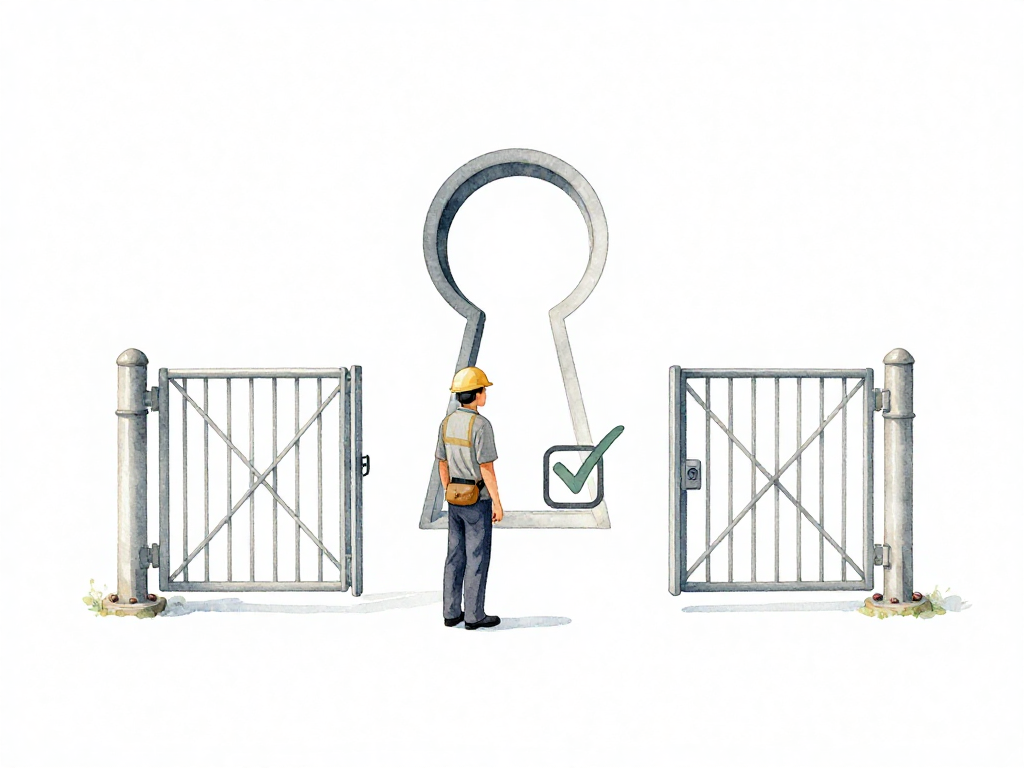
When Should a Pipeline Stop and Wait for a Human?
Imagine this: your team has a solid CI/CD pipeline. Tests run automatically. Security scans pass. Code gets built and deployed to staging without anyone lifting a finger. Then, right before production, the pipeline pauses. A notification goes out: "Approval required."
Someone has to click "Approve" before the deployment continues. Maybe that person is your tech lead. Maybe it's an engineering manager. Maybe they're in a meeting, or already offline for the day. The deployment sits there, waiting.
This moment reveals a tension every team faces. How much should the pipeline decide on its own? And when should it stop and ask for a human judgment call?
The Two Kinds of Checks
Every pipeline has checkpoints. Before a change moves from one stage to the next, something verifies that it's safe to proceed. That checkpoint can be one of two things: an automated gate or a manual approval.
An automated gate is a check that runs inside the pipeline without any human intervention. The pipeline executes a set of tests or validations, then decides whether the change can move forward. For example, after a developer pushes new code, the pipeline runs unit tests. If all tests pass, the change continues. If any test fails, the pipeline stops and notifies the team.
A manual approval is a decision made by a person. Usually that person is a lead engineer, tech lead, or someone responsible for a specific environment. They review the change, consider the context, and either approve or reject it. The pipeline waits until that decision comes in.
Both serve the same purpose: preventing bad changes from moving forward. But they operate in fundamentally different ways.
The diagram below shows how these two kinds of checks fit into a deployment pipeline:
What Automated Gates Do Well
The strongest argument for automated gates is consistency. Every time a change enters the pipeline, the same checks run in the same way. Nothing gets skipped because someone forgot. Nothing gets rushed because a deadline is near. The pipeline doesn't get tired, doesn't get distracted, and doesn't play favorites.
If your tests are thorough and your checks are correct, automated gates give you a reliable baseline. Every change that passes those gates meets a minimum standard. You don't have to wonder whether someone cut corners or missed a step.
Automated gates also scale. A team of five developers might be able to manually review every change. A team of fifty cannot. The pipeline can run hundreds of checks in minutes, while a human reviewer would take hours to do the same work.
Where Automated Gates Fall Short
But automated gates have a blind spot. They can only check what you've programmed them to check. They cannot read the room. They cannot sense the mood of the team or the state of production. They cannot make a judgment call based on experience.
A pipeline can verify that all unit tests pass. It cannot tell you whether this particular change is safe to deploy during Black Friday traffic. It can check that your database migration script runs without syntax errors. It cannot tell you whether running that migration at 3 PM on a Tuesday is a bad idea.
Automated gates are excellent at answering "does this meet the technical criteria?" They are terrible at answering "should we do this right now?"
When You Need a Human
This is where manual approvals earn their place. Humans can consider factors that no test can capture:
Is this the right time to deploy? Maybe production is already unstable. Maybe a major marketing campaign just launched. Maybe the on-call engineer is handling an incident and shouldn't be distracted by a deployment.
Does this change need coordination? Maybe the deployment affects another team's service. Maybe the database team needs to be aware of a schema change. Maybe the QA team wants to run a final smoke test before the change reaches users.
Is the risk acceptable? A small bug fix might be safe to deploy on a Friday afternoon. A major refactor might not be. A human can weigh the risk based on experience and context.
Manual approvals also create accountability. When someone approves a deployment, they are putting their name on it. That's not about blame. It's about having a clear record that someone reviewed the change and made a conscious decision. If something goes wrong, the team can look back and understand what was considered before the deployment.
How to Decide Between Them
The common question is: which checks should be automated, and which should require a human?
The answer depends on the nature of the check. Technical validations that can be codified should be automated gates. Tests, security scans, linting, format checks, dependency audits—these are all things a machine can do faster and more consistently than a human.
Decisions that require judgment, context, or coordination should be manual approvals. Timing decisions, risk assessments, cross-team coordination, and business impact evaluations are best left to people.
But there's a nuance here. Just because something can be automated doesn't mean it should be a gate. Some checks are useful as information but not as blockers. For example, you might run a performance test and log the results, but not block the pipeline if the results are slightly worse than expected. That's a judgment call for a human to make.
They Work Together, Not Against Each Other
Automated gates and manual approvals are not competing approaches. They complement each other. The pipeline handles the repetitive, consistent, technical checks. Humans handle the contextual, situational, judgment-based decisions.
A good pipeline uses automated gates to filter out obvious problems early. By the time a change reaches a manual approval step, it has already passed a series of quality checks. The human reviewer doesn't need to worry about whether the code compiles or the tests pass. They can focus on the harder questions: is this the right thing to do, at this time, in this context?
A Practical Checklist
When designing your pipeline's checkpoints, ask these questions:
- Can this check be fully defined in code? If yes, automate it.
- Does this check require knowledge of current production state? If yes, keep it manual.
- Does this check need to consider business timing or team coordination? If yes, keep it manual.
- Is this check purely technical and repetitive? If yes, automate it.
- Would automating this check remove valuable human oversight? If yes, keep it manual.
The Takeaway
Automated gates give you speed and consistency. Manual approvals give you context and judgment. Neither replaces the other. Build your pipeline to use both, and you get a system that moves fast but doesn't skip the hard questions.