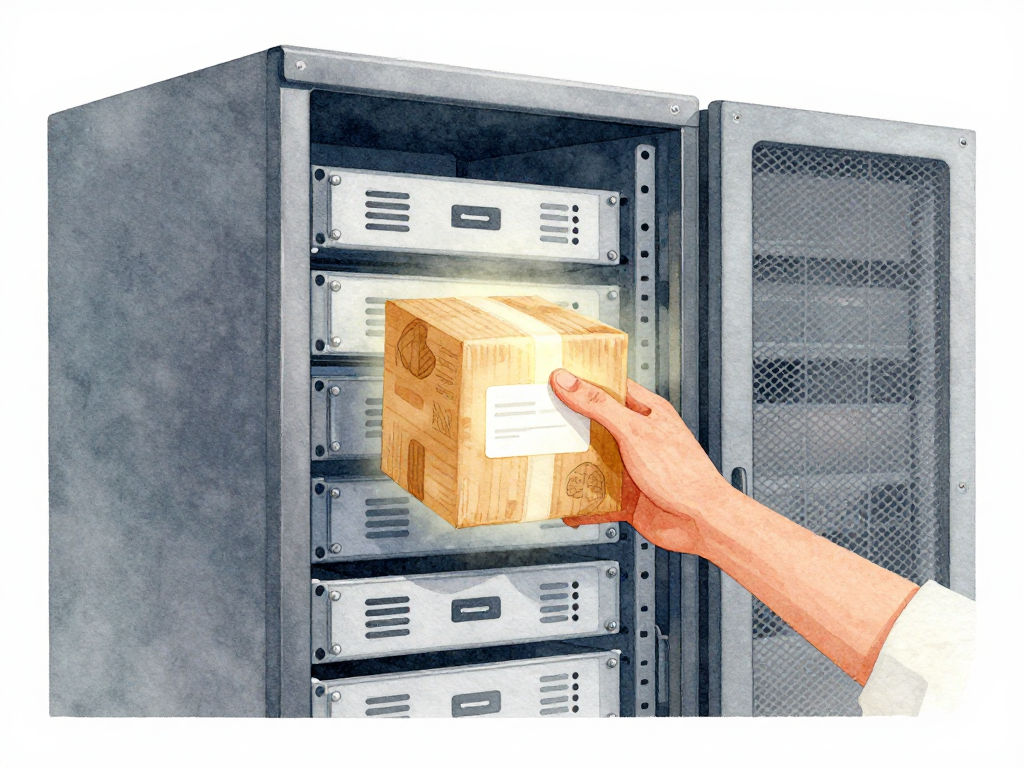
Deployment: The Active Act of Placing an Artifact Into an Environment
You have built your application, packaged it into an artifact, and stored it in a repository. Now what? The artifact sitting in a repository is just a file. It becomes useful only when it is placed into an environment and actually running. That act of placing and running is what engineers call deployment.
Deployment is not a passive state. It is an active action. Before deployment, your staging environment runs version 1.1.0. After deployment, it runs version 1.2.0. Something changed in that environment. Someone or something took the artifact, moved it to the right server, and started it.
What Actually Happens During Deployment
When a team decides to send version 1.2.0 to staging, a series of concrete steps must happen. Someone pulls the artifact from the repository. They transfer it to the staging server. They stop the old process, start the new one, and verify it is running. The environment now has a new state.
Here is a concrete example of what those steps look like as shell commands:
scp myapp-v1.2.0.jar user@staging-server:/opt/myapp/ && \
ssh user@staging-server "systemctl stop myapp && \
  cp /opt/myapp/myapp-v1.2.0.jar /opt/myapp/current.jar && \
  systemctl start myapp"
This is why deployment is different from just storing files. You can have a perfect artifact repository with every version ever built, but until those artifacts are placed into environments and executed, nothing has been delivered. Deployment is the bridge between "we built it" and "it is running somewhere."
The following sequence diagram illustrates the separation between deployment and release:
The question that naturally follows is: does deployment mean users can immediately use the new version? Not necessarily. Deployment and release are two different concepts, even though teams often do them together.
Deployment Versus Release
Deployment is a technical action. You place an artifact into an environment and run it. Release is about access. It answers the question: when do users actually start using the new version?
Imagine your team deploys version 1.2.0 to production at 2:00 AM. The production servers are now running the new version, but the team deliberately does not route user traffic to it yet. Deployment has happened. Release has not. Users are still on the old version. The team can verify that the new version is healthy before opening the door.
Now imagine the opposite scenario. The team deploys to production and immediately directs all users to the new version. In this case, deployment and release happen in the same step. Both are valid approaches, but understanding the difference gives you options.
Why does this separation matter? Because deployment can fail. When it does, you need to know how to return the environment to its previous state. That action is called rollback. Rollback is essentially a deployment of the old version to the same environment. If your team only knows how to "push the new version" without understanding that deployment is a reversible action, you will struggle when things go wrong.
Deployment Is Not Always Smooth
Even with careful planning, deployments can hit problems. The server might run out of disk space. A configuration file might have a typo. The artifact downloaded from the repository could be corrupt. Network issues might cause a timeout during transfer.
This is why every deployment needs verification. After the artifact is placed and running, someone or something must check that the environment is actually healthy. Is the application responding to requests? Are the logs clean? Are the expected metrics within normal range?
Verification can be automated or manual, but it must exist. A deployment that completes without verification is just hoping nothing went wrong. Hope is not a deployment strategy.
The Practical Implications
Once you see deployment as an active action rather than a passive state, several things become clearer.
First, deployment is repeatable. If you can deploy version 1.2.0 today, you should be able to deploy version 1.2.0 again tomorrow, to the same environment, with the same result. If that is not true, your deployment process has hidden steps or dependencies.
Second, deployment is reversible. If version 1.2.0 causes problems, you should be able to deploy version 1.1.0 back to the same environment. That is rollback. If rolling back is painful or risky, your deployment process needs improvement.
Third, deployment is verifiable. You should know, within a reasonable time, whether the deployment succeeded or failed. Not just whether the script ran without errors, but whether the application is actually working correctly in that environment.
A Simple Deployment Checklist
Before you call a deployment done, run through these checks:
- Was the artifact placed into the correct environment?
- Is the new version actually running and accepting traffic?
- Are the basic health checks passing (response codes, latency, error rates)?
- Can you confirm the old version is no longer running (unless you are doing a gradual rollout)?
- Do you know how to roll back if needed, and is that rollback path tested?
This checklist is not exhaustive, but it covers the minimum. Every team should extend it based on their own environment and application characteristics.
The Takeaway
Deployment is the moment your artifact stops being a file and starts being a running service. It is an active, repeatable, reversible, and verifiable action. Separating deployment from release gives you control over when users see changes. Verifying every deployment keeps you from discovering problems after your users do.
The next time your team says "we deployed," ask: did we actually place the artifact and verify it is running? Or did we just push a button and hope? The answer will tell you how mature your deployment process really is.