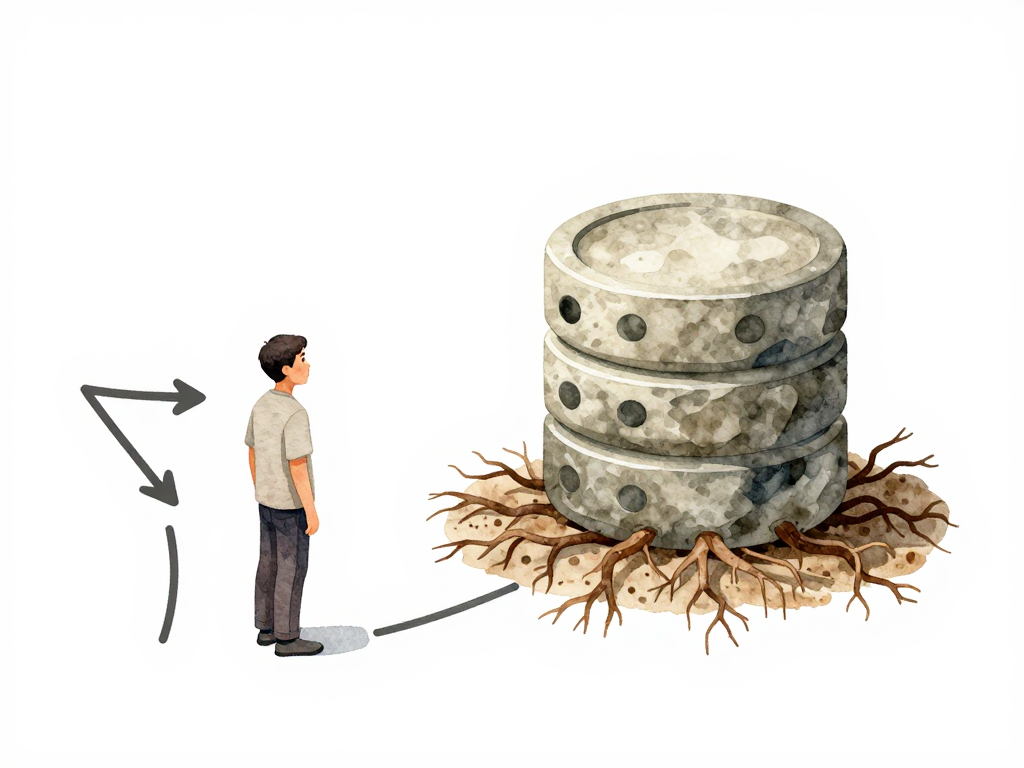
Why Rolling Back a Database Is Harder Than Rolling Back an Application
You deploy a new version of your application. Something goes wrong. You hit the rollback button, the old version starts running again, and within minutes everything is back to normal. No data lost, no lingering side effects. The process feels clean and reversible.
Now imagine a different scenario. You run a database migration that adds a status column to the orders table. The migration completes, the new column gets populated with default values, and your updated application starts writing real data into that column. A few hours later, you discover a bug in the application logic that makes the status values unreliable. You decide to roll back the application to the previous version. The old code is now running again. But the status column is still there. The data written into it is still there. And your old application code may not know how to handle that extra column, or worse, it may break because it encounters a column it never expected.
This is the core problem: rolling back an application only restores the code. Rolling back a database must restore both the structure and the data to their state before the migration. And that does not happen automatically.
Why Application Rollback Is Simple
When you roll back an application, you are essentially swapping one set of executable code for another. The old version takes over, starts handling new requests, and the system continues. No persistent state is modified during the rollback itself. The database remains exactly as it was before the rollback was triggered. The only thing that changes is which version of the code is running.
This simplicity is why many teams treat rollback as a safety net. If something goes wrong, just revert and try again later. It works well for stateless services and for applications where the database schema does not change between versions.
Why Database Rollback Is Different
Database rollback involves undoing structural changes to a live data store. That means removing columns, restoring deleted tables, or reverting altered constraints. And unlike application code, databases contain data that may have been modified, added, or deleted since the migration ran.
Consider a migration that removes a column named legacy_flag from the users table. If you need to roll back, you must add that column back. But what about the data that was in that column? If the migration simply dropped it, that data is gone unless you backed it up beforehand. If the migration renamed or transformed the column, you need to reverse that transformation exactly, without corrupting any new data that may have been written in the meantime.
Here is a concrete example that illustrates the problem. A forward migration adds a column, and the corresponding rollback tries to remove it:
-- Forward migration: add a NOT NULL column with a default
ALTER TABLE orders ADD COLUMN status VARCHAR(20) NOT NULL DEFAULT 'pending';

-- Hours later, new application code writes real status values
-- Some rows now have status = 'shipped', 'cancelled', etc.

-- Rollback migration: remove the column
ALTER TABLE orders DROP COLUMN status;
-- This succeeds, but all status data is lost permanently.
If the rollback migration instead tried to keep the data by renaming or transforming the column, it would need to handle constraints, indexes, and any new data written by the old application after the rollback — a fragile and often untested process.
This is not a theoretical problem. Teams that rely on down migrations—scripts that reverse the changes made by the forward migration—often discover that those scripts are rarely tested, sometimes broken, and almost always risky to run in production. A down migration that fails halfway through can leave the database in an inconsistent state, with some changes reverted and others not.
The Safer Approach: Backward-Compatible Migrations
A more reliable strategy is to design every database migration to be backward-compatible. This means the schema changes you make should not break the old version of your application. If you need to add a new column, add it without removing or altering existing columns. The old application continues to work because it simply ignores the new column. The new application starts using it. If the new version turns out to be buggy, you can roll back the application without touching the database at all. The extra column remains, but the old code does not care about it.
This approach requires discipline. Every schema change must be evaluated for its impact on all application versions that might still be running. But it is far safer than relying on down migrations that can fail or lose data.
Here is how backward-compatible migrations work in practice for common operations:
Adding a column: Just add it. Do not make it
NOT NULLunless you can provide a default value that works for both old and new code. The old application will not read or write to it, so it will not be affected.Renaming a column: Do not rename it directly. Instead, add the new column with the new name, update the application to write to both columns during a transition period, then remove the old column in a later migration after confirming the old code is no longer running.
Removing a column: Stop using it in the application first. Deploy that change. Then, in a separate migration, drop the column. If you need to roll back the application, the column is still there.
Changing a column type: Add a new column with the new type, migrate the data gradually, update the application to use the new column, and only then remove the old column.
Each of these patterns adds steps, but each step is reversible without data loss.
The Real Cost of Down Migrations
Some teams still prefer down migrations because they seem simpler to write. A single script that reverses the change feels cleaner than a multi-step backward-compatible approach. But the cost of that simplicity shows up under pressure.
When a production incident happens and you need to roll back quickly, the last thing you want is to run an untested down migration that might fail, take too long, or silently drop data. The time pressure, the stress, and the lack of a clean fallback make down migrations a gamble.
Backward-compatible migrations remove that gamble. They let you roll back the application independently of the database. They give you time to decide what to do with the schema change without forcing an immediate, risky reversal.
A Practical Checklist for Database Rollback Planning
If you want to avoid painful rollback scenarios, here is a short checklist to review before every migration:
- Can the old application version still run correctly after this migration?
- If the migration adds a column, does the old code ignore it?
- If the migration removes a column, has the old code already stopped using it?
- If the migration renames or changes a column, is there a transition period where both old and new structures coexist?
- Is there a tested, safe way to reverse this migration without data loss?
If you cannot answer yes to all of these, your migration carries rollback risk that you have not addressed.
The Takeaway
Database rollback is not just about reverting a version. It is about keeping data intact and consistent while ensuring the application can return to its previous state without side effects. The safest path is to design migrations that do not force you to choose between rolling back the application and losing data. Build backward compatibility into every schema change, and treat down migrations as a last resort, not a default strategy. Your future self, debugging an incident at 2 AM, will thank you.