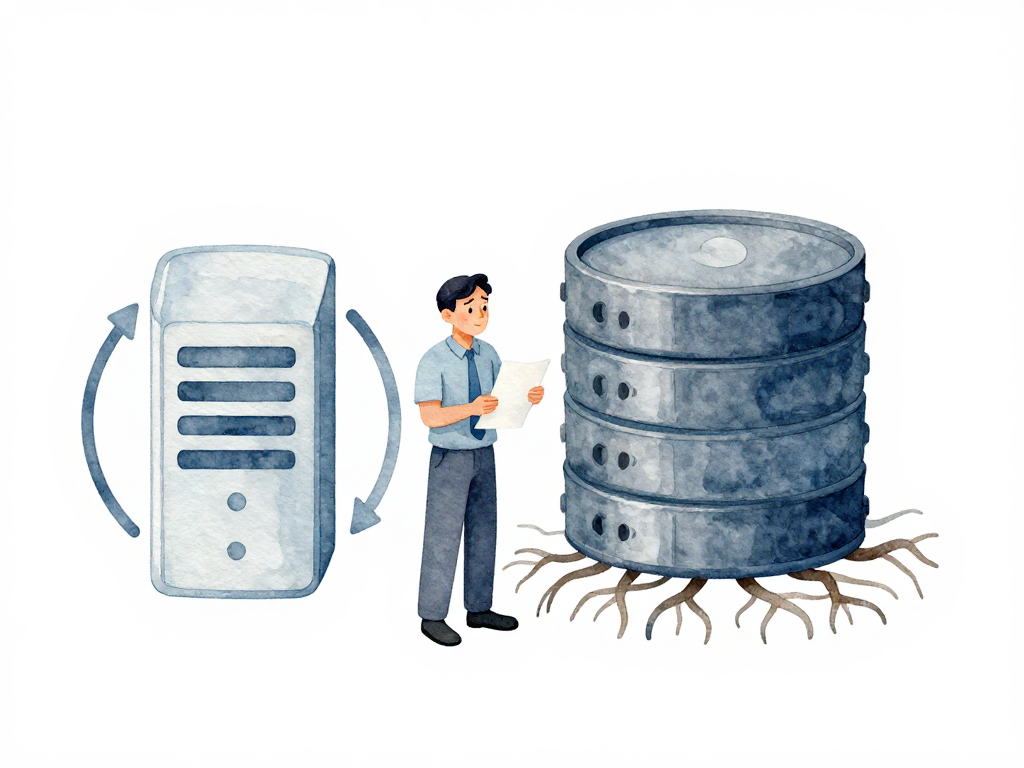
Why Rolling Back a Database Is Nothing Like Rolling Back an Application
When a new version of your application breaks, the fix is usually straightforward. You hit the rollback button in your deployment pipeline, and the old version comes back. The server stops running the broken code and starts running the previous one. Unless you changed system dependencies or configuration, the application is back to normal within minutes.
That works because applications are stateless by design. They can stop, restart, or switch versions without losing anything permanent. The data they process comes from users or from the database. If the app goes down for a few seconds, users might notice, but no data is lost. Once the old version is running again, everything resumes as if nothing happened.
Databases do not work that way.
The Stateful Reality of Databases
A database is a stateful component. It holds data that must survive across application versions. User profiles, transactions, order records, configuration settings—all of it lives inside the database and must remain intact. When you change the database schema—adding a column, altering a data type, or dropping a table—the database records that change permanently. The data that was already stored does not automatically revert to its previous shape just because you switched the application back to an older version.
This is the fundamental difference that catches many teams off guard. They assume database rollback works the same as application rollback: run a reverse command, and everything goes back to how it was before the migration. In reality, undoing schema changes is far more complex and risky.
A Concrete Example of the Problem
Imagine your team adds a phone_number column to the users table through a database migration. The migration runs successfully, and over the next few hours, users start filling in their phone numbers. Then someone discovers a bug in the application code that reads that column. The team decides to roll back the application to the previous version. The app is restored, and the bug disappears.
The following sequence diagram illustrates the difference between rolling back an application and rolling back a database in the same scenario:
Consider the SQL migration that introduces this column:
-- Up migration: add phone_number column
ALTER TABLE users ADD COLUMN phone_number VARCHAR(20) NOT NULL DEFAULT '';

-- Down migration: remove phone_number column
ALTER TABLE users DROP COLUMN phone_number;
After the up migration runs and users enter their phone numbers, running the down migration would delete every one of those values. The data is gone—not just hidden, but permanently removed from the table.
But the phone_number column is still in the database. The data users entered is still there. If you now run a rollback migration to remove that column, all those phone numbers are gone. Permanently. And that data might already be used by other features or viewed by other users. You cannot just delete it without consequences.
This risk of data loss is why database rollback cannot be taken lightly. Every time a migration changes the schema, data may be transformed, moved, or deleted. Restoring the old schema means restoring the old data shape. Without a mechanism that guarantees the data can be returned to its exact previous state, schema rollback can lead to inconsistent or missing data.
The Code-Schema Mismatch Problem
Beyond data loss, there is a second problem: incompatibility between the application code and the database schema.
When you roll back the application to an older version, that old code may not recognize the new columns or tables that exist in the database. It might crash trying to read a column it does not expect, or fail to insert data because of a constraint it does not know about.
Conversely, if you run a rollback migration that removes a column still used by the current application code, the app will break immediately. Because application deployments and database migrations are rarely executed at the exact same instant, you cannot guarantee that both sides are in sync during a rollback.
This mismatch is especially dangerous in production. Even a few seconds of inconsistency can cause errors, failed transactions, or corrupted data that is hard to recover from.
Why the Same Rollback Strategy Does Not Apply
Application rollback works because the old version is a known good state. The code is the same as it was before the deployment. The environment is the same. The only thing that changes is which binary is running.
Database rollback does not have a "known good state" in the same way. The schema and the data have moved forward. Running a reverse migration does not give you the exact same database you had before. It gives you a schema that looks like the old one, but with data that may have been transformed, added, or removed in ways that are not reversible without careful planning.
Some teams try to work around this by taking a full database backup before every migration. That approach has its own problems:
- Restoring a backup takes time—often minutes or hours, not seconds.
- Any data written after the backup was taken is lost.
- Other services that depend on the same database may break during the restore.
- The restore itself can fail, leaving you in an even worse state.
The Safer Path: Roll Forward
Because of these risks, many experienced teams treat database rollback as a last resort. Instead of trying to undo a failed migration, they prefer to roll forward: write a new migration that fixes the problem without reversing the schema.
For example, if a migration accidentally drops a column that is still needed, the roll-forward approach would be to add the column back in a new migration, rather than trying to undo the drop. This keeps the schema moving in one direction and avoids the complexity of reversing data transformations.
Roll-forward is not always possible. Sometimes the damage is too severe, or the fix requires a schema change that cannot be expressed as a forward migration. But in most cases, it is safer than attempting a rollback that could lose data or break the application.
Practical Checklist for Database Change Safety
Before running any database migration in production, run through this checklist:
- Can the migration be reversed without losing data? If not, plan a roll-forward strategy instead.
- Is there a backup of the database taken immediately before the migration? Test that the backup can actually be restored.
- Is the migration backward-compatible with the current application code? Old code should still work while the migration runs.
- Are there other services or databases that depend on the schema you are changing? Coordinate with their teams.
- Do you have a way to detect that the migration caused a problem before users report it? Monitoring and alerting should be in place.
Takeaway
Database rollback is not a simple undo button. It is a high-risk operation that can cause data loss, application errors, and prolonged downtime. Treat it with the same caution you would apply to surgery: plan ahead, have a backup, and prefer a forward fix whenever possible. The safest rollback is the one you never have to run.