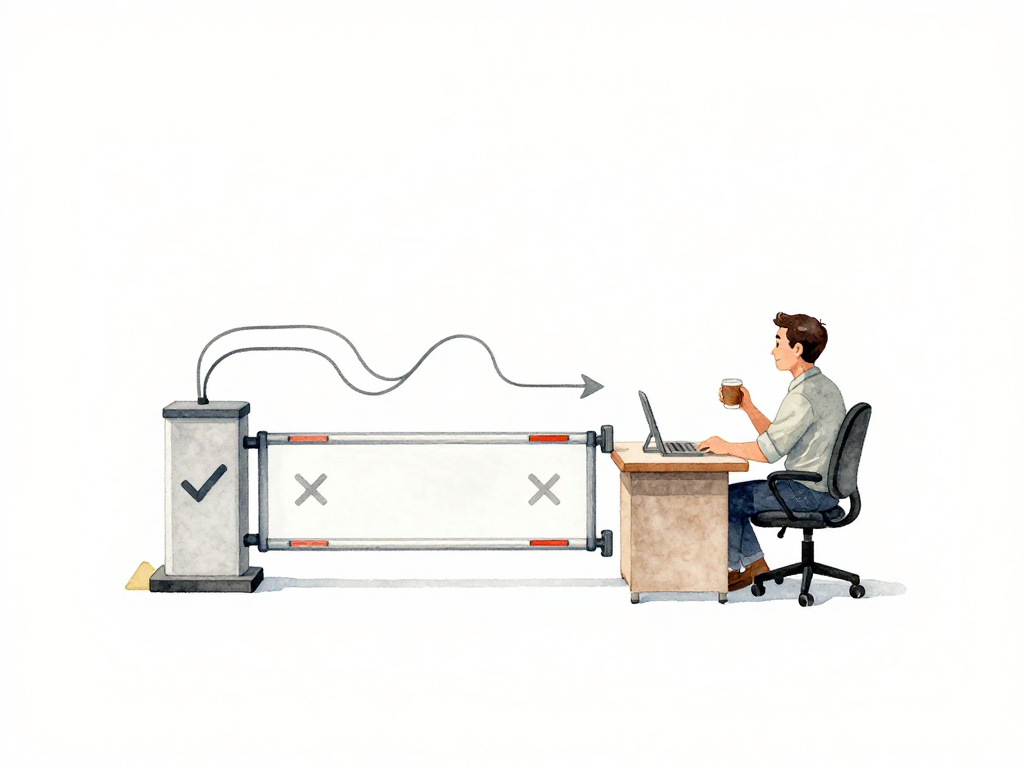
When Your Deployment Decides for Itself: Automating Rollback and Promote Decisions
You just deployed a new version of your API. Five minutes later, the error rate jumps from 0.1% to 4%. You are in a meeting. By the time you check the dashboard, fifteen minutes have passed. Users are already complaining.
Now imagine this happens three times a week. Every time, someone has to notice the spike, open the monitoring tool, interpret the numbers, decide what to do, and then manually trigger a rollback or hold. For a team doing multiple deployments per day, this manual decision loop becomes exhausting. Worse, it is inconsistent. One engineer might rollback at 2% error rate. Another might wait until 5%. A third might not notice at all until someone pings them on chat.
This is the problem that deployment gating solves. A deployment gate is an automated checkpoint that decides whether a new version can proceed to the next stage or needs to be stopped. The gate does not guess. It follows a policy: a set of rules that says, "If this signal crosses that threshold, do this action."
How a Deployment Gate Works
Think of a gate as a bouncer at a club entrance. The bouncer does not know who you are. They just check: are you on the list? Is your ID valid? If yes, you go in. If no, you wait or leave.
A deployment gate works the same way. After a new version is deployed to a subset of users or a staging environment, the gate checks observability signals. If the signals are healthy, the gate promotes the version to more users. If the signals are bad, the gate triggers a rollback, hold, or pause.
The diagram below shows the three possible outcomes after the gate checks the observability signals.
The key is that the decision is made automatically, based on rules the team agreed on beforehand. No one needs to be watching a dashboard at 2 AM. No one needs to make a judgment call under pressure. The system follows the policy.
What Goes Into a Policy
A policy is not a single rule. It is a set of conditions tied to the type of thing you are deploying. Different deployment objects have different failure patterns, so they need different policies.
For an application, the policy might check:
- Error rate compared to the SLO baseline
- Latency at the p95 or p99 percentile
- Throughput drop that suggests the service is rejecting requests
For a database migration, the policy might check:
- Replication lag between primary and replicas
- Number of slow queries after the migration
- Connection pool exhaustion
For infrastructure changes, the policy might check:
- Node health in a cluster
- CPU and memory usage patterns
- Pod restart counts
Each object gets its own policy because each one breaks differently. A latency spike in an API is not the same as a replication lag in a database. The policy needs to match the failure mode.
Here is a minimal policy-as-code example that implements the logic described above:
apiVersion: flagger.app/v1beta1
kind: Canary
metadata:
  name: api-deployment
spec:
  targetRef:
    apiVersion: apps/v1
    kind: Deployment
    name: api
  service:
    port: 8080
  analysis:
    interval: 1m
    threshold: 5
    maxWeight: 50
    stepWeight: 10
    metrics:
    - name: error-rate
      thresholdRange:
        max: 0.05
      interval: 2m
    - name: request-duration
      thresholdRange:
        max: 0.5
      interval: 2m
    webhooks:
    - name: rollback-on-failure
      timeout: 30s
      metadata:
        action: rollback
This policy checks error rate and latency every two minutes. If either exceeds the threshold, the deployment is automatically rolled back. If all checks pass for five minutes, the new version is promoted to the next weight step.
Using Error Budget as a Policy Anchor
Error budget gives you a practical number to plug into your policy. If your team sets a 99.9% availability SLO, you have about 43 minutes of allowed downtime per month. That is your error budget.
Now imagine a new deployment burns through 10 minutes of that budget in the first hour. That is a strong signal that something is wrong. A policy can say: "If the new version consumes more than 5% of the monthly error budget in the first 30 minutes, automatically rollback."
This approach removes the guesswork. The team agreed on the SLO. The policy enforces it. No one has to argue about whether 10 minutes is too much. The number is already set.
Not All Decisions Need to Be Rollback
A common mistake is to make every policy end with a rollback. That is too aggressive for many situations. A better approach is layered policies.
Example:
- If error rate increases by 0.5% but stays under the SLO threshold, trigger a hold. The new version stays live but does not get promoted to more users. The team investigates without pressure.
- If error rate crosses the SLO threshold, trigger a rollback. The system reverts to the previous version immediately.
- If latency increases but error rate is stable, trigger a pause. No further promotion happens, but the current version keeps running. The team decides manually whether to proceed or rollback.
This layered approach gives the team room to handle different severity levels without overreacting or underreacting.
What You Need to Make This Work
Deployment gating requires integration between your observability system and your deployment platform. The signals from monitoring must be readable by the pipeline or platform that manages deployments.
Tools like Argo Rollouts, Flagger, and Spinnaker already support this pattern. They can pull metrics from Prometheus, Datadog, New Relic, or any other metrics source. You configure the policy, and the tool executes the decision.
But the tool is not the hard part. The hard part is defining the policy. You need to know:
- Which signals matter for each type of deployment
- What thresholds indicate a real problem versus noise
- How fast you need to react for different failure severities
Start simple. Pick one signal, one threshold, and one action. Run it for a week. See how many false positives you get. Adjust. Add more signals gradually.
Is It Safe to Let the System Decide?
This question comes up every time. The answer is: it depends on how well you define the policy.
A good policy does not replace human judgment entirely. It takes over decisions that are already predictable. If the team knows that an error rate above 2% for five minutes always leads to a rollback, why wait for a human to do it? Automate that decision.
What about edge cases? The team should always have an override mechanism. If a policy fires incorrectly, someone should be able to stop the rollback or manually promote. The automation handles the routine cases. Humans handle the exceptions.
The goal is not to remove humans from the loop. The goal is to remove humans from the boring, repetitive, predictable decisions so they can focus on the ones that actually need context and judgment.
A Quick Checklist for Getting Started
Before you build your first deployment gate, make sure you have these in place:
- One observability signal that you trust (start with error rate or latency)
- A clear threshold based on your SLO or error budget
- A deployment platform that supports gating (Argo Rollouts, Flagger, Spinnaker, or similar)
- An override mechanism for manual intervention
- A review cadence to check policy effectiveness every two weeks
Do not try to build a perfect policy on day one. Start with one gate, one signal, one action. Learn from the results. Expand from there.
The Real Value Is Consistency
The biggest benefit of automated deployment decisions is not speed, although that helps. It is consistency. Every deployment goes through the same gate, judged by the same standards, with the same decision logic. No one gets a pass because they are friends with the on-call engineer. No one gets rolled back unfairly because the reviewer was in a bad mood.
When your deployment decisions are automated by policy, your team can deploy more often without burning out. The system handles the routine judgment calls. Your team handles the exceptions and the improvements. That is the difference between a team that deploys frequently and a team that deploys sustainably.