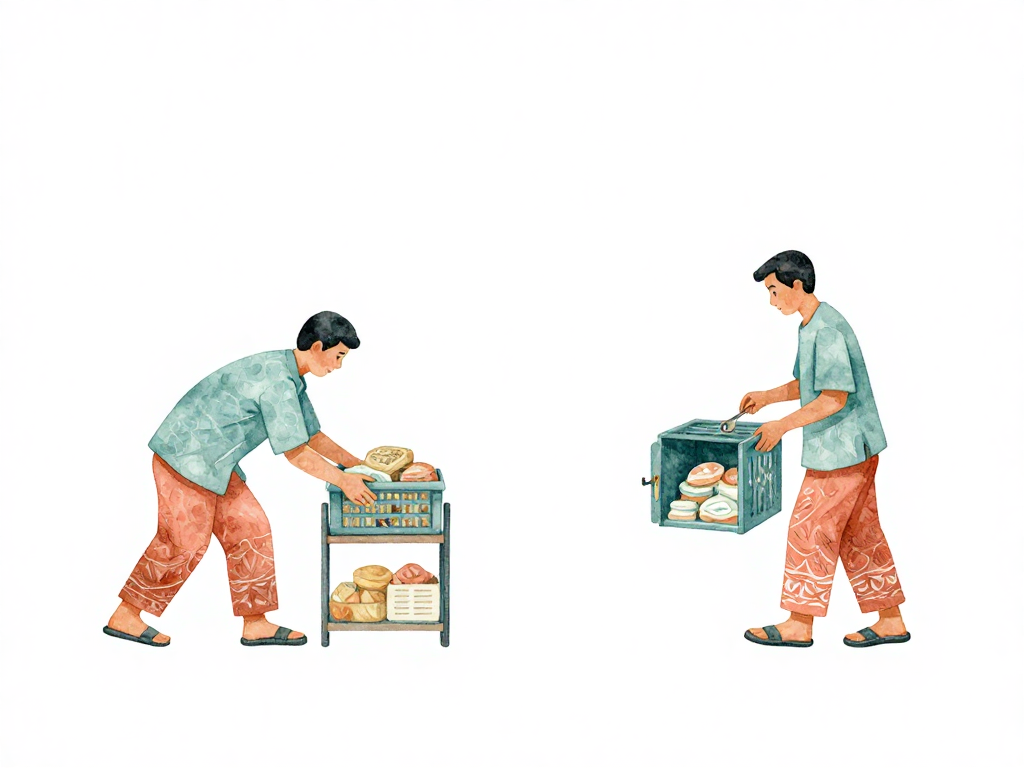
Deploy vs Release: Why Progressive Delivery Separates Two Things You Thought Were the Same
Your team just finished a new checkout flow. The code is tested, the pull request is merged, and the deployment pipeline is green. You hit deploy. The new version goes to production. Now every user sees the redesigned button, the rearranged form fields, and the new confirmation screen.
But what if you wanted to see how the new flow performs before showing it to everyone? What if you wanted to let only 5% of users try it first, then expand based on real data?
In most teams, deploy and release happen at the same time. When new code lands on the server, the features inside it become available to users. But these two actions do not have to be tied together. Separating them gives you a level of control that changes how you think about shipping software.
Deploy is technical. Release is experiential.
Deploy is the act of putting code onto a server. It is a technical operation. You build an artifact, transfer it to an environment, and start the new version. The server now runs the new code.
Release is the act of making a feature available to users. It is an experiential decision. The code is already running on the server, but the feature is hidden behind a switch. When you flip that switch, users see the new behavior.
The same deploy can contain multiple unreleased features. You can deploy once and release gradually. You can also release a feature to one user group but not another, all from the same running version of the application.
The diagram below illustrates the separation:
This separation is the foundation of progressive delivery.
A concrete example
Imagine your team built a new "Buy Now" button. It is bigger, more colorful, and placed more prominently. The team is confident in the code, but unsure how existing users will react. A sudden layout change might confuse people who have been using the old interface for months.
With progressive delivery, here is how you handle it:
- You deploy the new version to production. The new button code is running on the server, but it is hidden. Users see the old button.
- You configure your feature flag system to show the new button to 5% of users. These users are randomly selected.
- After one week, you check the data. Users who saw the new button completed purchases at a higher rate. No confusion reported.
- You increase the rollout to 50% of users. Another week passes. The data still looks good.
- You release to 100% of users. The feature is now fully live.
Notice what happened: one deploy, multiple releases. The code went to production once. The feature became visible in stages, driven by real user behavior.
Feature flags are the mechanism
To separate deploy from release, you need feature flags. A feature flag is a conditional branch in your code that checks whether a feature should be active for the current user. The flag is controlled externally, usually through a configuration service or a dedicated feature flag platform.
A simple feature flag looks like this in code:
if feature_flags.is_active("new_checkout_button", user_id):
    render_new_button()
else:
    render_old_button()
The flag can be toggled without a new deployment. You change the configuration, and the next request from that user sees the new behavior. No code change, no build, no deploy.
Feature flags also enable experimentation. You can run A/B tests by routing different user segments to different feature variants. One group sees a red button, another sees a blue button. The data tells you which one works better.
How this differs from canary and staged rollout
Canary deployment and staged rollout are about directing users to different versions of the application. You run two versions side by side, and a load balancer sends a percentage of traffic to the new version. If something goes wrong, you shift traffic back to the old version.
Progressive delivery works differently. You run one version of the application. All users hit the same servers. But within that version, different users see different features. The separation happens at the feature level, not the application level.
This distinction matters when you want to release a feature independently of other changes in the same deploy. With canary, you cannot release the new button to 5% of users while keeping the rest of the new version hidden. You either send users to the new version or the old version. With progressive delivery, you control each feature individually.
The cost of feature flags
Feature flags are not free. Every flag adds a conditional branch to your code. Over time, flags accumulate. If you do not clean them up, your codebase fills with dead conditions that make the logic harder to read and harder to test.
A common pattern is to use a flag for a feature, validate it, roll it out fully, and then remove the flag in the next sprint. But teams often forget this step. The flag stays in the code, and nobody remembers what it controls or whether it is still active.
Discipline matters here. Treat feature flags as temporary by default. When a feature is fully released to all users, schedule the cleanup work. If you use a feature flag platform, most tools provide dashboards that show which flags are fully rolled out and ready for removal.
When progressive delivery makes sense
Not every team needs progressive delivery. If your application is small, your user base is homogeneous, and your features are simple, the overhead of feature flags may not be worth it.
But progressive delivery becomes valuable when:
- You ship features that change user behavior significantly.
- You have a large or diverse user base where reactions vary.
- You want to validate features with real data before full release.
- Your team releases frequently and wants to decouple deploy cadence from release timing.
The key insight is that progressive delivery gives you a middle ground between "ship to everyone" and "do not ship at all." You can ship the code, observe the impact, and expand the release based on evidence.
A practical checklist for adopting progressive delivery
If you decide to separate deploy from release, here are the steps to get started:
- Pick one feature that would benefit from gradual exposure. Do not start with every feature.
- Add a feature flag for that feature. Use a simple configuration file or a dedicated service.
- Deploy the code with the flag turned off. Verify the feature is hidden.
- Turn the flag on for a small percentage of users. Monitor metrics and logs.
- Expand the percentage based on data. If something goes wrong, turn the flag off immediately.
- When the feature is fully rolled out, remove the flag from the code.
The takeaway
Deploy and release are not the same thing. Deploy is putting code on servers. Release is making features visible to users. Progressive delivery separates these two actions so you can ship code on your schedule and release features on the data's schedule.
The next time your team finishes a feature, ask: do we need to release this to everyone right now, or can we let the data decide?