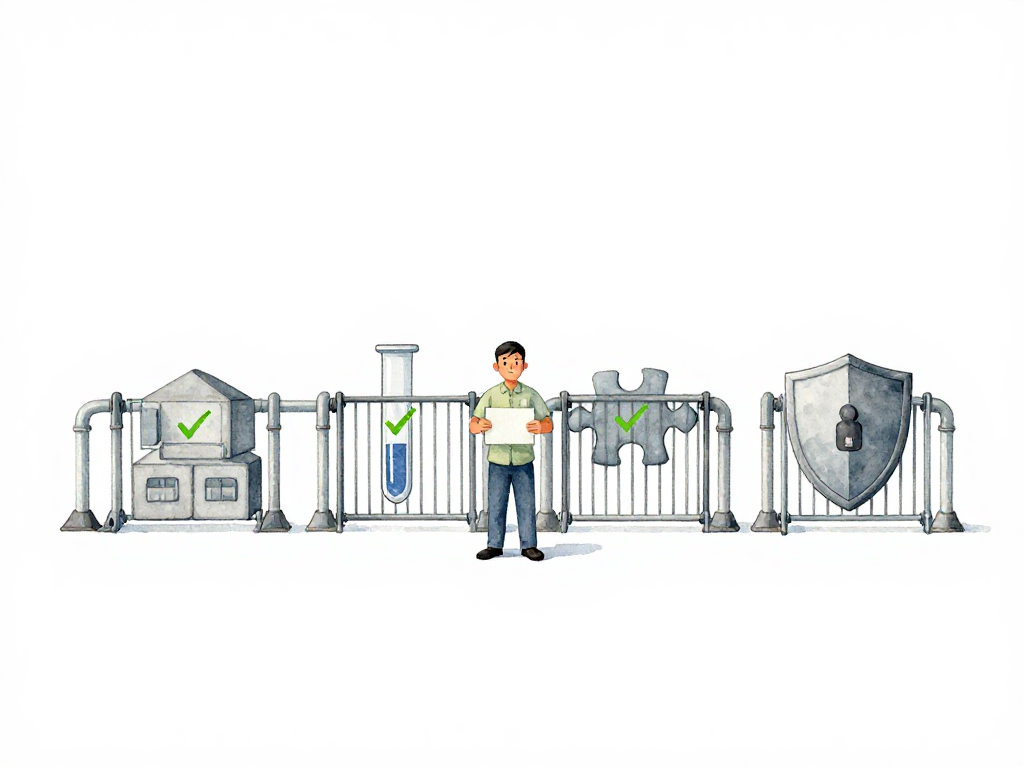
What Your Pipeline Should Check Before Deployment
Imagine this: you push a change, the pipeline turns green, and you deploy. Ten minutes later, users start reporting errors. The database migration broke a query. A dependency introduced a known vulnerability. A config file was missing a required field.
The pipeline said everything was fine. But it wasn't.
This happens when a pipeline only checks whether code compiles and tests pass. Those are necessary, but they are not enough. A useful pipeline acts as a gatekeeper: it stops changes that would cause problems in production, before they get there. The question is, what should it check?
Build Must Succeed First
The most basic gate is whether the code actually builds. When a developer pushes changes, the pipeline tries to compile the code or produce a runnable artifact. If the build fails—syntax error, incompatible dependency, broken configuration—there is no point continuing. The code cannot run at all.
This gate should always be the first step. It is fast, it is cheap, and it filters out changes that are not even ready to be tested. If the build fails, the pipeline stops. The developer gets immediate feedback and can fix the issue before anyone else is affected.
Unit Tests Verify Behavior, Not Implementation
Once the build succeeds, the next gate is unit tests. But not all unit tests are created equal. A good unit test checks a meaningful behavior from a relevant entry point. For a backend service, that might be an API endpoint or use case that flows through the real internal layers. For a frontend app, it might be a user interaction like clicking a button or submitting a form.
The key is that unit tests should not break when you refactor internal code. They should break only when the observable behavior changes. If a unit test fails, it means the system no longer responds correctly to a valid input. That is worth stopping the pipeline.
Some teams write unit tests that are tightly coupled to implementation details: testing private methods, testing every class separately, mocking internal layers, and breaking on every refactor. Those tests create noise and slow down delivery. Mock the external neighbors when needed, but let the internal behavior run through the path the application actually uses. The gate is only useful if the tests are reliable. If your unit tests fail frequently for non-functional reasons, developers will start ignoring them, and the gate loses its value.
Integration Tests Catch Connection Problems
Unit tests can run without external dependencies. Integration tests cannot. They verify that your system can actually talk to the outside world: a real database, a message queue, a third-party API.
For example, your unit test might mock the database and pass. But the real database might reject a query because of a schema mismatch, a missing index, or a type conversion error. Integration tests catch those issues.
These tests require a more complete environment—a test database, containers, or running services. They are slower than unit tests, but they catch a different class of problems. If an integration test fails, it usually means the change does not work with the actual infrastructure it will run on.
Security Scans Should Run Automatically
Security is not something you can leave to a manual review before release. By the time someone looks at the code, a vulnerable dependency might already be in production. Automated security scans can run without human intervention and check several things:
- Are there dependencies with known vulnerabilities?
- Does the code accidentally contain credentials or API keys?
- Are there patterns that could be exploited, like SQL injection or insecure deserialization?
Some teams run static analysis on the source code. Others run dynamic scans against a running application. Both approaches catch different issues. The important thing is that the pipeline checks security automatically, every time.
If a security scan fails, the pipeline stops. The developer gets a report showing exactly what is wrong. No manual approval needed, no waiting for a security team to review the code. The gate itself blocks the change.
Policy Compliance Keeps Things Consistent
Not every check needs to be technical. Some are about process and consistency. Policy compliance gates check whether the change follows the rules your team or organization has agreed on.
Common policy checks include:
- Has the code passed a code review?
- Is the branch name following the convention (for example,
feature/orfix/)? - Is the pull request too large? Some teams limit changes to a certain number of lines or files.
- Are all dependencies coming from an approved registry?
These checks are administrative, but they matter. They prevent situations where someone merges a 2000-line change without review, or where a dependency from an untrusted source gets pulled in. The pipeline enforces the rules automatically, so no one has to remember them.
When Automation Is Not Enough
The five gates above—build, unit test, integration test, security scan, policy compliance—can all run automatically. The pipeline decides pass or fail, and stops if something is wrong. No human needs to make a decision.
But not every check should be automated. Some decisions require human judgment. For example, a change that affects a critical business flow, or a deployment that touches multiple services at once, might need a person to review the risk and decide whether to proceed. That is where manual approval comes in.
The key is to automate what can be measured objectively, and leave the subjective decisions to people. If a check can be expressed as a rule that always applies, automate it. If it requires context, experience, or trade-offs, keep it manual.
Practical Checklist for Your Pipeline Gates
If you are setting up or reviewing your pipeline gates, here is a short checklist to consider:
The following flowchart shows how these gates work together in sequence:
- Build gate: Does the pipeline stop if the code does not compile or produce an artifact?
- Unit test gate: Do tests verify meaningful behavior from relevant entry points, not internal implementation?
- Integration test gate: Does the pipeline test against real dependencies (database, queue, external service)?
- Security scan gate: Are dependencies scanned for vulnerabilities? Is the code checked for secrets and risky patterns?
- Policy compliance gate: Are rules like code review, branch naming, and dependency sources enforced automatically?
Not every team needs all five from day one. Start with build and unit tests. Add integration tests when you have external dependencies. Add security scans when you start caring about vulnerabilities. Add policy checks when you need consistency across the team.
The Point of a Gate Is to Stop Problems, Not to Slow You Down
A well-designed gate does not add friction for no reason. It catches problems early, when they are cheap to fix. A failed build caught in the pipeline costs minutes. A failed deployment caught in production costs hours, sometimes days.
The goal is not to make the pipeline harder to pass. The goal is to make sure that when the pipeline passes, you can deploy with confidence. If your pipeline is green but production still breaks, your gates are checking the wrong things. Fix the gates first, then fix the pipeline.