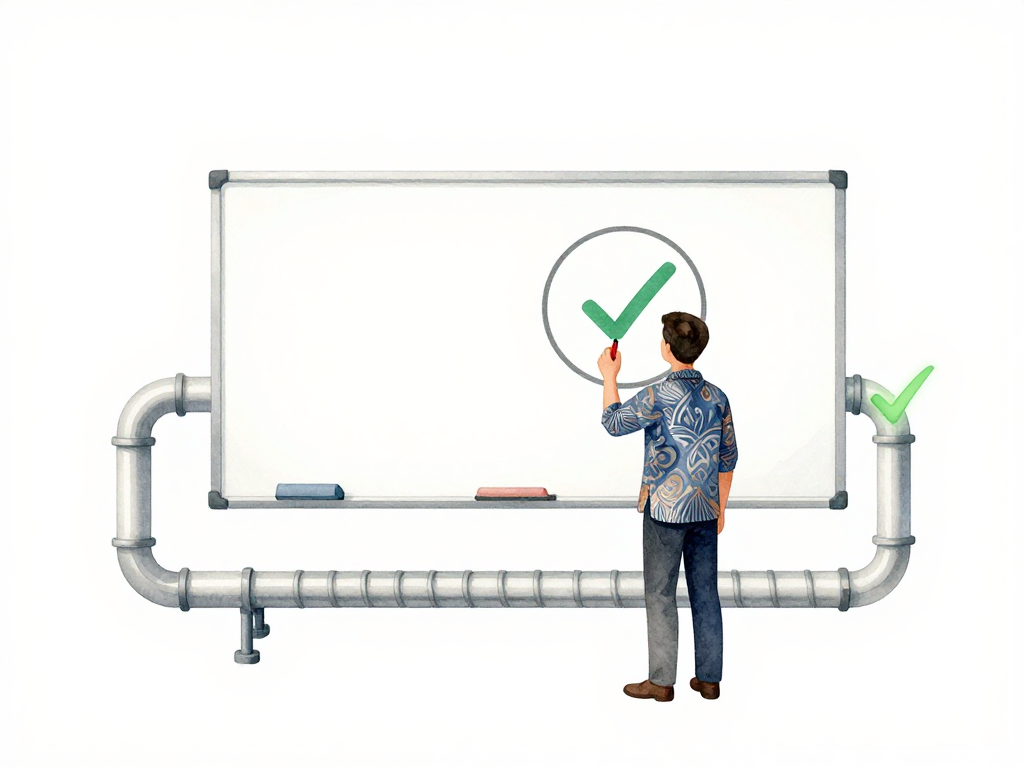
When Manual Approval Still Matters in Your Deployment Pipeline
Your pipeline is green. All automated checks passed. The build compiled without errors, unit tests ran successfully, security scans found no critical vulnerabilities, and integration tests confirmed the API still responds correctly. The pipeline is ready to deploy to production.
But something feels off. This change rewrites the payment module. The automated tests verify that the code works, but they cannot tell you whether the new payment flow matches what the business team agreed with the bank. The pipeline knows the syntax is correct. It does not know whether the logic is right.
This is the moment when automation reaches its limit.
What Automated Gates Cannot See
Automated gates are excellent at catching mechanical problems. They catch compilation errors, failing tests, security misconfigurations, and syntax mistakes. They run the same checks every time, consistently and without fatigue.
But machines cannot assess business impact. A pipeline can detect that code changed, but it cannot judge whether that change alters a critical business flow. A pipeline can validate that a database migration script has correct syntax, but it cannot predict whether that migration will lock a large table in production and cause downtime. A pipeline can confirm that a server configuration file is valid JSON, but it cannot know whether that configuration breaks a dependency for another service.
These are situations where human judgment becomes necessary. The question is not whether to automate everything. The question is which changes need a human to look at them before they reach users.
Four Situations That Need Manual Approval
Large Application Code Changes
The size of a change is not measured in lines of code. A one-line change that flips a feature flag might be low risk. A change that rewrites a core module might be high risk even if it touches only a few files.
Manual approval matters when the change affects a critical business flow. Rewriting the payment module, changing how the application handles user sessions, or replacing a core library that many parts of the application depend on -- these changes carry risk that automated tests cannot fully assess. Tests can verify that the new code does not crash, but they cannot confirm that the new business logic matches what the team agreed with stakeholders.
Someone who understands the business context needs to review the change and say, "This matches what we planned."
Database Changes
Database changes are one of the most common sources of production incidents. Schema changes, new indexes, and data migrations all have side effects that are difficult to detect automatically.
The following GitHub Actions workflow snippet shows how you can require manual approval for database migration changes:
# .github/workflows/deploy.yml
name: Deploy to Production

on:
  push:
    branches: [main]

jobs:
  deploy:
    runs-on: ubuntu-latest
    environment: production
    # Require manual approval for changes under migrations/
    if: contains(github.event.head_commit.modified, 'migrations/')
    steps:
      - uses: actions/checkout@v4
      - name: Run database migration
        run: |
          echo "Applying migration..."
          # Migration script goes here
In this example, the environment: production setting triggers a manual approval step in GitHub Actions. The pipeline pauses until a designated reviewer approves the deployment, ensuring a human evaluates the migration before it reaches production.
A migration that adds a column to a large table can lock that table for minutes, causing the application to stop responding. A pipeline can check whether the migration syntax is valid, but it cannot evaluate whether the migration is safe to run against production data volume. A query that works fine on a development database with a thousand rows might perform terribly on a production database with millions of rows.
Database teams or senior developers need to review the migration plan, estimate its impact, and approve that it is safe to run. This is not about gatekeeping. It is about preventing a five-minute table lock that takes down the entire application.
Infrastructure Changes
Infrastructure changes often have ripple effects that are hard to predict. Changing network firewall rules, switching instance types, updating Kubernetes versions, or modifying load balancer configurations can affect services you did not know depended on that infrastructure.
A classic example: changing a firewall rule that accidentally blocks traffic from another team's service. Or modifying a load balancer configuration that causes requests to route to the wrong backend. The pipeline can validate that the configuration file is syntactically correct, but it cannot know whether that configuration matches the actual architecture running in production.
Infrastructure teams need to review the change, check dependencies, and confirm that it is safe to apply.
Any Change in Production
Production is where real users interact with your application. Every change here carries direct risk. Even changes that seem small -- updating an error message, adjusting a font size, or changing a log level -- can have unexpected side effects.
Many teams adopt a simple rule: no change goes to production without manual approval, regardless of the change type. This rule removes ambiguity. It forces someone to look at every production change and take responsibility for it.
How to Decide What Needs Approval
Not every change needs a human to review it. Fixing a typo in a documentation page or adding a new log statement is usually safe to let through automated gates. But changes that modify database schemas, alter production configurations, or affect core business flows should require manual approval.
The common pattern is to classify changes by risk level:
The following flowchart summarizes the decision process:
Low-risk changes: Bug fixes for non-critical features, documentation updates, adding monitoring, or changing non-functional configuration values. These can pass through automated gates without manual review.
High-risk changes: Database schema changes, production configuration modifications, changes to core business logic, library upgrades with breaking changes, or any change that affects user-facing behavior in a critical flow. These need manual approval.
Your team can define the boundary based on your application context and past experience. The important thing is to have a clear classification so everyone knows what needs approval and what does not.
A Practical Checklist for Setting Up Manual Approval
- Define what counts as high-risk in your application context. Start with changes that have caused incidents before.
- Classify changes automatically when possible. Use commit messages, file paths, or branch naming to flag high-risk changes for manual review.
- Assign approvers based on expertise. Database changes go to the DBA team. Infrastructure changes go to the platform team. Business logic changes go to a senior developer who understands the domain.
- Set a reasonable time expectation. Manual approval should not take days. Define a maximum response time for approvers, and have an escalation path if no one responds.
- Log every approval decision. Record who approved what, when, and why. This becomes valuable when you need to trace back a decision after an incident.
The Real Purpose of Manual Approval
Manual approval is not about slowing down delivery. It is about making sure that high-risk changes get the attention they deserve before they reach users. Automation handles the routine checks. Humans handle the judgment calls that machines cannot make.
The goal is not to eliminate manual approval. The goal is to reserve it for the changes that genuinely need it, so your team can move fast on everything else while staying safe on what matters most.