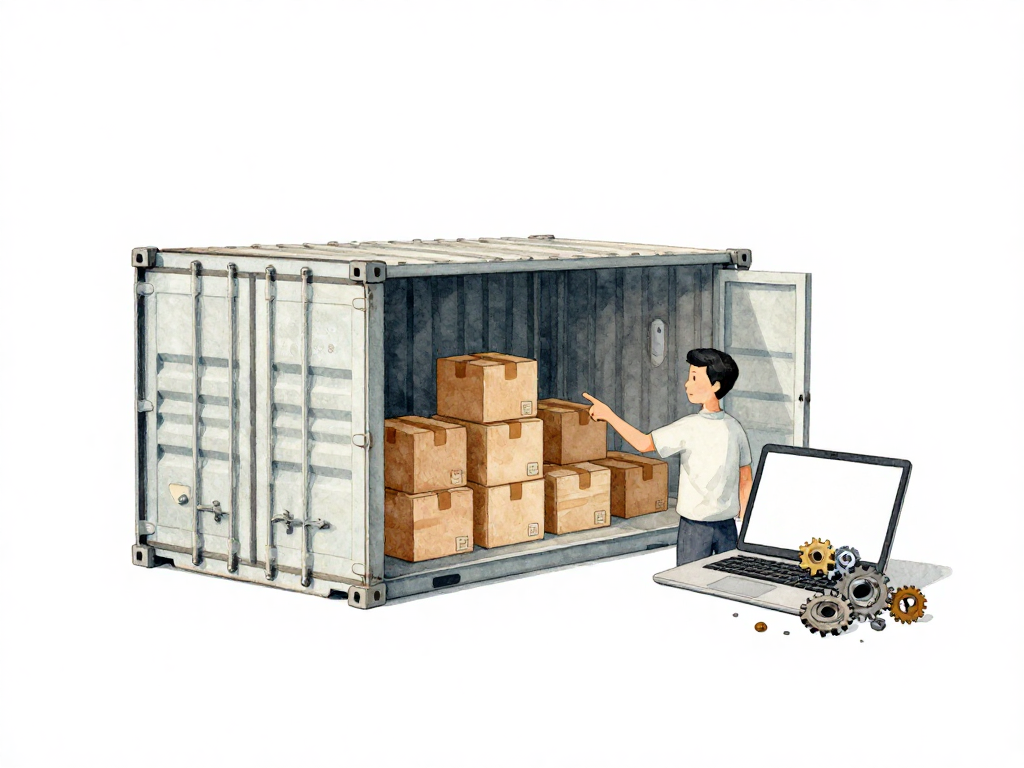
Why Your Application Needs a Container
You have seen this scene before. A developer finishes a feature, tests it on their laptop, and everything works perfectly. They push the code to staging, and suddenly the application crashes with an error nobody has seen before. After hours of debugging, someone realizes the staging server has a different version of a system library. The fix is simple, but the time is already lost. Then the same pattern repeats when moving from staging to production.
This problem is not about bad code. It is about environment differences. Every application depends on its surroundings: the operating system, the programming language runtime, system libraries, configuration files, environment variables, and sometimes even the order in which services start. On a developer's laptop, these dependencies are set up one way. On the staging server, they might be slightly different. On production, they can be different again. The result is unpredictable behavior that wastes time and erodes confidence in the deployment process.
The Real Cost of Environment Drift
Environment drift sounds like a technical term, but it describes a very human problem. When your team grows, every new developer brings their own setup. Every new server introduces another configuration. Every deployment risks a mismatch. The smaller the difference, the harder it is to find. A library version that is off by a patch number. A file path that exists on one machine but not another. A permission setting that allows access in development but blocks it in production.
These problems multiply when you add more environments. Development, staging, QA, pre-production, production. Each one can drift further from the others. Teams end up with a common phrase that signals something is broken: "But it works on my machine." That phrase is not an excuse. It is a symptom of a systemic problem in how the application is packaged and delivered.
What a Container Actually Does
A container solves this by bundling the application with everything it needs to run. Think of it as a complete package that includes your code, the runtime, all libraries, configuration files, and environment variables. This package is called a container image. It is a single artifact that contains the entire execution environment.
The following flowchart contrasts the traditional deployment path, where each environment can drift, with the containerized approach that uses a single consistent image everywhere.
When you build a container image, you freeze all dependencies at specific versions. The same image that runs on your laptop runs on the staging server. The same image runs in production. The environment no longer matters, as long as the machine has a container runtime installed. A container runtime is software that can execute container images. Docker is the most well-known example, but there are others like Podman and containerd.
The key insight is that the application no longer depends on the host system's configuration. The host only needs to provide the container runtime. Everything else is inside the image. This eliminates the "works on my machine" problem because every machine runs the exact same image.
How Image Build Works
Creating a container image requires writing instructions in a file, typically called a Dockerfile. This file tells the container runtime how to assemble the image. You start with a base image that contains the operating system and runtime you need. Then you add your application code, install dependencies, set configuration, and define how the application should start.
Here is a simplified example. If you have a Python application, your Dockerfile might start from a Python base image, copy your requirements file, install the packages, copy your application code, and set the command to run your app. The result is an image that contains Python, all your libraries, and your code in one package.
The process of creating this image is called the image build. The output is a single artifact that you can store, share, and deploy. This artifact becomes the unit of delivery for your application. You no longer deploy source code or installation scripts. You deploy an image that is guaranteed to run the same way everywhere.
What This Means for Your Pipeline
Container images change how CI/CD pipelines work. Before containers, pipelines had to manage the server environment. They needed to install dependencies, configure runtimes, and handle version conflicts on each deployment target. This made pipelines complex and fragile.
With containers, the pipeline focuses on building and verifying the image. The steps become simpler:
- Build the image from your Dockerfile.
- Run security scans and tests against the image.
- Push the image to a registry, which is a storage system for container images.
- Tell the target server to pull the new image and restart.
The server does not need to install anything. It just pulls the image and runs it. The deployment becomes a matter of swapping one image for another. This is faster, more reliable, and easier to automate.
The New Challenges Containers Bring
Containers solve environment drift, but they introduce their own set of problems. An image that is built incorrectly can contain security vulnerabilities. An image that is not tagged properly can cause confusion about which version is running. An image that is not scanned can introduce malware into your production environment.
You need to manage images carefully. Each image should have a clear, unique tag that identifies its version and build. Images should be scanned for vulnerabilities before they reach production. The build process should be reproducible, meaning the same source code should produce the same image every time. And you need a strategy for updating base images when security patches are released.
These challenges are not reasons to avoid containers. They are reasons to build good practices around them. The benefits of consistent environments and simpler deployments far outweigh the overhead of image management.
Practical Checklist for Containerizing Your Application
- Write a Dockerfile that starts from a specific, versioned base image, not the latest tag.
- Pin all dependency versions inside the image, including system packages and language libraries.
- Use multi-stage builds to keep the final image small by separating build tools from runtime dependencies.
- Tag each image with a unique identifier, such as the commit hash or build number, not just "latest".
- Scan the image for known vulnerabilities before pushing it to your registry.
- Test the image in a staging environment that mirrors production before deploying.
The Takeaway
Container images remove the most common source of deployment failures: environment differences. By packaging your application with all its dependencies into a single artifact, you ensure that it runs the same way on every machine. Your pipeline becomes simpler, your deployments become more reliable, and your team stops wasting time on problems that have nothing to do with the code. Start with one application, write a clean Dockerfile, and see how much smoother your delivery process becomes.