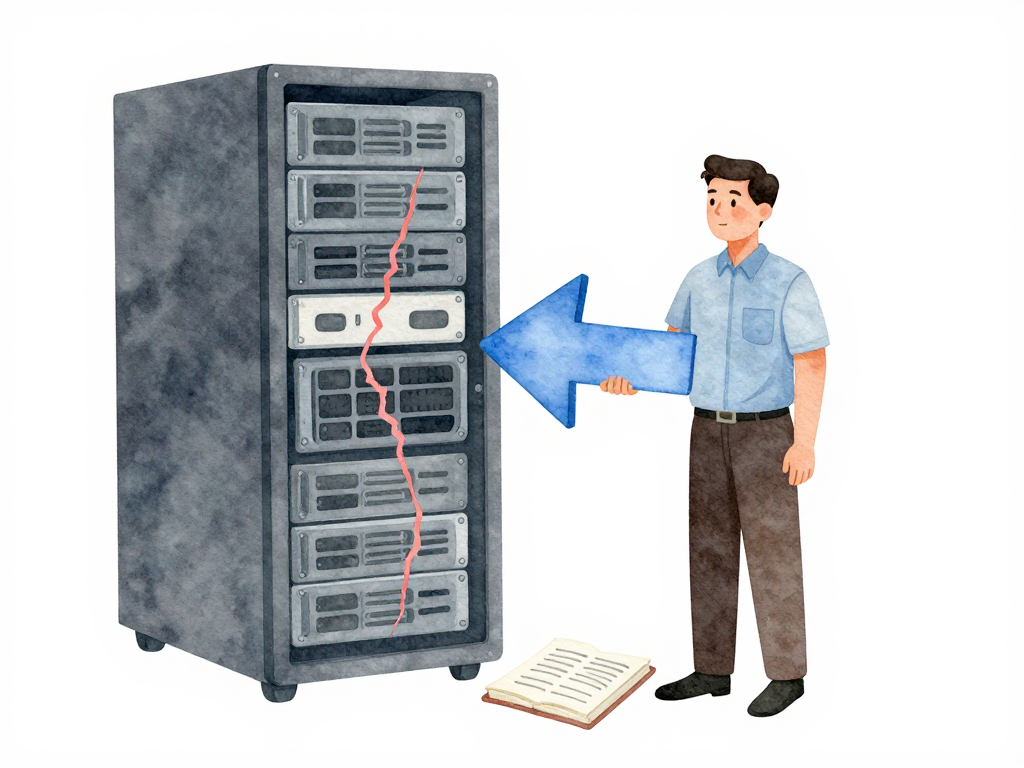
When Infrastructure Changes Break Production: Recovering From IaC Disasters
You have done everything right. The Terraform plan was reviewed by two senior engineers. The change passed policy checks in your pipeline. It ran cleanly in staging for three days. Then you applied it to production, and within ten minutes, users started reporting errors.
This is the reality of infrastructure changes. No matter how thorough your review process, some problems only reveal themselves under real traffic. A dependency you did not see. A configuration difference between staging and production that somehow slipped through. A subtle interaction between your change and an existing resource that nobody anticipated.
When this happens, your team needs one thing above all else: the ability to get back to a known good state, fast. This is infrastructure rollback, and it works differently than rolling back application code.
Why Infrastructure Rollback Is Different
Rolling back an application usually means deploying a previous version of the code. The servers, the network, the database schema—they all stay the same. You just swap the binary or the container image.
Infrastructure rollback is not that simple. Infrastructure includes servers, load balancers, network rules, database instances, storage volumes, and dozens of other resources that depend on each other. Rolling back one resource to an old version without considering the others can make things worse, not better.
Imagine you changed a security group rule and also updated a load balancer configuration. If you roll back only the security group, the load balancer might now point to instances that the old security group blocks. Your recovery attempt just created a new outage.
The key to safe infrastructure rollback comes down to two things: state management and configuration versioning.
State Management: Know What You Have
Infrastructure as Code tools like Terraform, Pulumi, or OpenTofu maintain a state file. This file records every resource the tool manages, its current configuration, and how resources relate to each other. Without accurate state, the tool cannot know what exists, let alone how to change it.
State files are critical assets. They need to be stored securely, access-controlled, and versioned every time a change happens. If you lose your state file, you lose the ability to manage that infrastructure through IaC. You are back to manual recovery, guessing what resources exist and how they connect.
Best practice is to store state remotely—in cloud storage, a backend service, or a dedicated state management tool. Local state files on a developer's laptop are a disaster waiting to happen. The pipeline should always use the same, authoritative state source.
Configuration Versioning: Know What You Had
Application code gets version tags. Infrastructure configuration needs the same treatment. Every change to your IaC templates, modules, and variable files should be committed to version control with clear markers.
When your team decides to roll back, they should not have to guess which configuration was last working. They should be able to point to a specific commit or tag and say, "That one." The pipeline then applies that version using the state file that corresponds to that point in time.
This sounds obvious, but many teams treat infrastructure configuration as "just deploy the latest" without tagging releases. When something breaks, they scramble to find the last known good commit, hoping nobody pushed a half-finished change in between.
Planning the Rollback Before You Apply
The best time to plan a rollback is before you apply the change. In your pipeline, save a copy of the current state before running the apply step. If the change causes problems, the pipeline can immediately run apply with the saved state. No searching, no guessing, no manual steps.
This pre-planned rollback can be automated. After the apply completes, run health checks. If health checks fail, trigger the rollback automatically. Your team gets notified, but the recovery has already started.
For example, if a change to a single resource like an EC2 instance caused the issue, you can target that resource specifically:
# Save the current state before applying any change
terraform state pull > state-backup-$(date +%Y%m%d-%H%M%S).json

# Apply the previous configuration for just the problematic resource
terraform apply -auto-approve -target=aws_instance.web

# Verify the rollback with health checks
terraform output instance_health
Not every infrastructure change can be rolled back cleanly. Deleting a database volume, changing a network schema that other resources depend on, or modifying a shared service—these actions might leave no clean path back. For changes like these, you need additional strategies.
When Rollback Is Not Enough
Some infrastructure changes are destructive by nature. If your change removed a database volume, rolling back the IaC configuration will not bring the data back. The volume is gone. The configuration file says it should exist, but the actual resource no longer exists in your cloud provider.
The following flowchart illustrates the decision process when a change breaks production:
For these cases, you need recovery strategies that go beyond rollback:
- Take snapshots before making destructive changes. A database snapshot taken right before a schema migration gives you a fallback point.
- Use blue-green or canary deployments for infrastructure. Keep the old environment running until you are confident the new one works.
- Provision infrastructure in parallel rather than modifying in place. Create the new resources alongside the old ones, then switch traffic when ready.
These strategies add cost and complexity, but they are cheaper than a prolonged outage.
Test Your Rollback
A rollback plan that has never been tested is not a plan. It is a wish.
Run rollback drills in your staging environment. Apply a change, then deliberately trigger the rollback. Measure how long it takes. Check whether the state file is correctly restored. Verify that all resources return to their previous configuration. Confirm that the application works correctly after the rollback.
Do this regularly. Every few months, or whenever your infrastructure setup changes significantly. The goal is not just to verify the mechanism works, but to build confidence in your team. When production breaks at 2 AM, you want your team to know exactly what to do, not to be reading documentation for the first time.
After the Rollback: Learn and Document
Once the rollback is complete and production is stable, the real work begins. Find out what went wrong. Was it a missing dependency? A configuration drift between environments? A race condition in the apply order?
Document the incident. What change was applied? What broke? How was it detected? How long did the rollback take? What would have made it faster? This documentation becomes the basis for improving your pipeline, your testing, and your rollback procedures.
Practical Checklist for Infrastructure Rollback Readiness
- State files are stored remotely with access control and versioning
- Every infrastructure change is tagged with a version in version control
- Pipeline saves current state before applying changes
- Automated health checks run after every apply
- Rollback triggers automatically on health check failure
- Destructive changes have snapshot or parallel deployment strategies
- Rollback is tested in staging at least once per quarter
- Incident documentation is created and reviewed after every rollback
The Concrete Takeaway
Infrastructure rollback is not a feature you add later. It is a design decision you make from the start. Plan your state management. Version your configurations. Automate the rollback path. Test it until it is boring. When production breaks, your team should not be figuring out how to recover. They should be executing a procedure they have run a dozen times before, knowing exactly how long it will take and what the outcome will be.